Your week, clearly laid out
Move between day, week, month and schedule-list views. Filter by client, organize repeat sessions and keep assignments connected to their workouts.
Easily schedule individual workouts, group sessions and semi-private training. Set your availability and manage booking requests in one connected calendar.
Start your coaching journey
Set the hours you are available and let clients request a time that works for them. Review each request, approve or deny it, and keep everyone informed with booking notifications.
Simplify your scheduling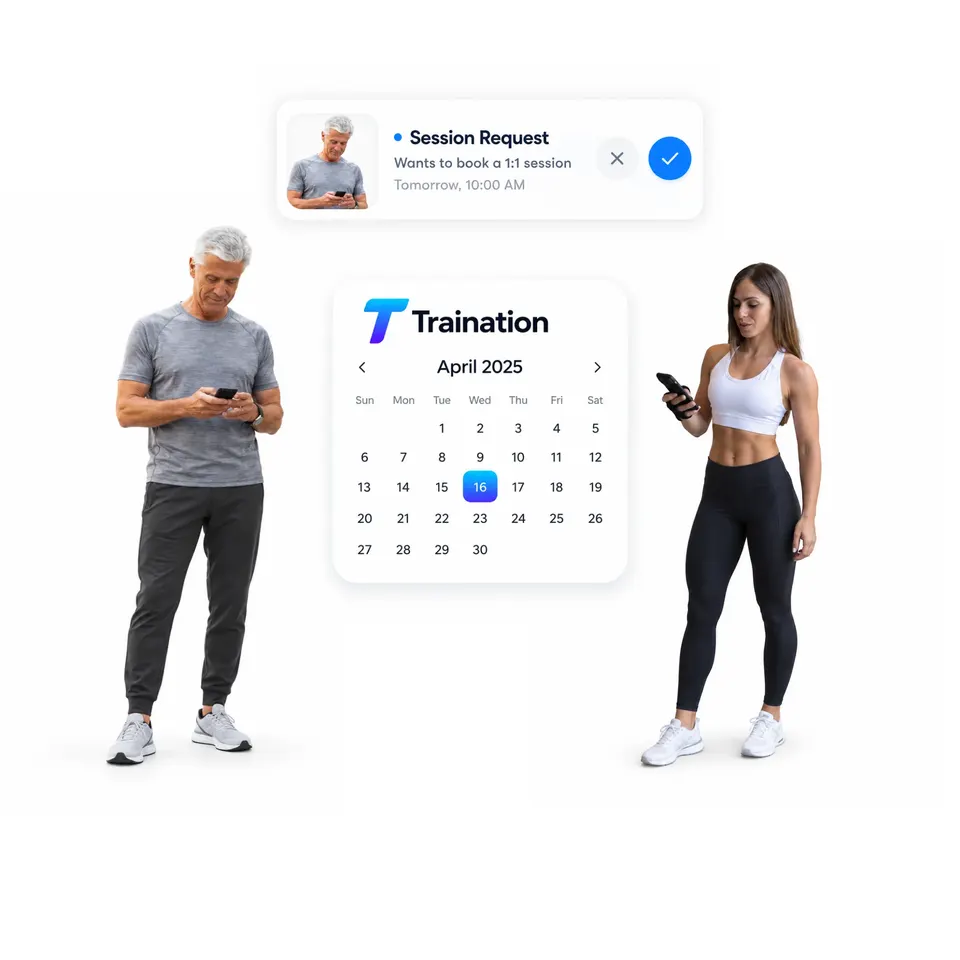
Book a dedicated time with one client and connect a workout built around their goals. Keep their session, training plan and next appointment together in your calendar.
Plan your 1-to-1 sessions
Bring clients together for group or semi-private training. Add everyone to a shared session, connect the workout they will follow together, and keep the group in one time slot.
Plan your group sessions
See your schedule at a glance and make changes right where you plan. Drag and drop entries, open the details, create or delete individual items, and filter the calendar to focus on the clients you need.
Simplify your calendarMove between day, week, month and schedule-list views. Filter by client, organize repeat sessions and keep assignments connected to their workouts.
Assign a shared workout to a semi-private group, or create separate assignments for each client. Keep the people and timing in the same flow.
Clients request a time from your availability. Approve or decline, then convert a confirmed appointment into a new workout or a template copy without losing the client or time.