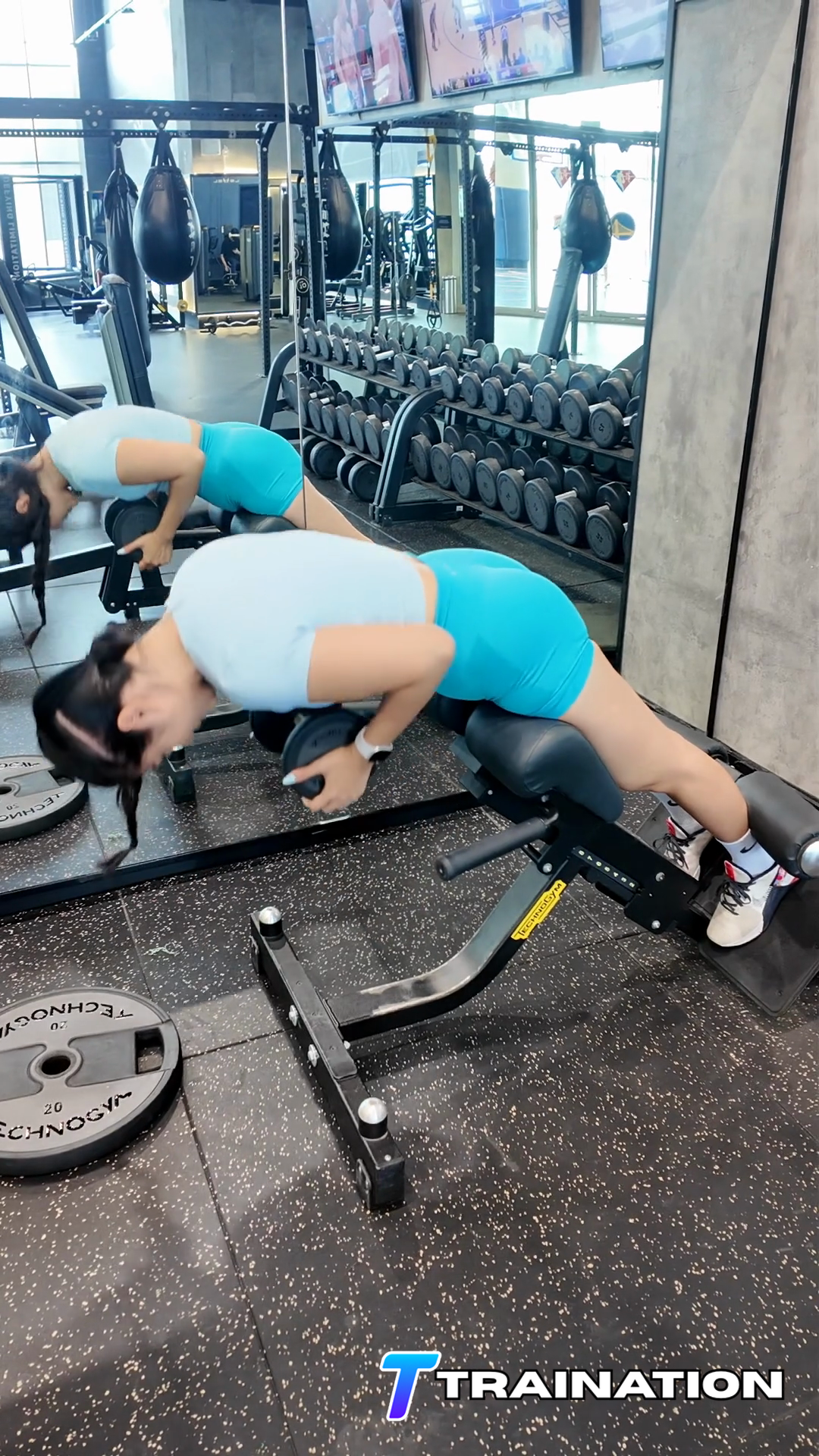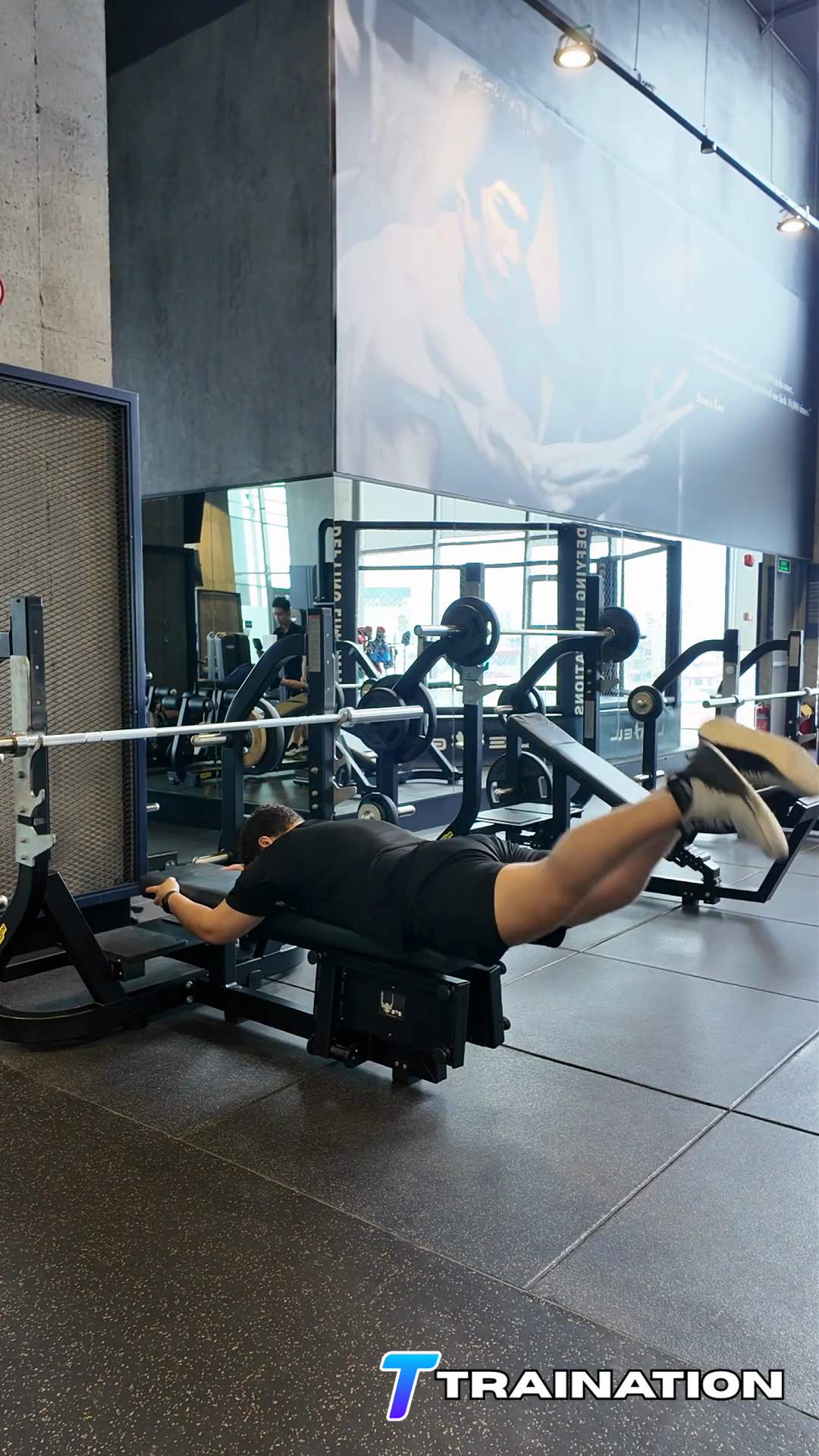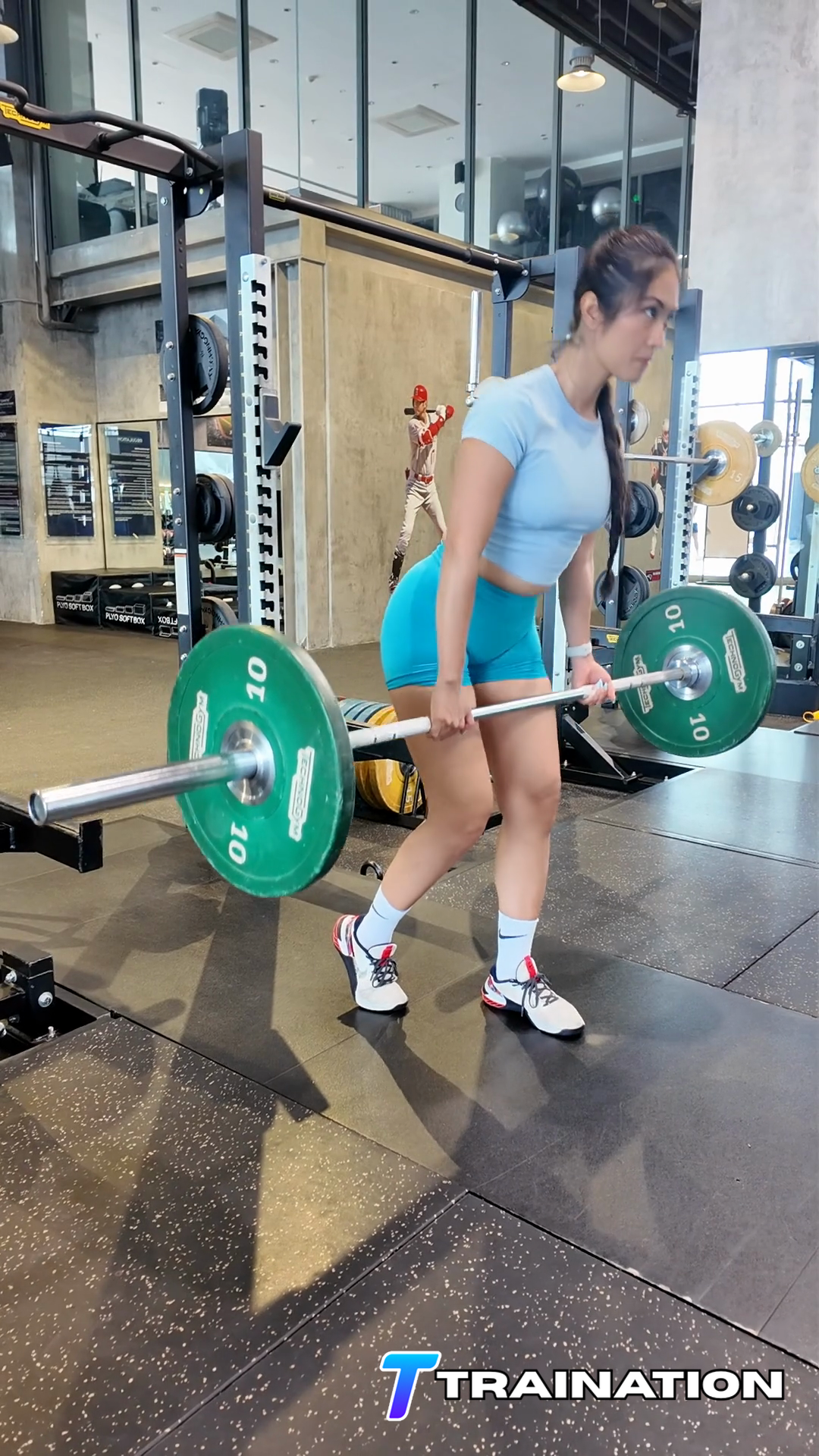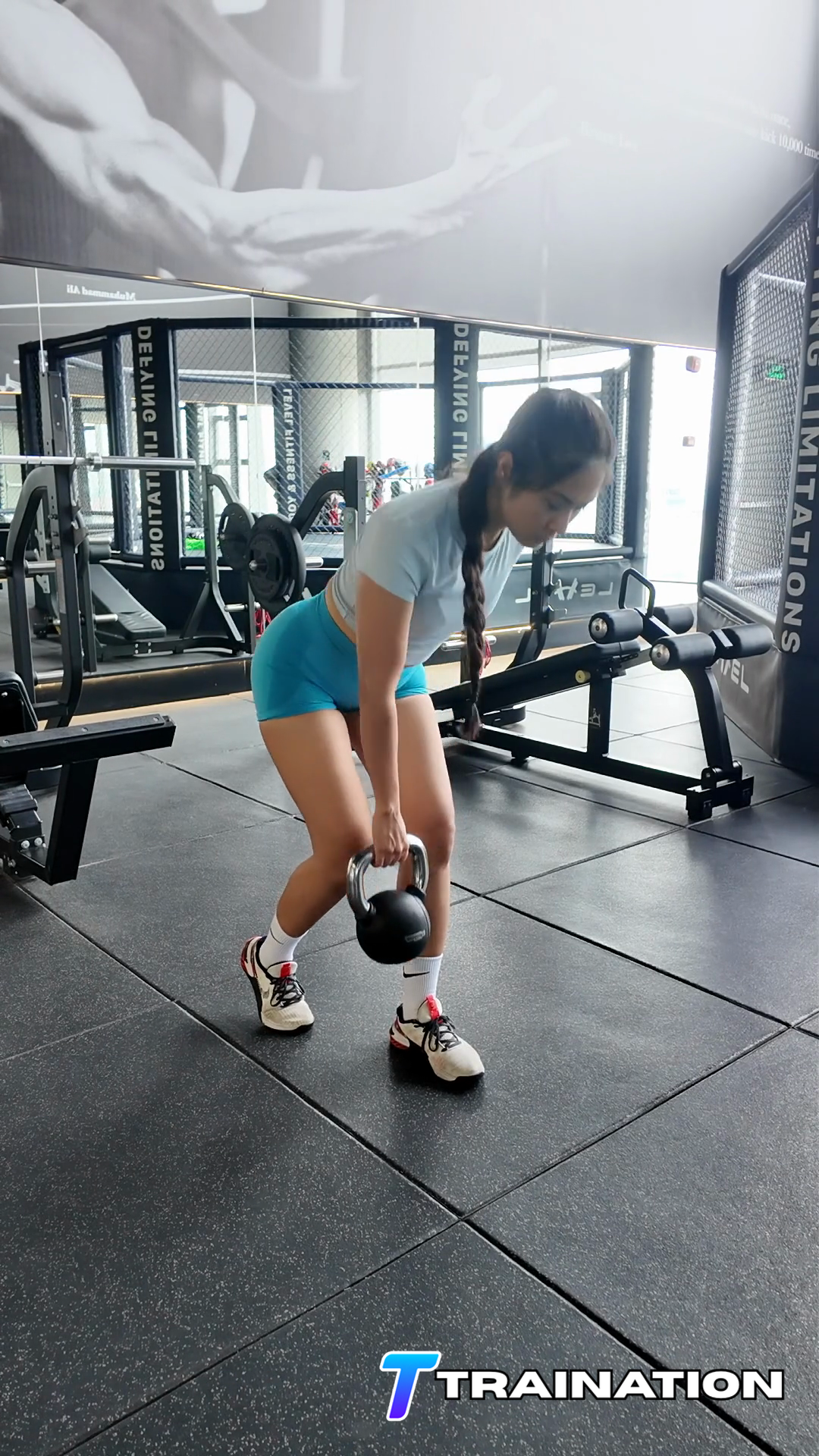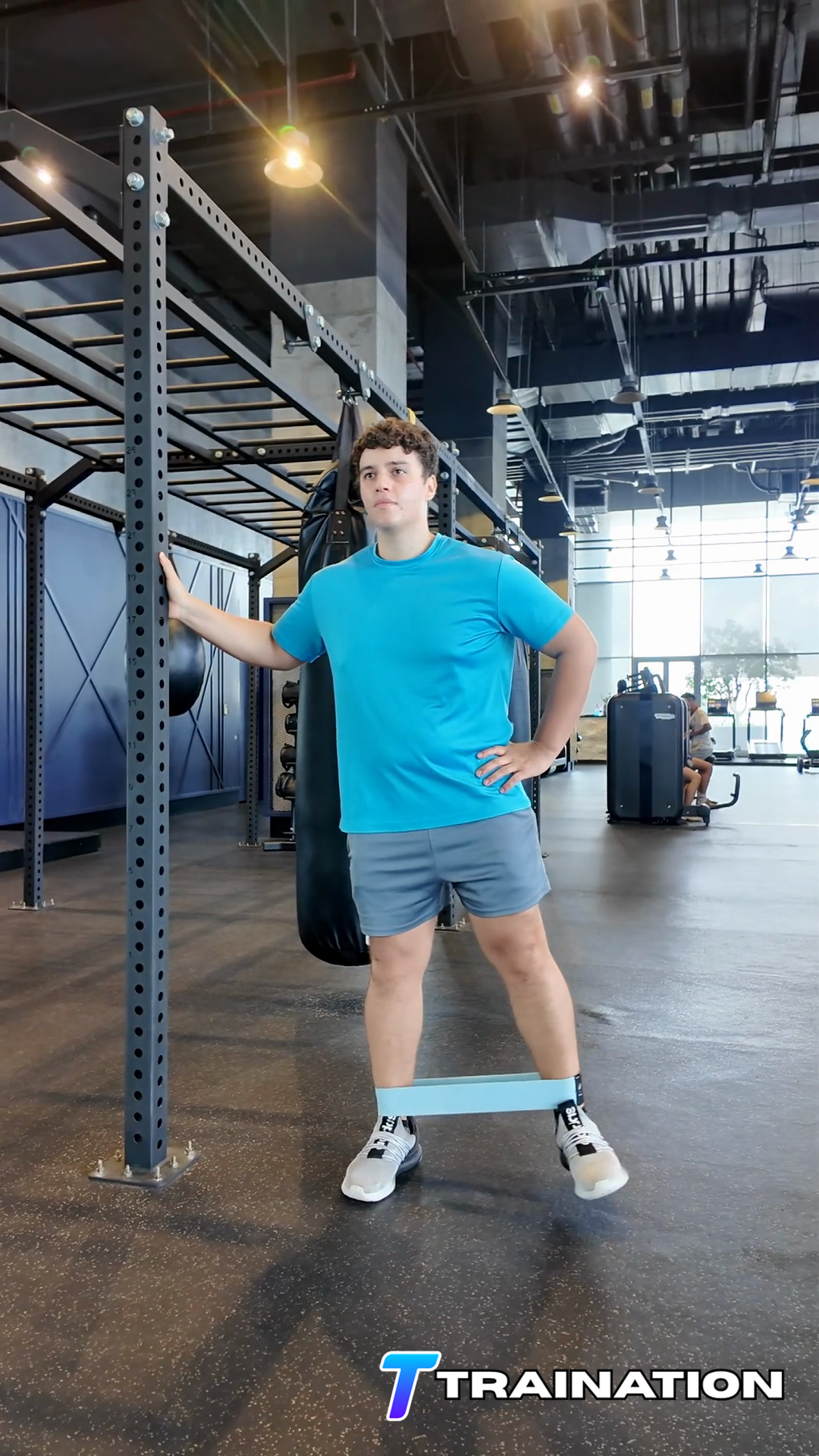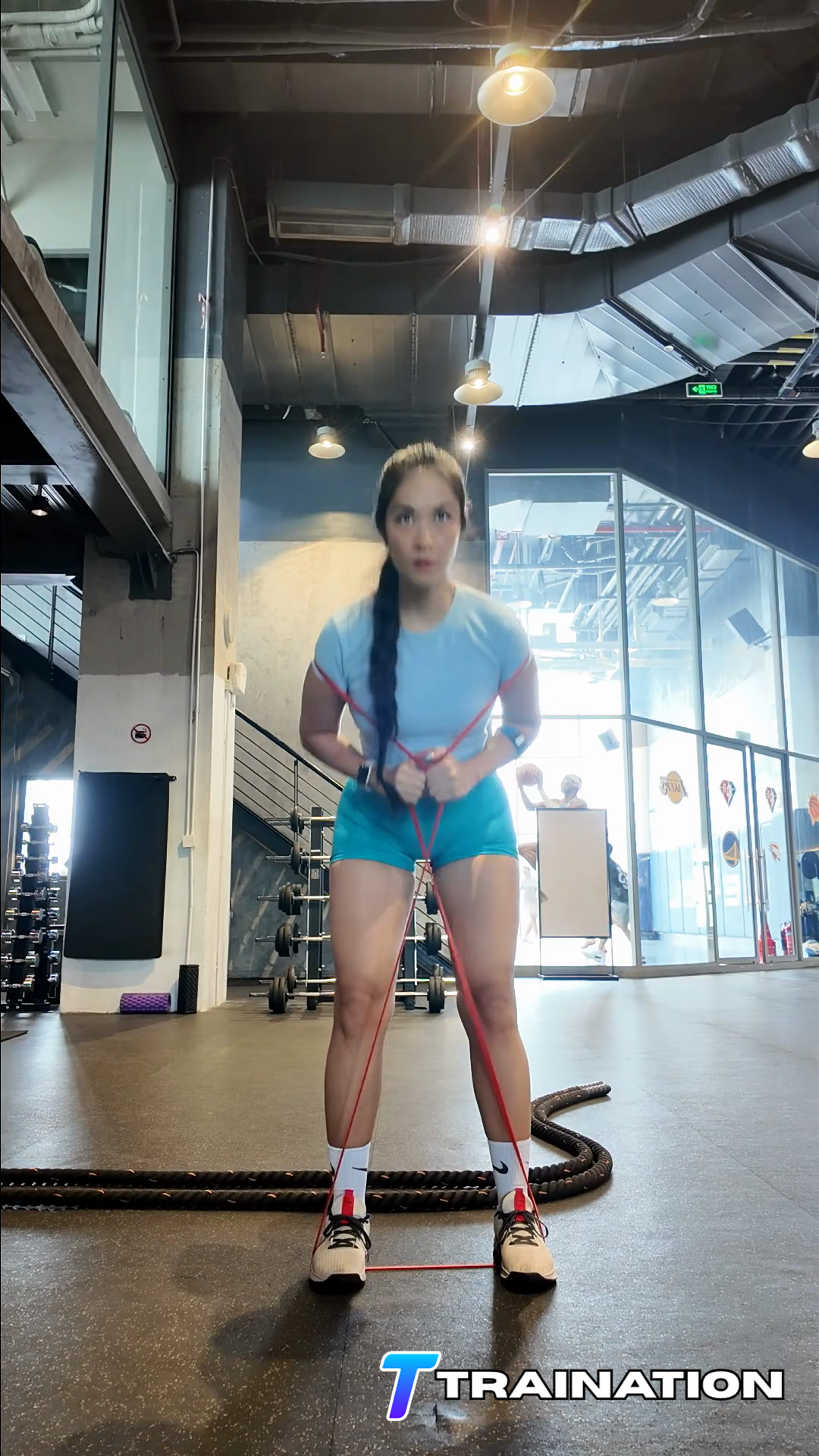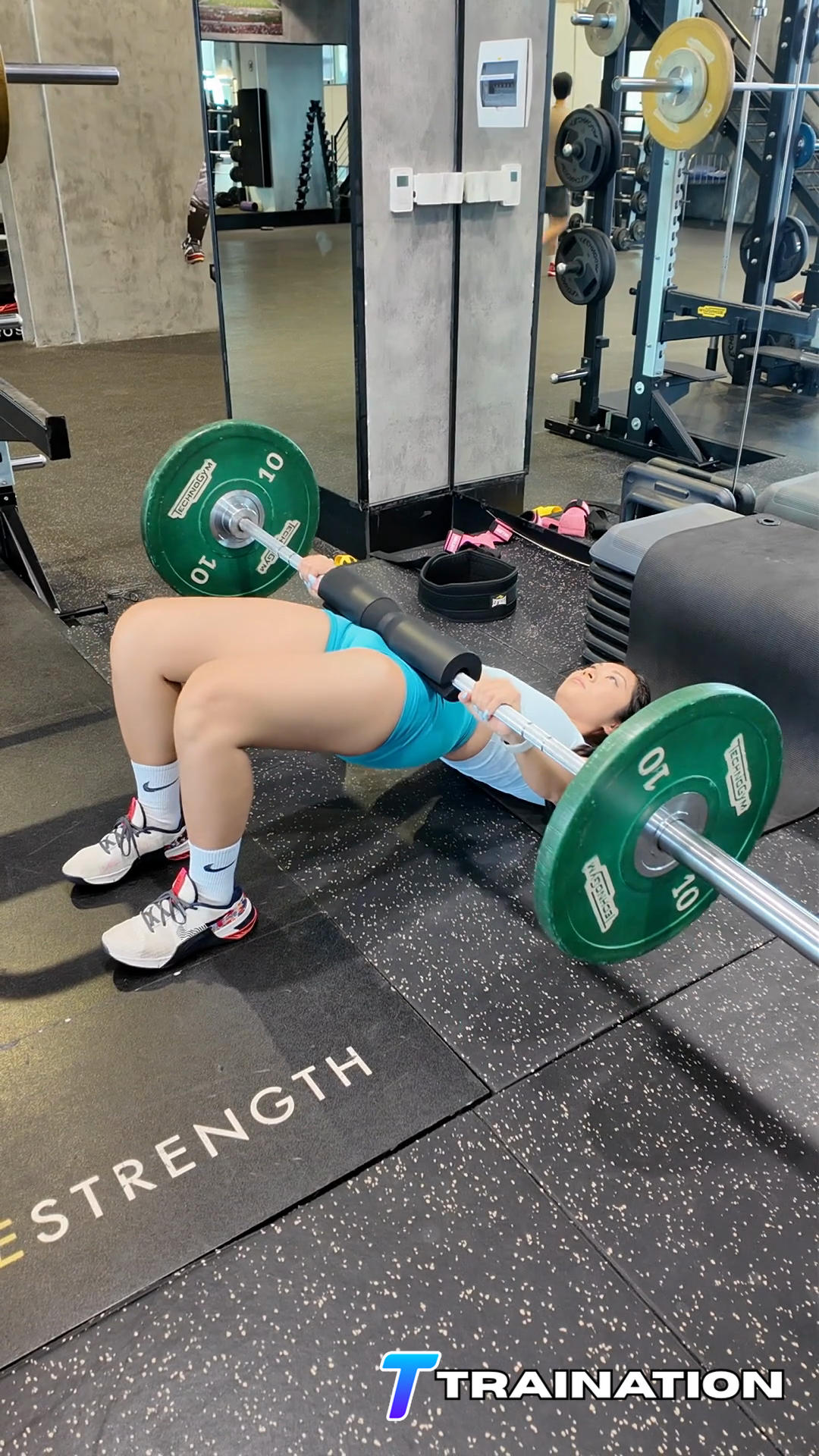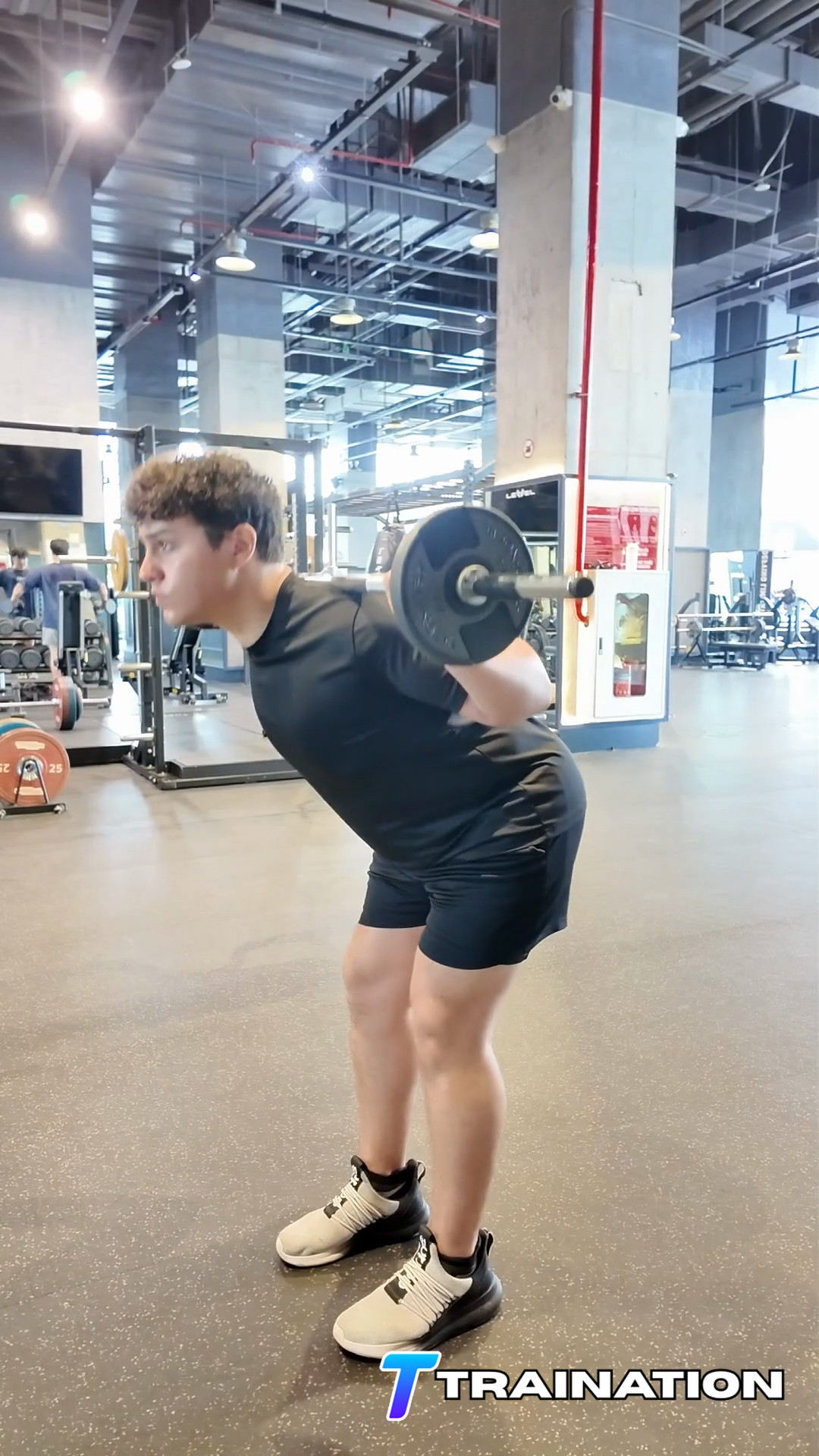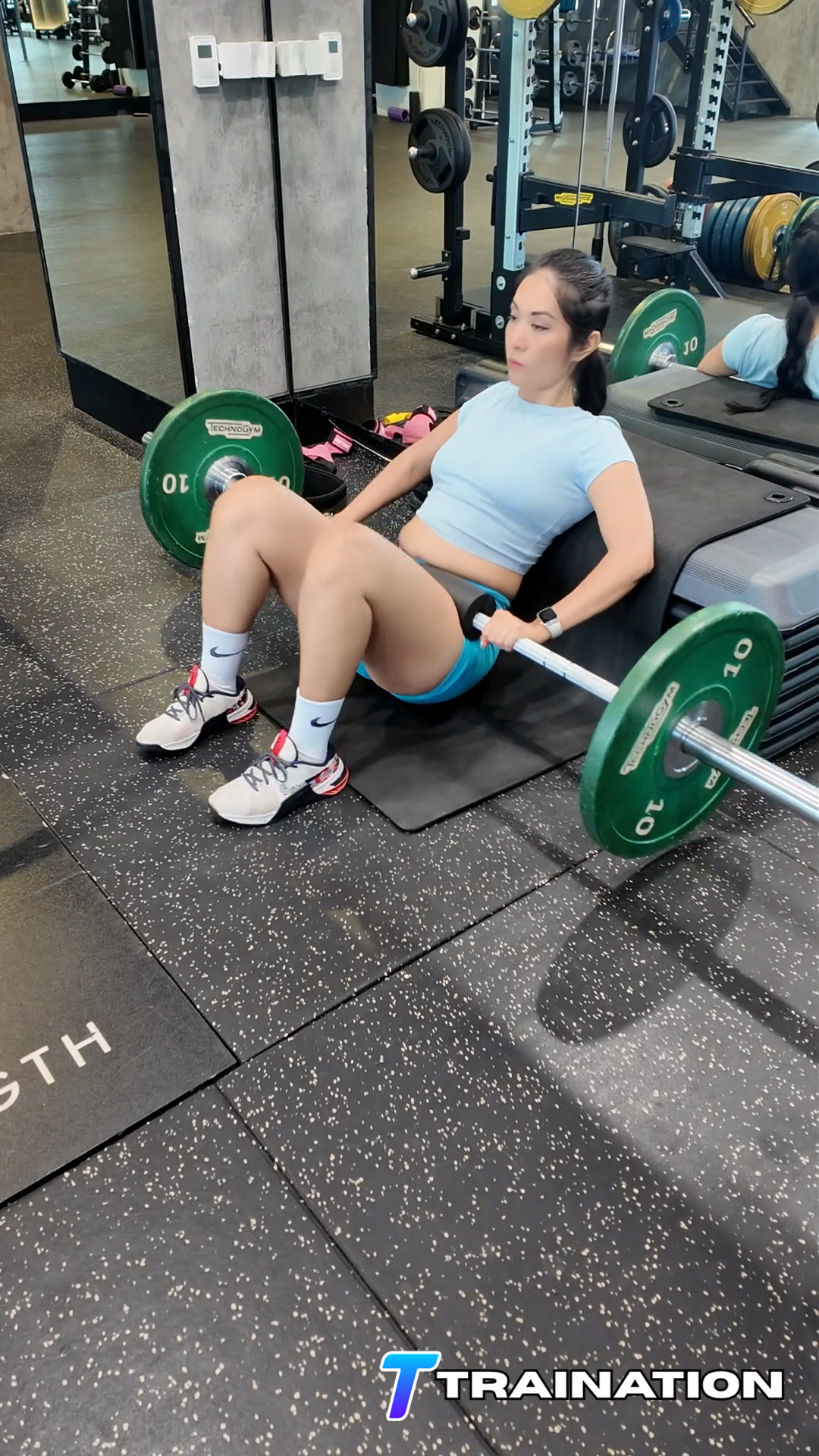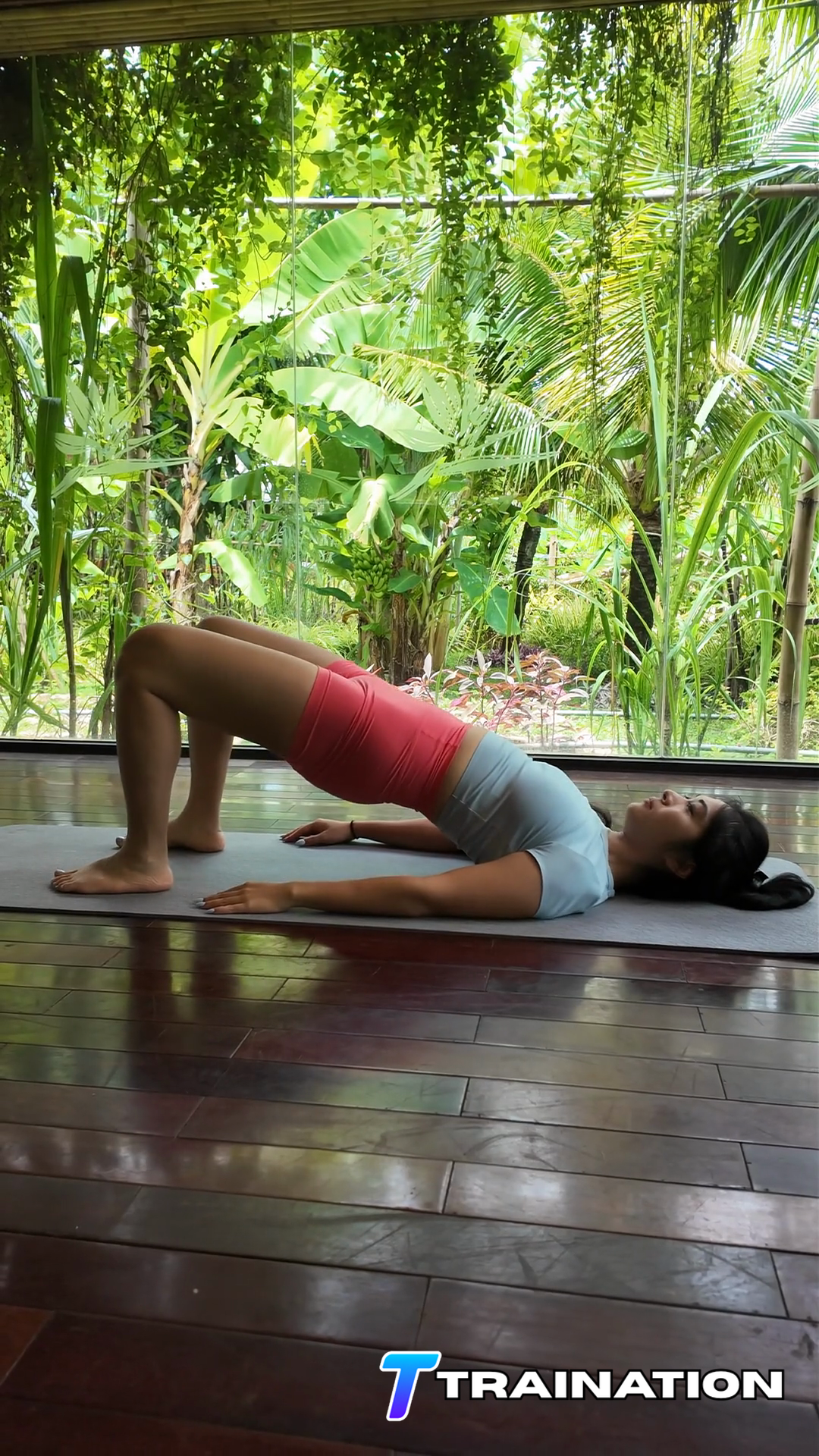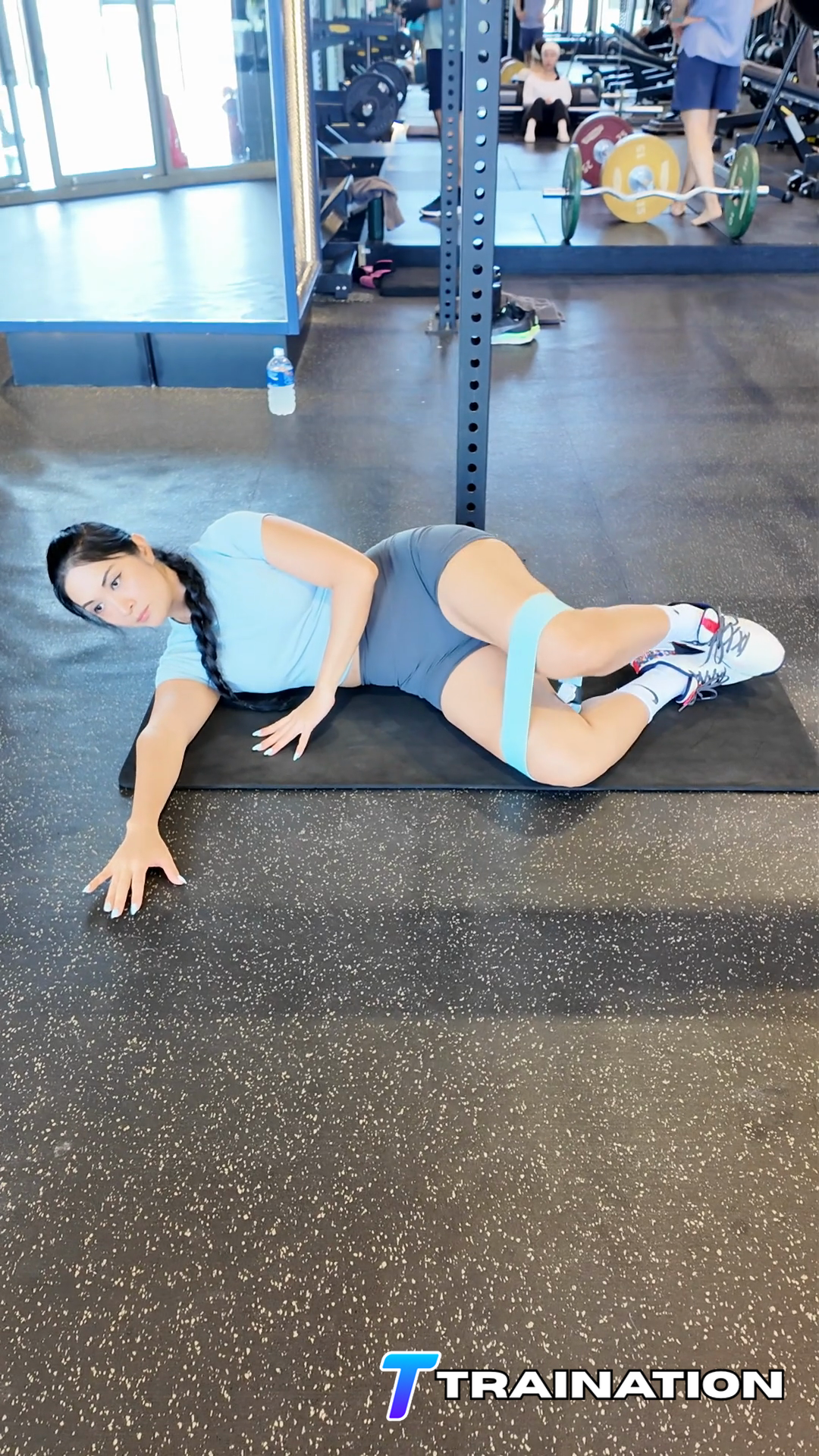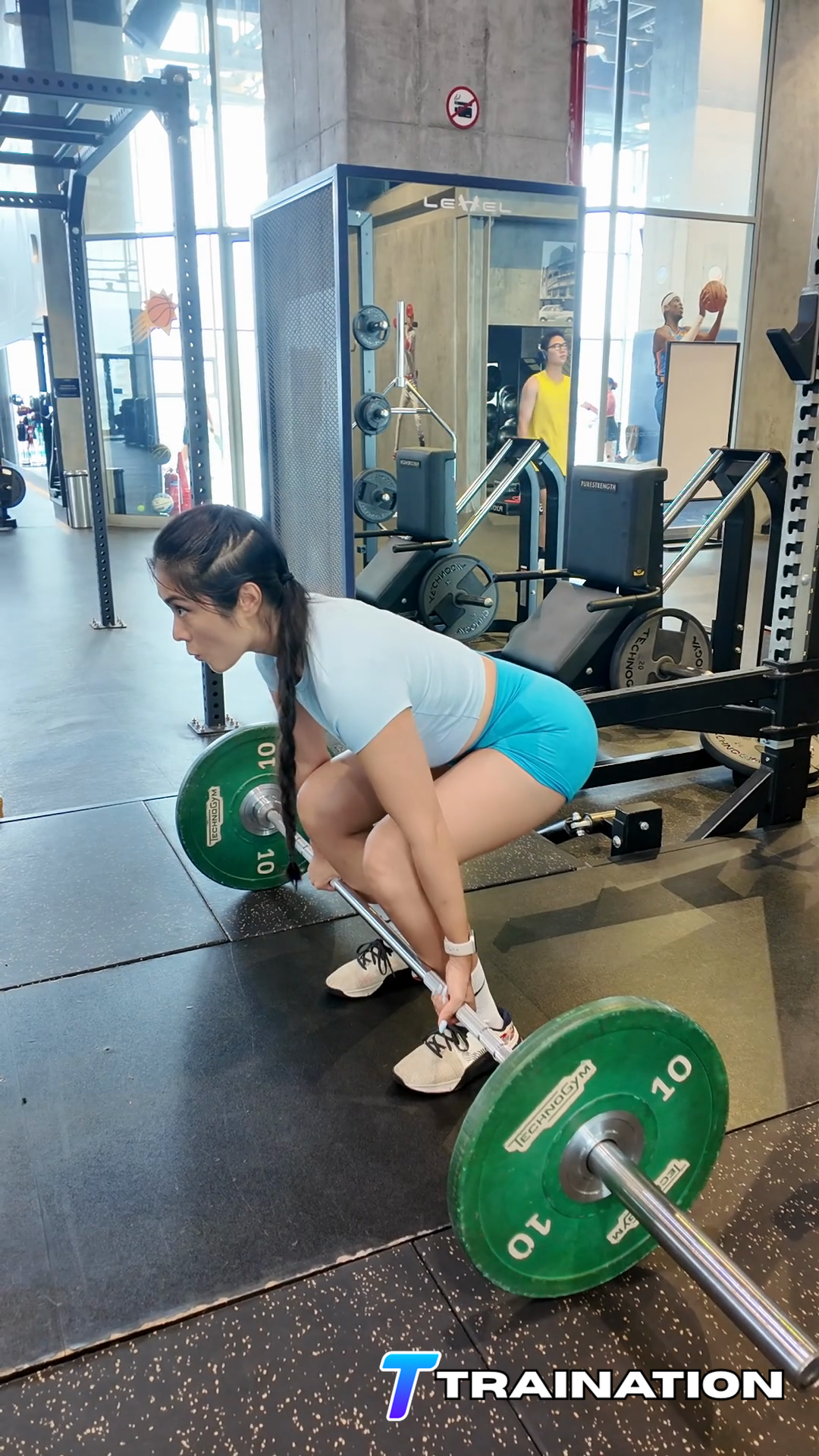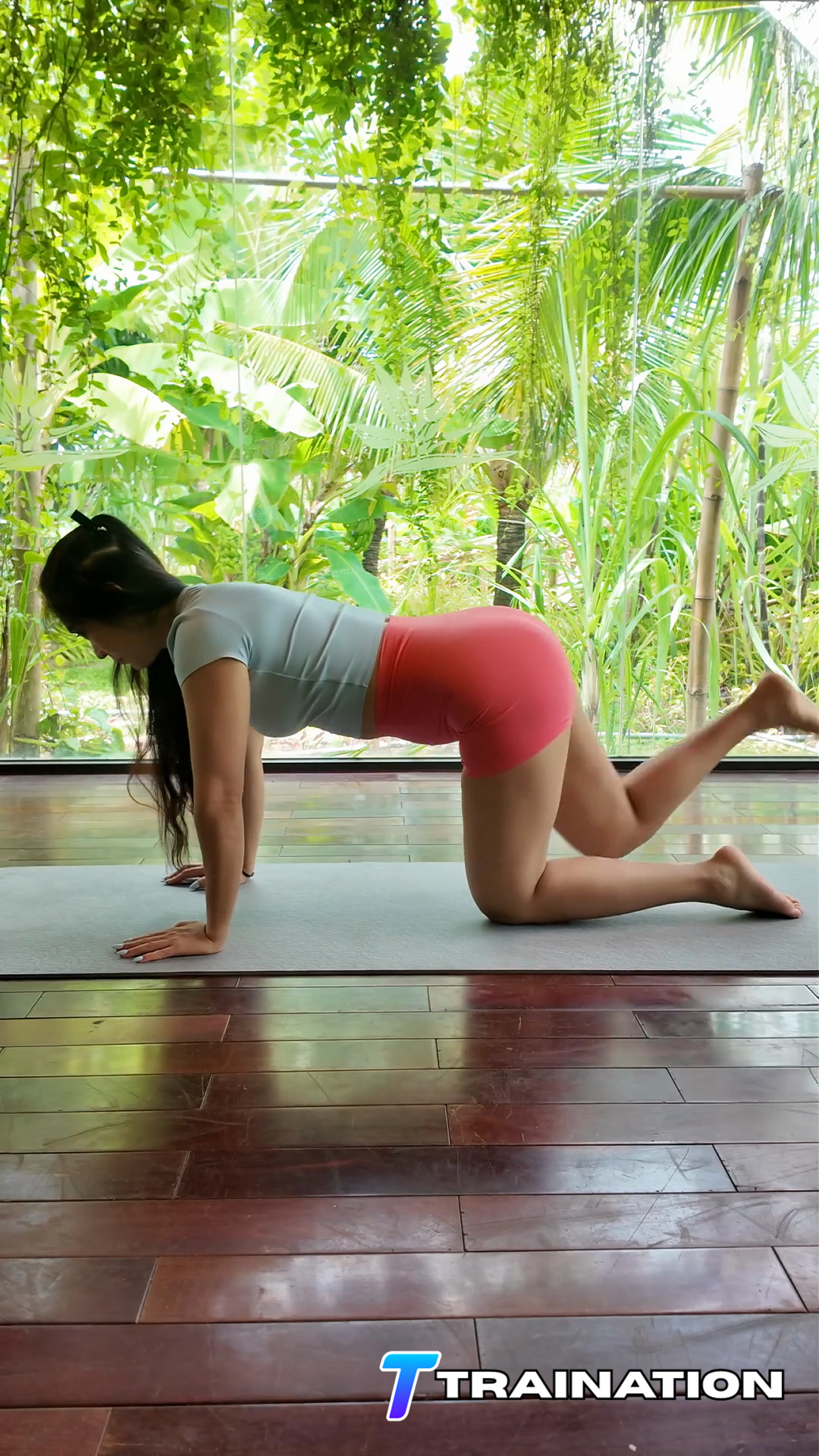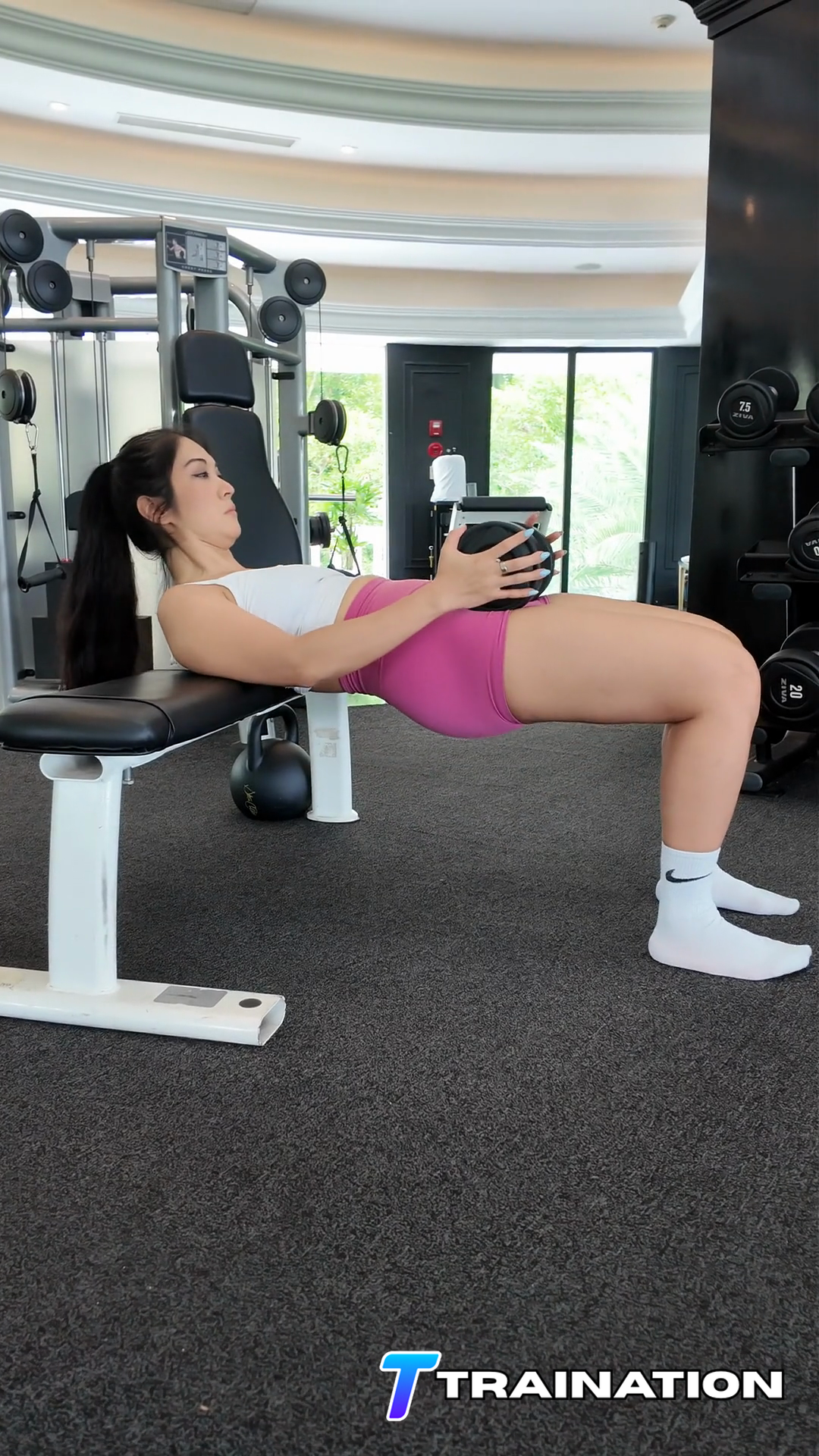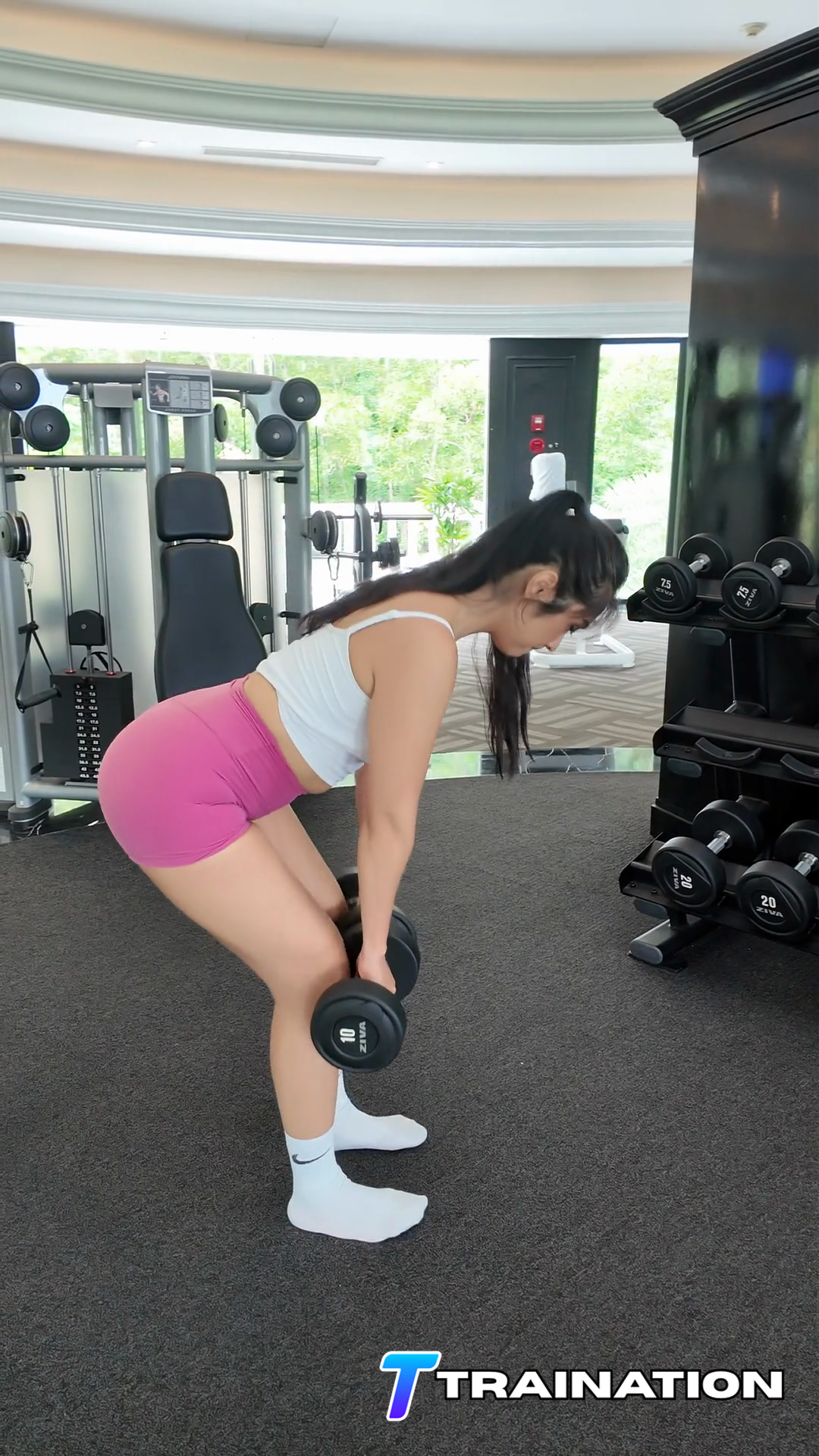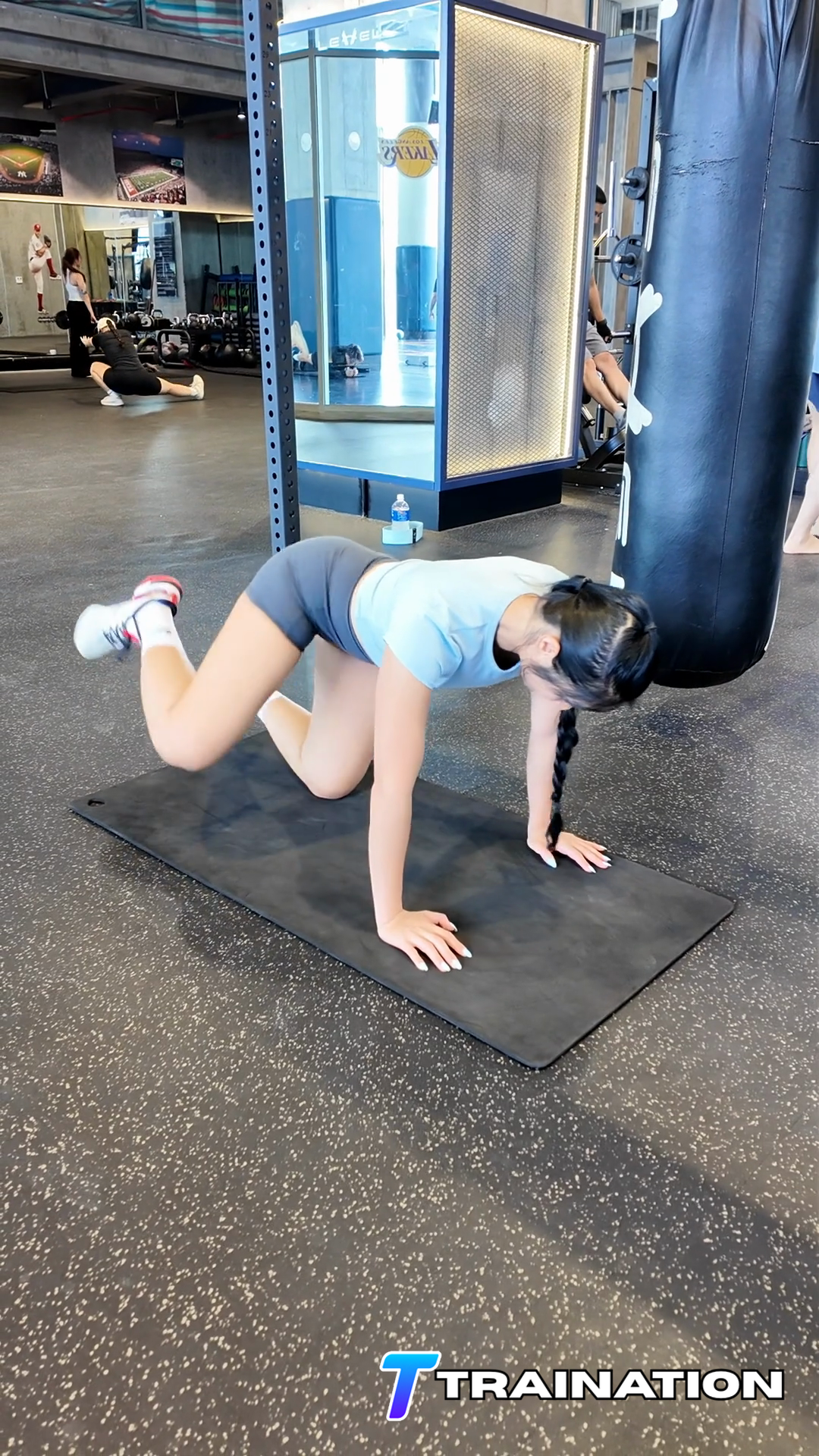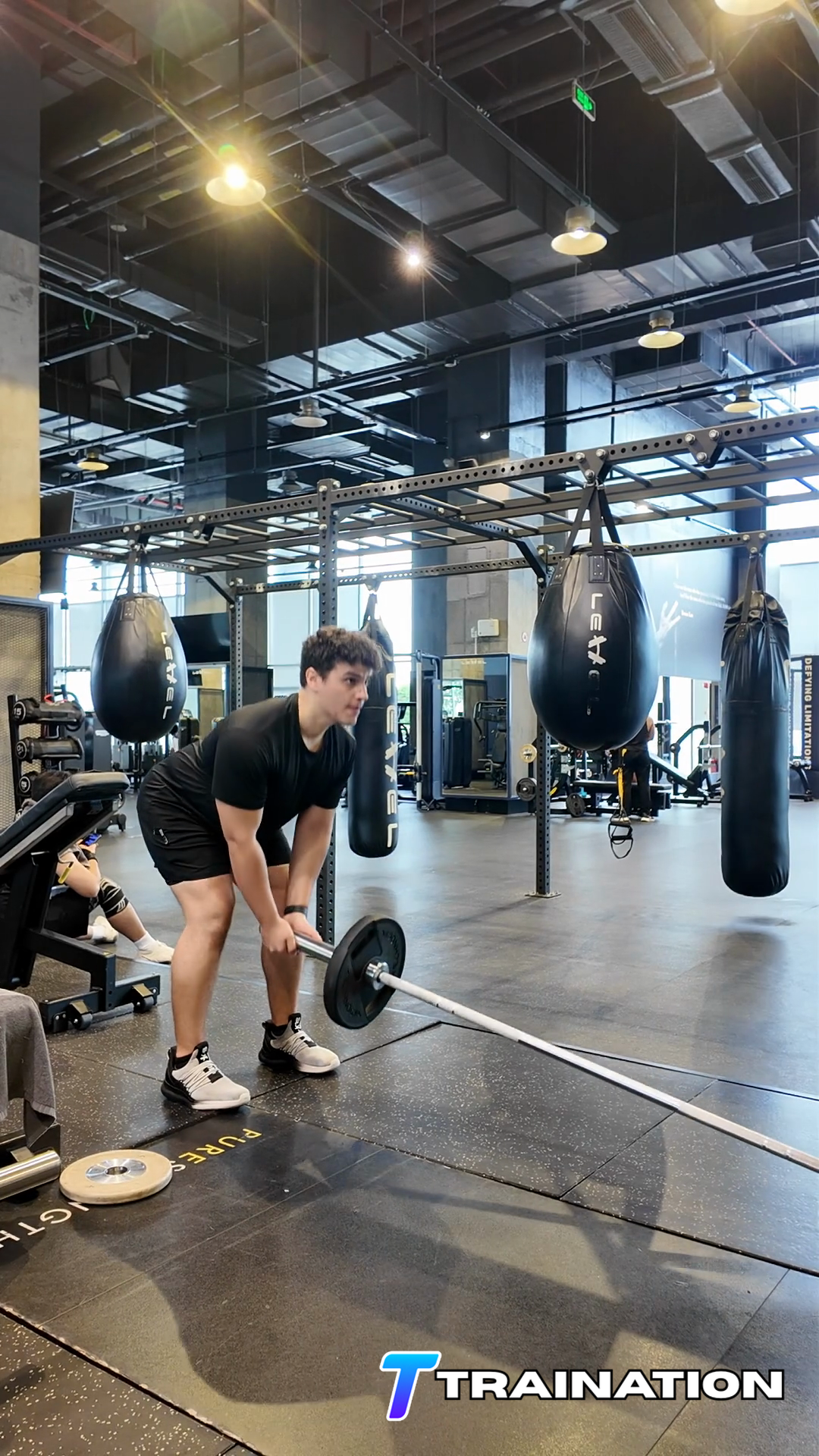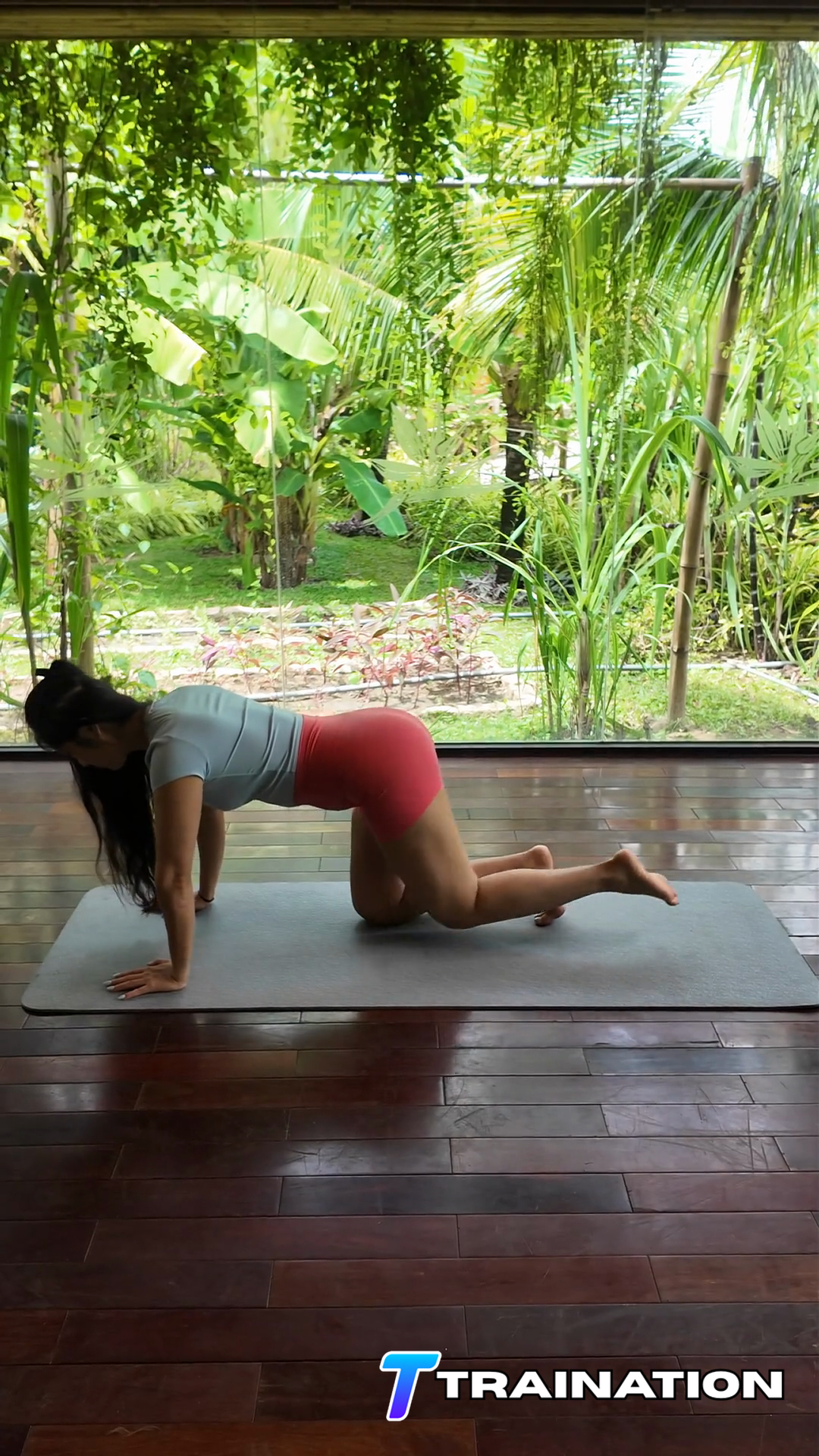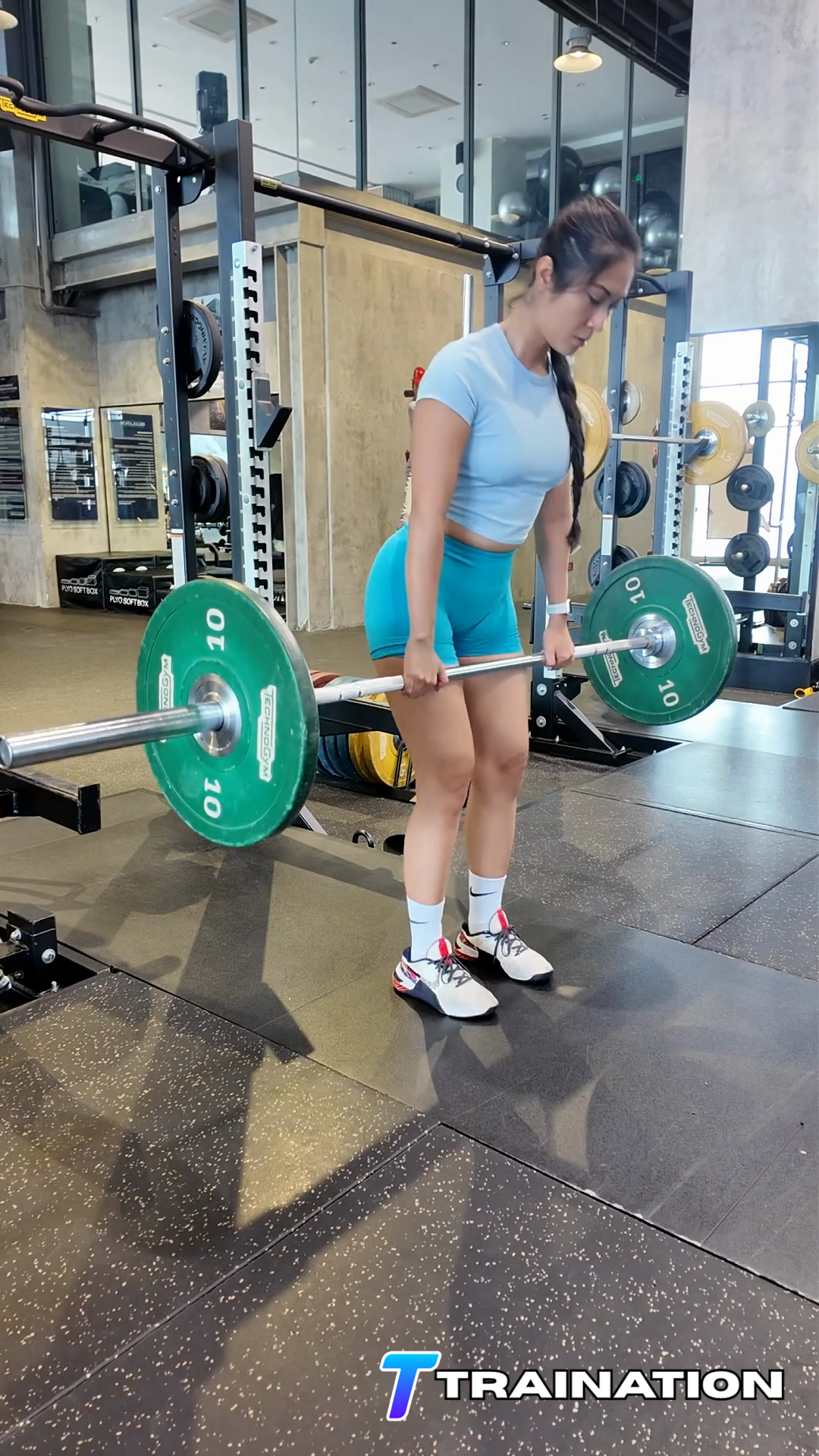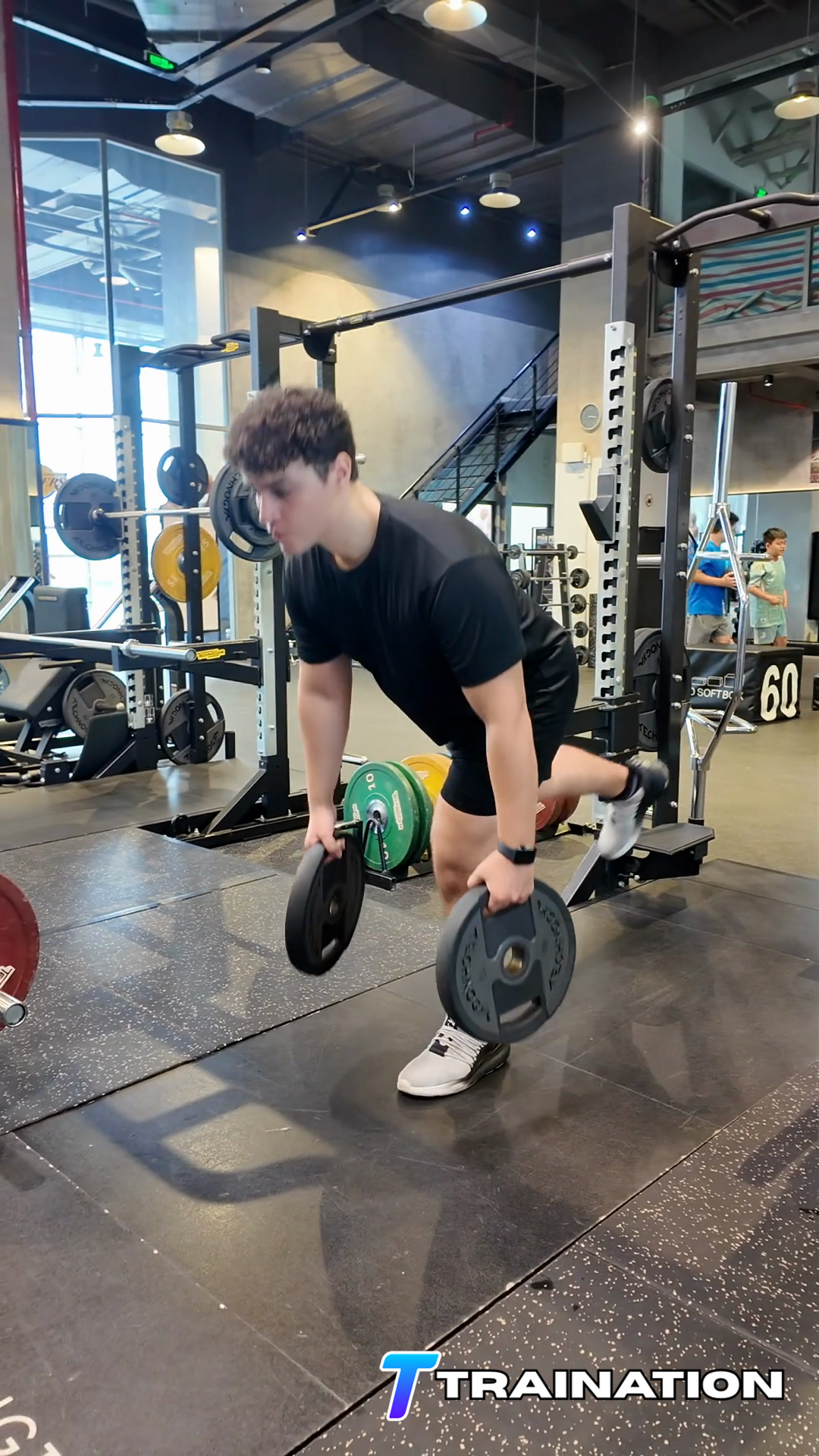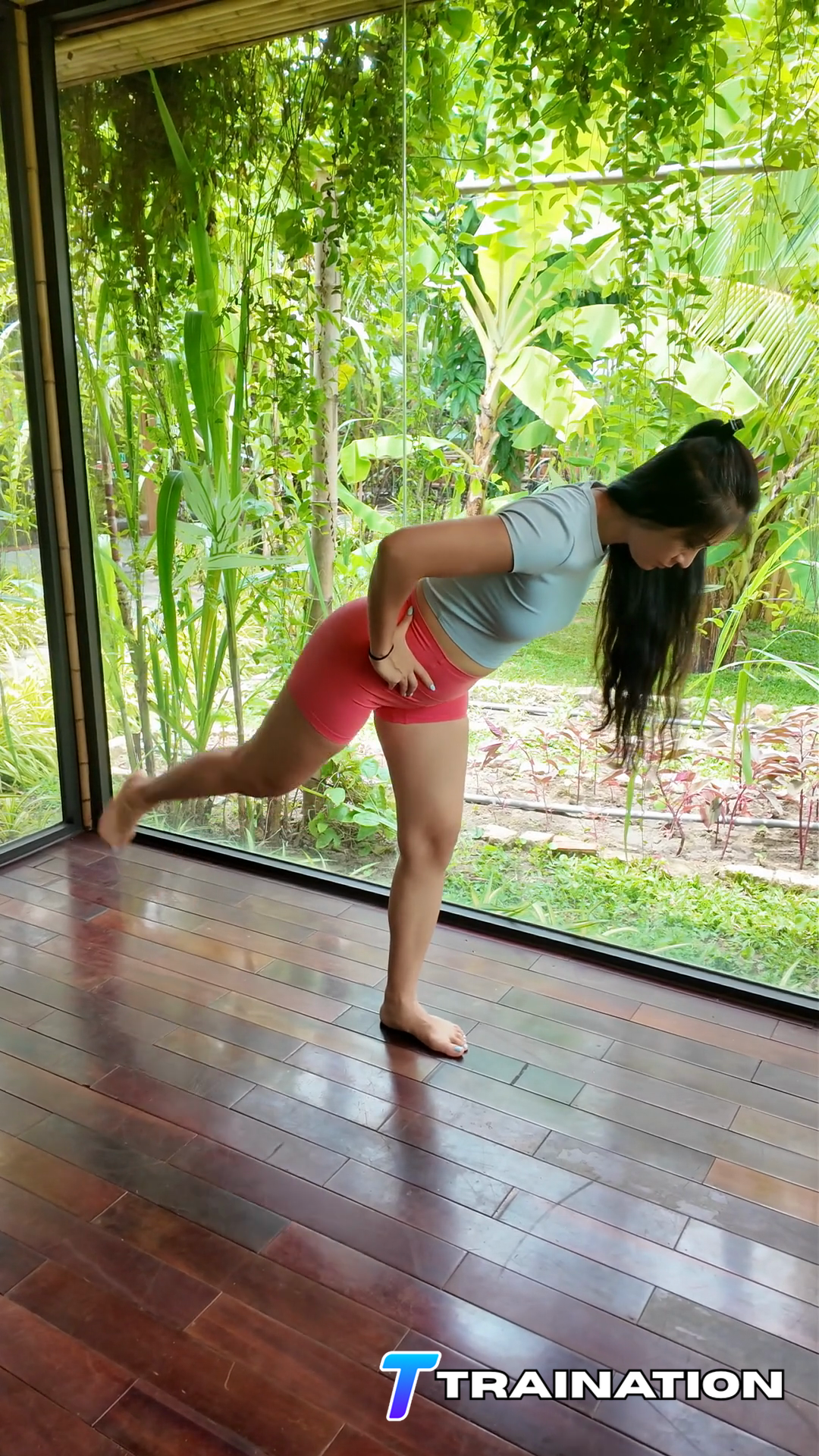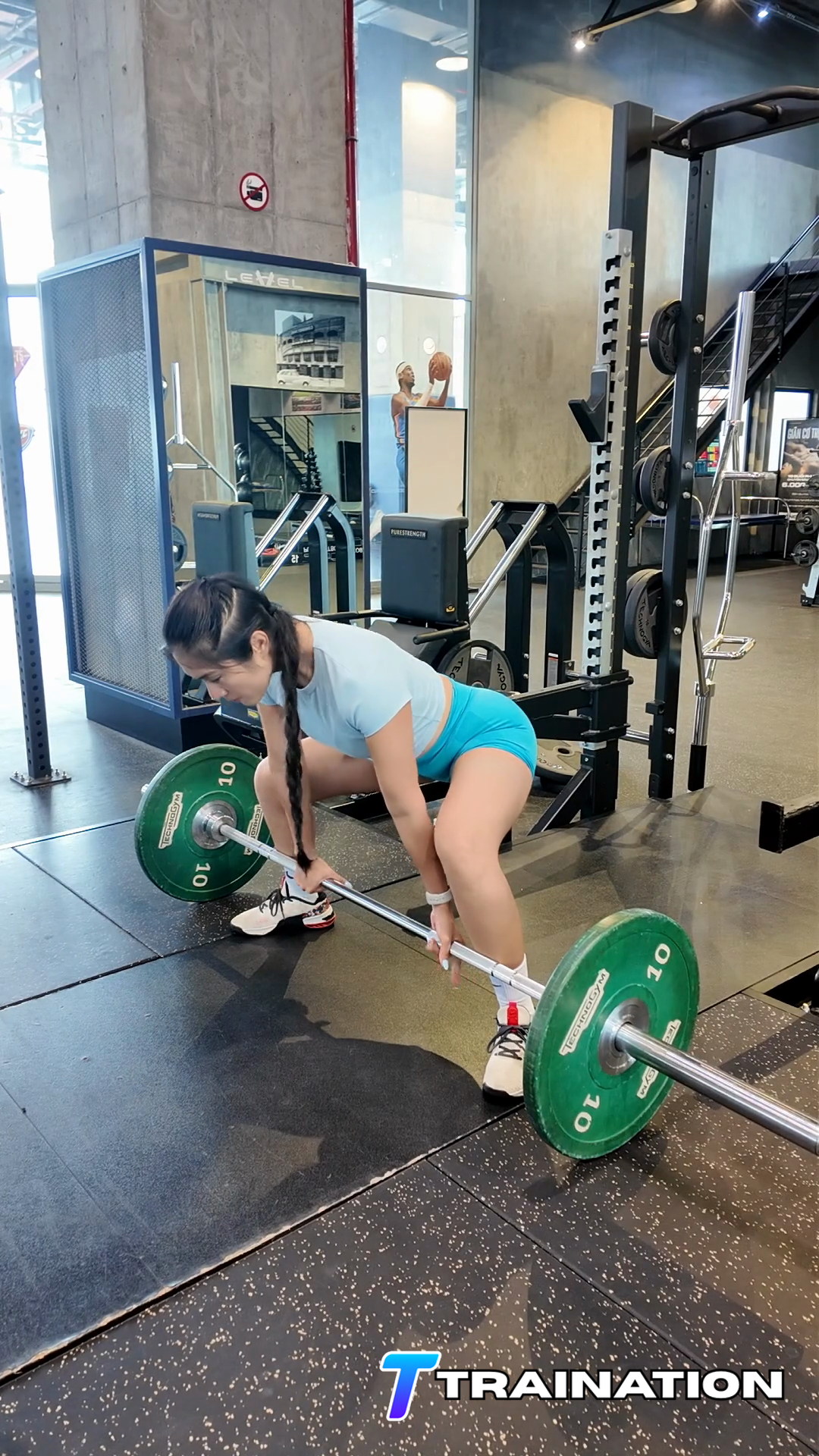
Arching the back
Limit the rearward leg travel to what the glute can produce while the ribs remain stacked.
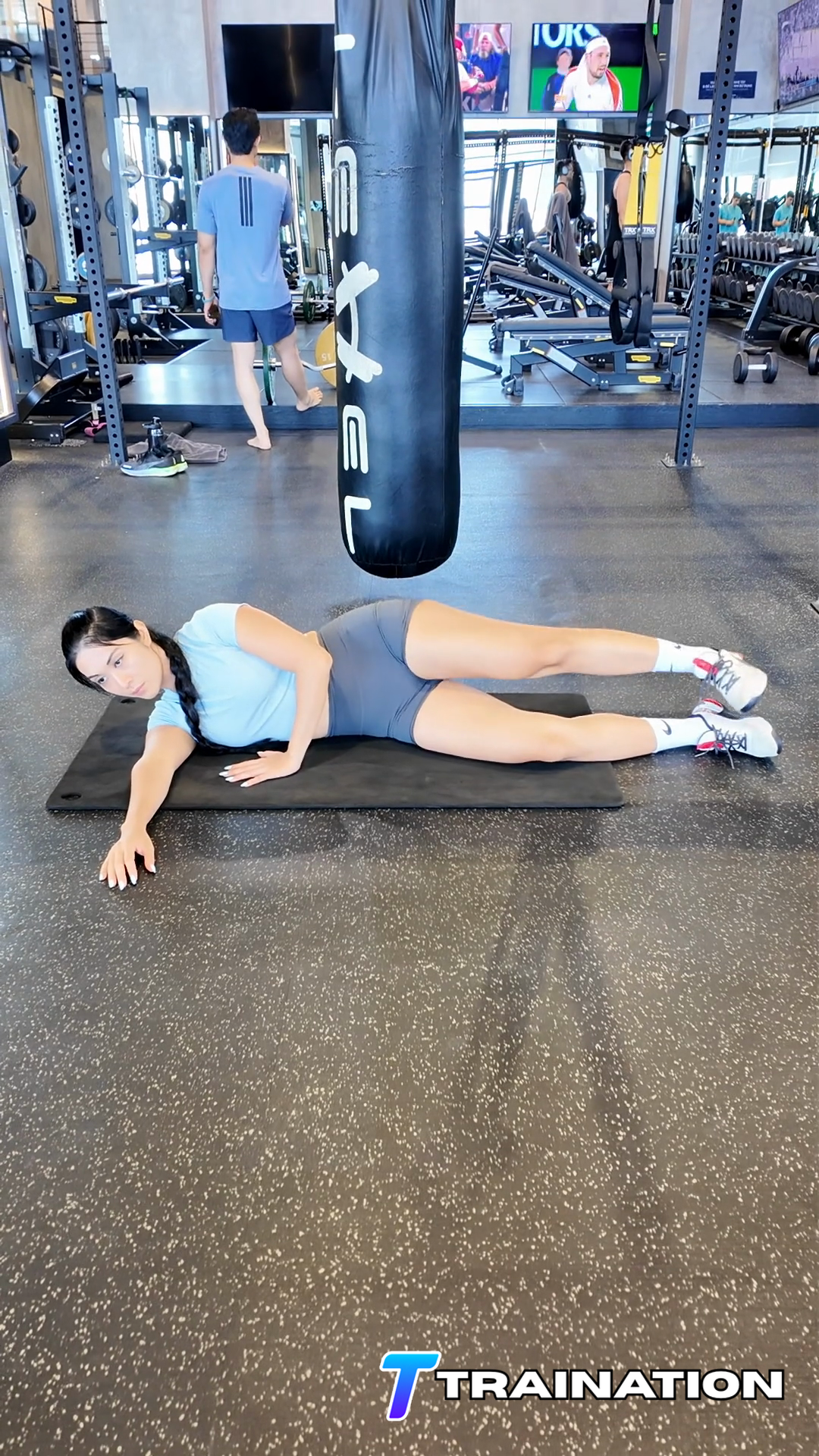
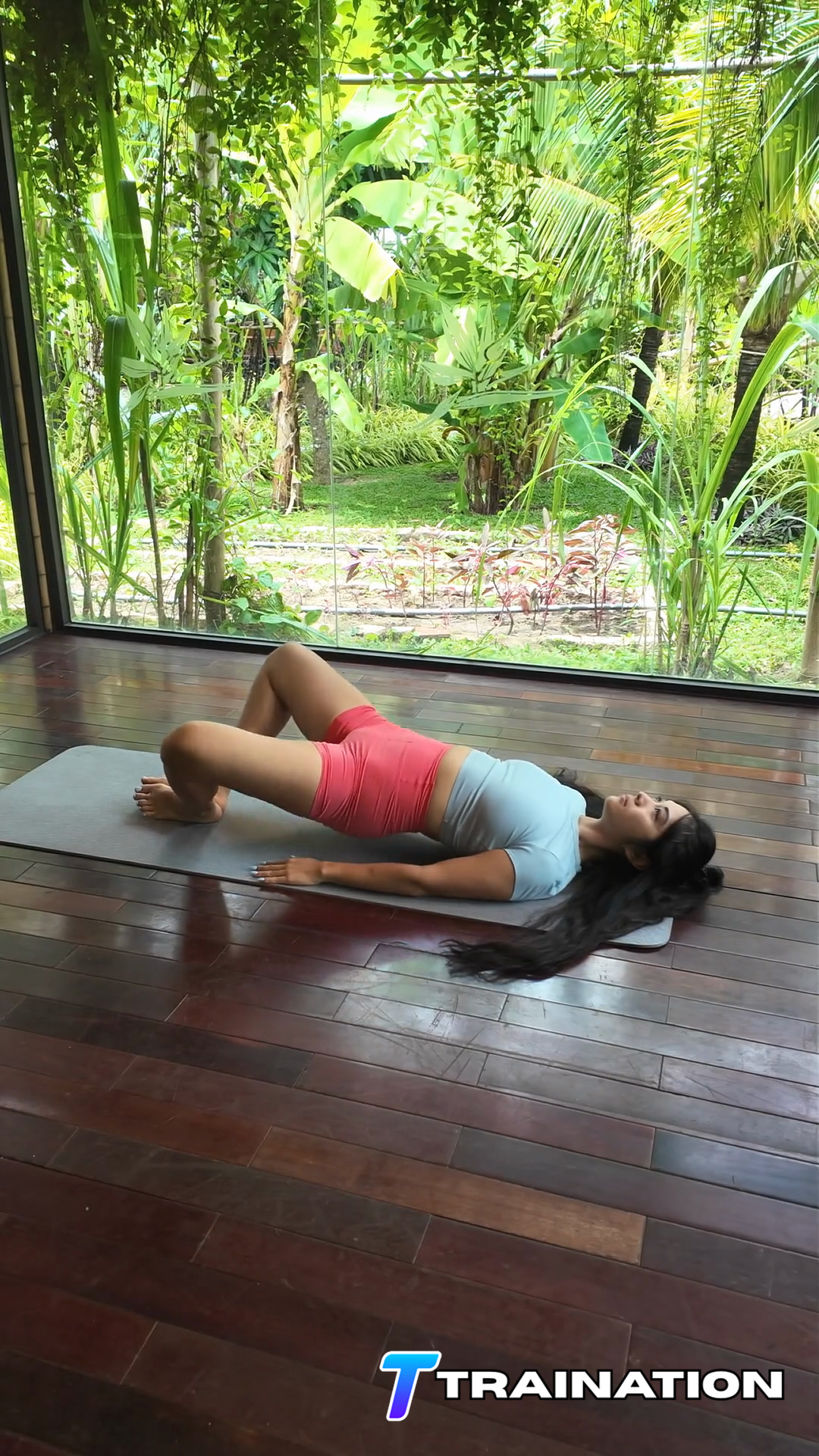
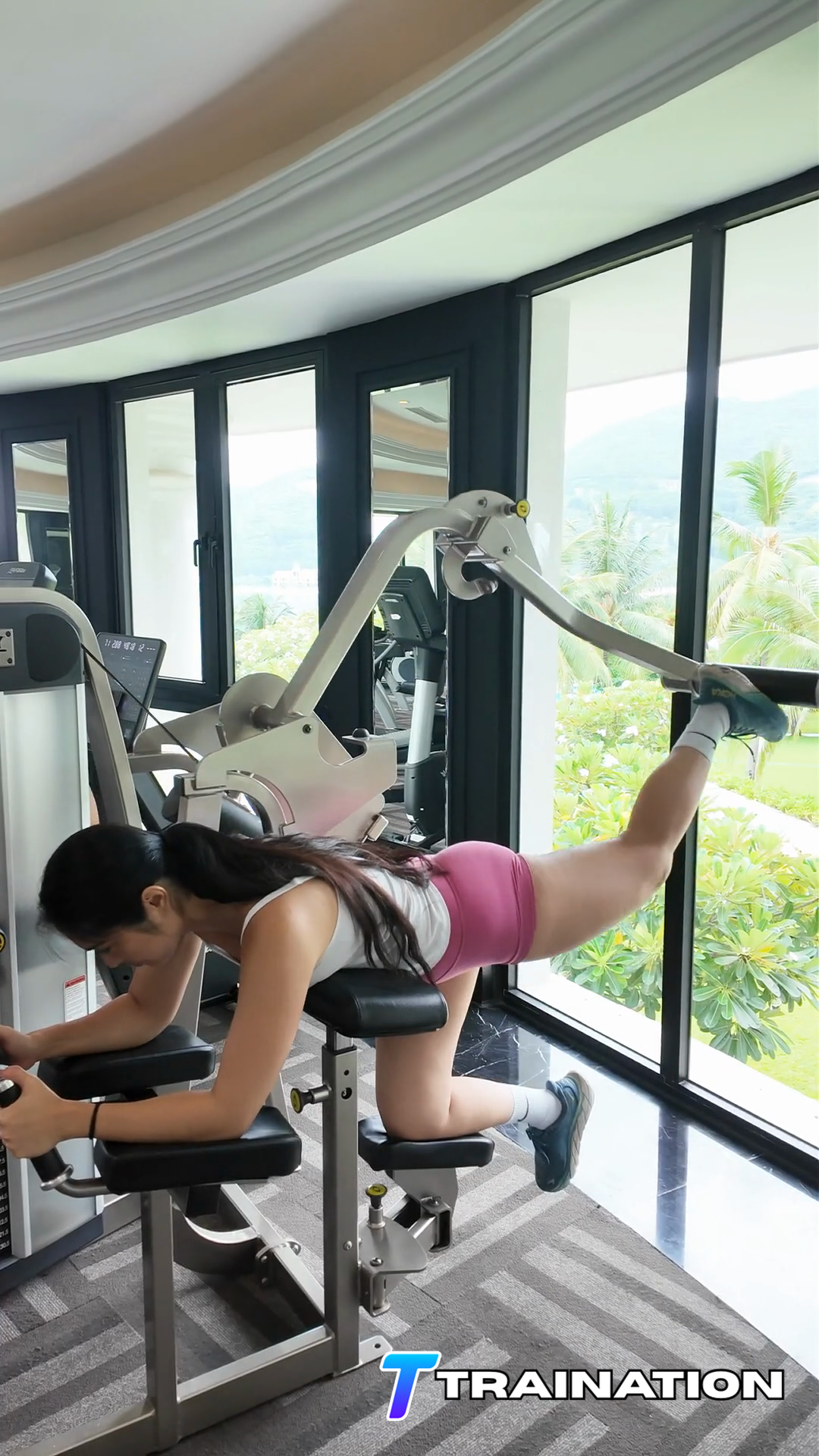
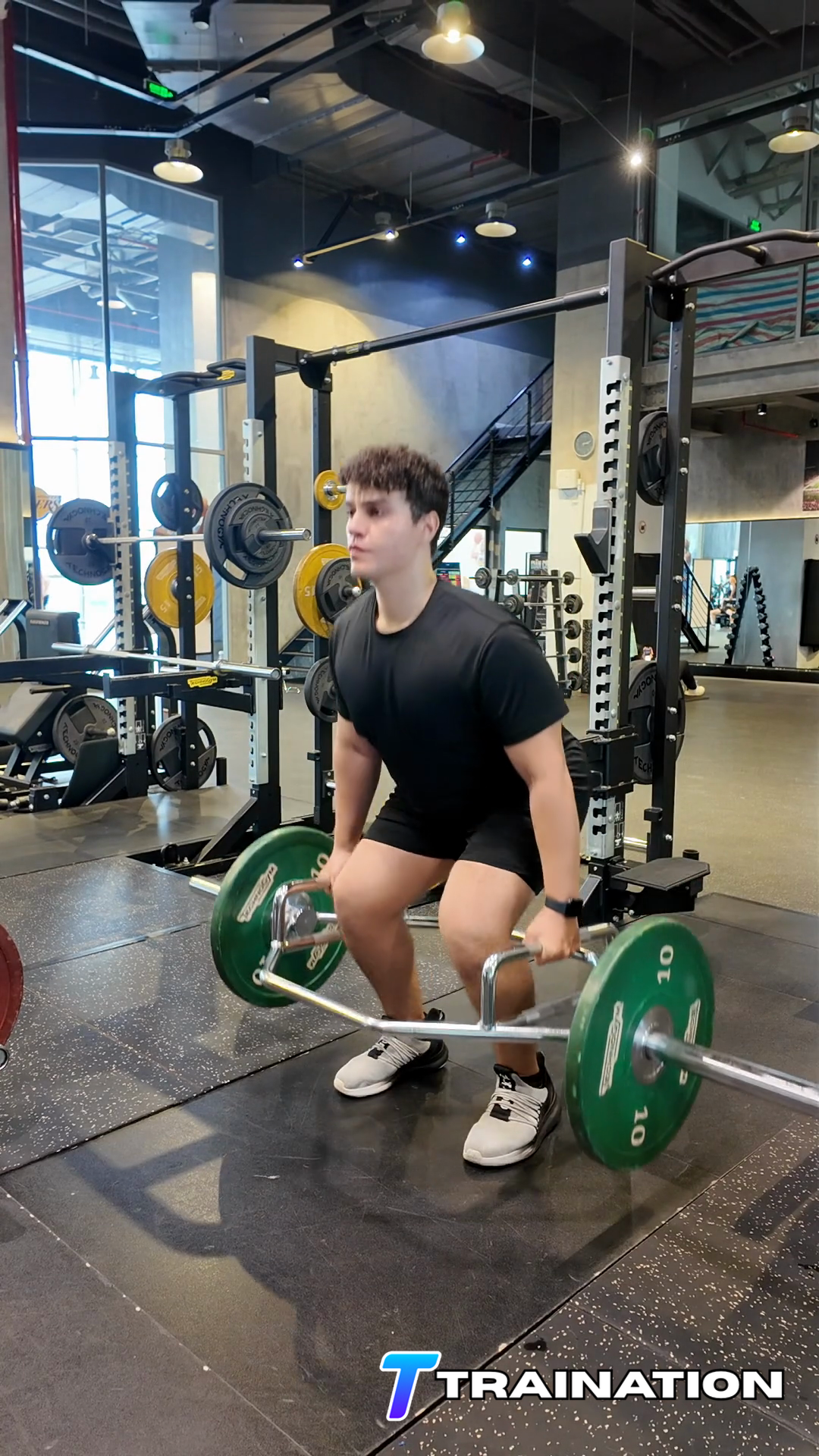
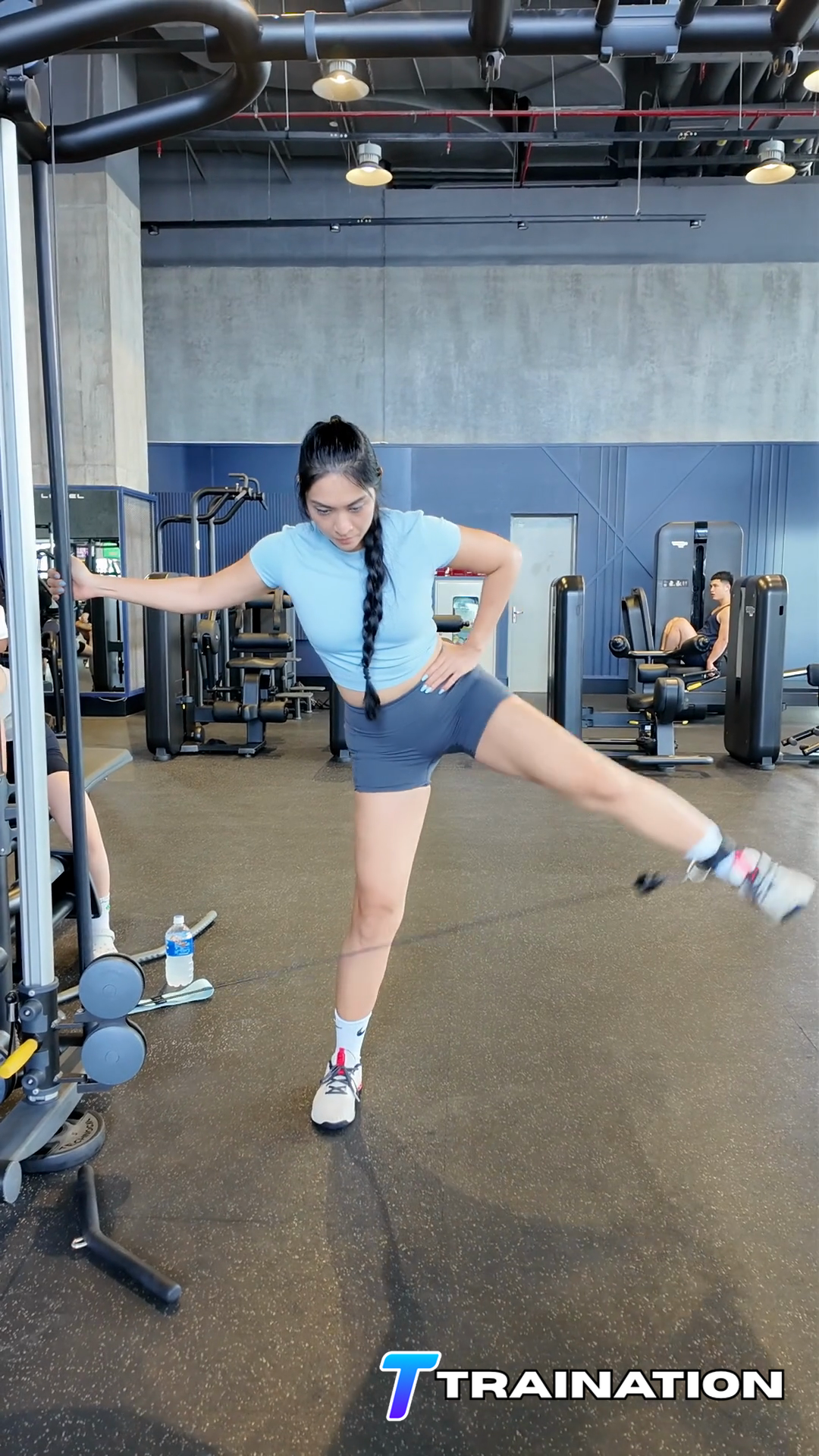
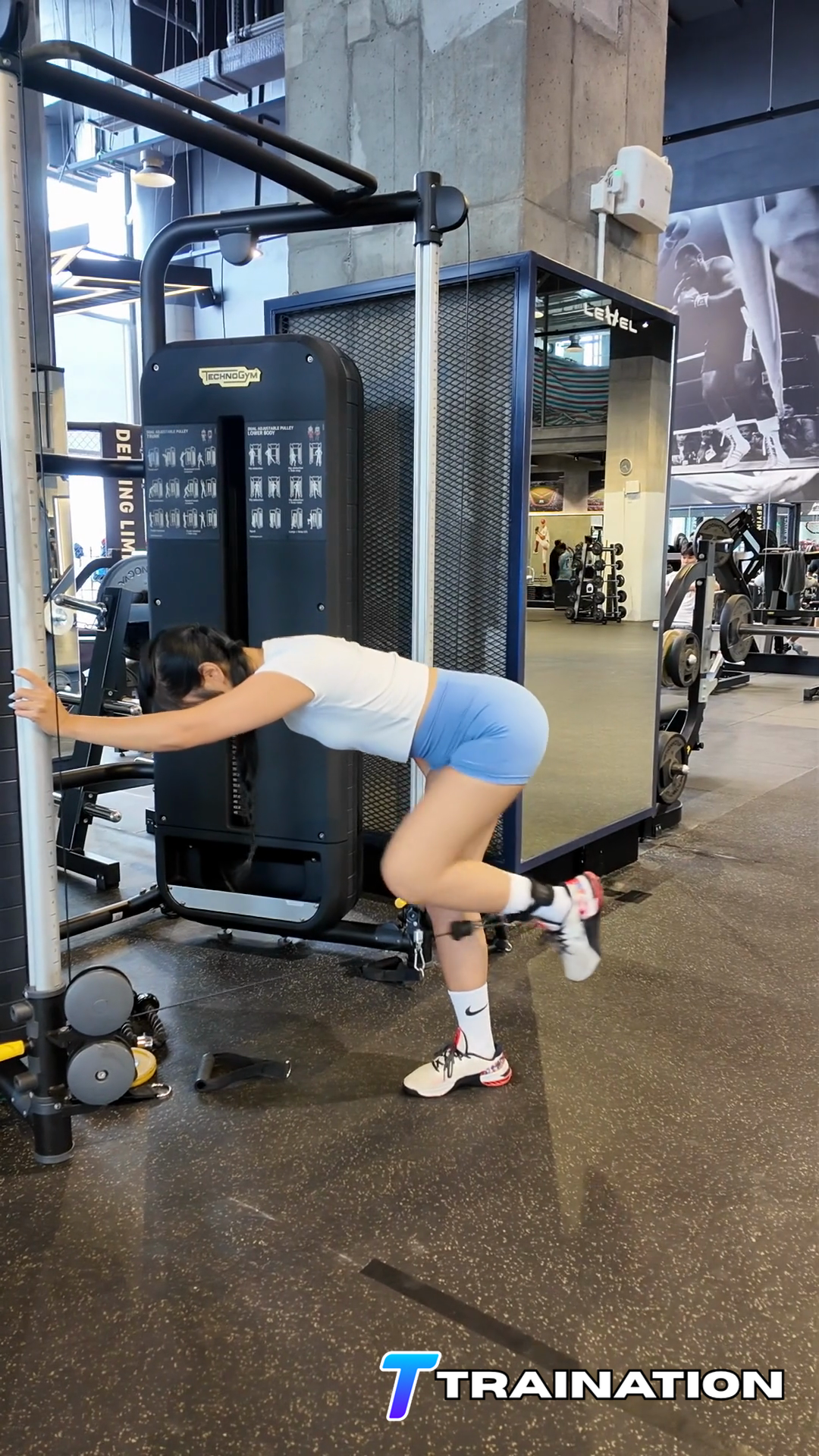
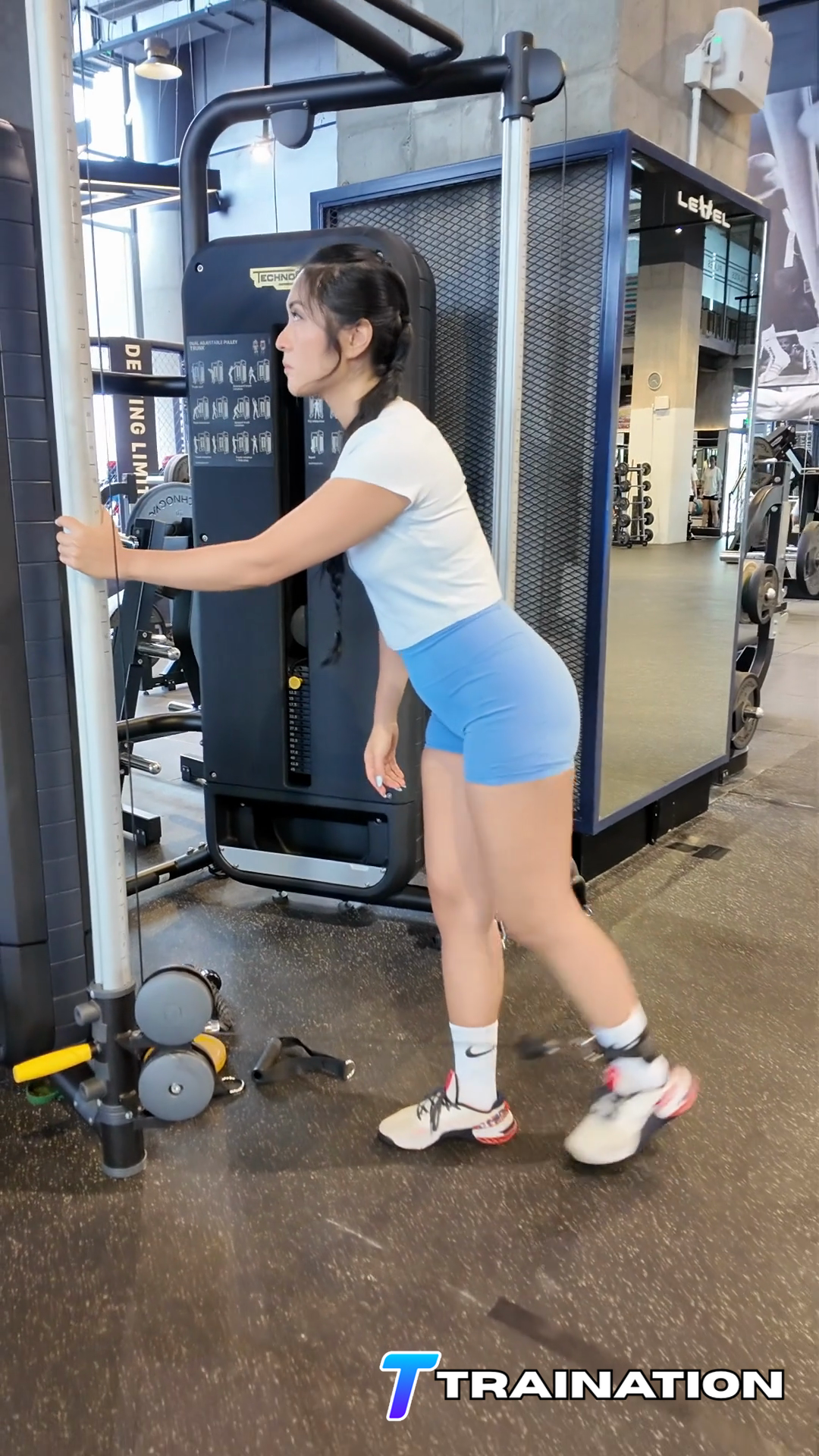
Standing Cable Hip Extension isolates hip extension while limiting movement through the lower back and pelvis.
Primary musclesGluteus maximus
Secondary musclesHamstrings, Hip adductors, Erector spinae
Follow the sequence in order, paying attention to the starting position, movement path, and finish described in each step.
For Standing Cable Hip Extension, fasten the ankle strap to a low cable, face the stack with light hand support, and level the pelvis over the support leg; brace so the lower back stays still.
Drive the thigh backward from the hip while keeping the working knee softly bent and fixed throughout the repetition.
Stop when the glute is fully shortened and before the pelvis tips forward or the back arches.
Keep the support side stable and avoid turning the toes outward to create extra range.
Return the leg under control without resting between repetitions. Repeat without changing the established position.
Limit the rearward leg travel to what the glute can produce while the ribs remain stacked.
Keep both hip bones facing forward instead of turning the working side outward.
Move from a still trunk and reduce the resistance if the support leg or torso bounces.
Bring the leg forward slowly without letting the cable pull it back.
Place Standing Cable Hip Extension after compound lower-body lifts or in a short glute accessory block where cable or bodyweight fatigue will not affect heavier work.
Use one to three times per week while counting bridges, hip thrusts, hinges, and squats toward total glute work.
| Goal | Sets | Reps or time | Rest | Effort and execution |
|---|---|---|---|---|
| Strength accessory | 2–4 | 6–10 | 75–150 sec | Leave 2–3 controlled reps in reserve |
| Muscle growth | 2–4 | 10–20 | 60–120 sec | Usually 1–3 clean reps in reserve |
Scale the movement
Hold a stable support or use an easier setup while learning the movement.
Use a shorter pain-free range and expand it only as control improves.
Slow the lowering phase without changing the start, finish, or joint alignment.
Add a brief pause at the hardest controlled position before increasing load.
Turn Standing Cable Hip Extension and the rest of your exercise library into repeatable client programs.
Explore the workout builder