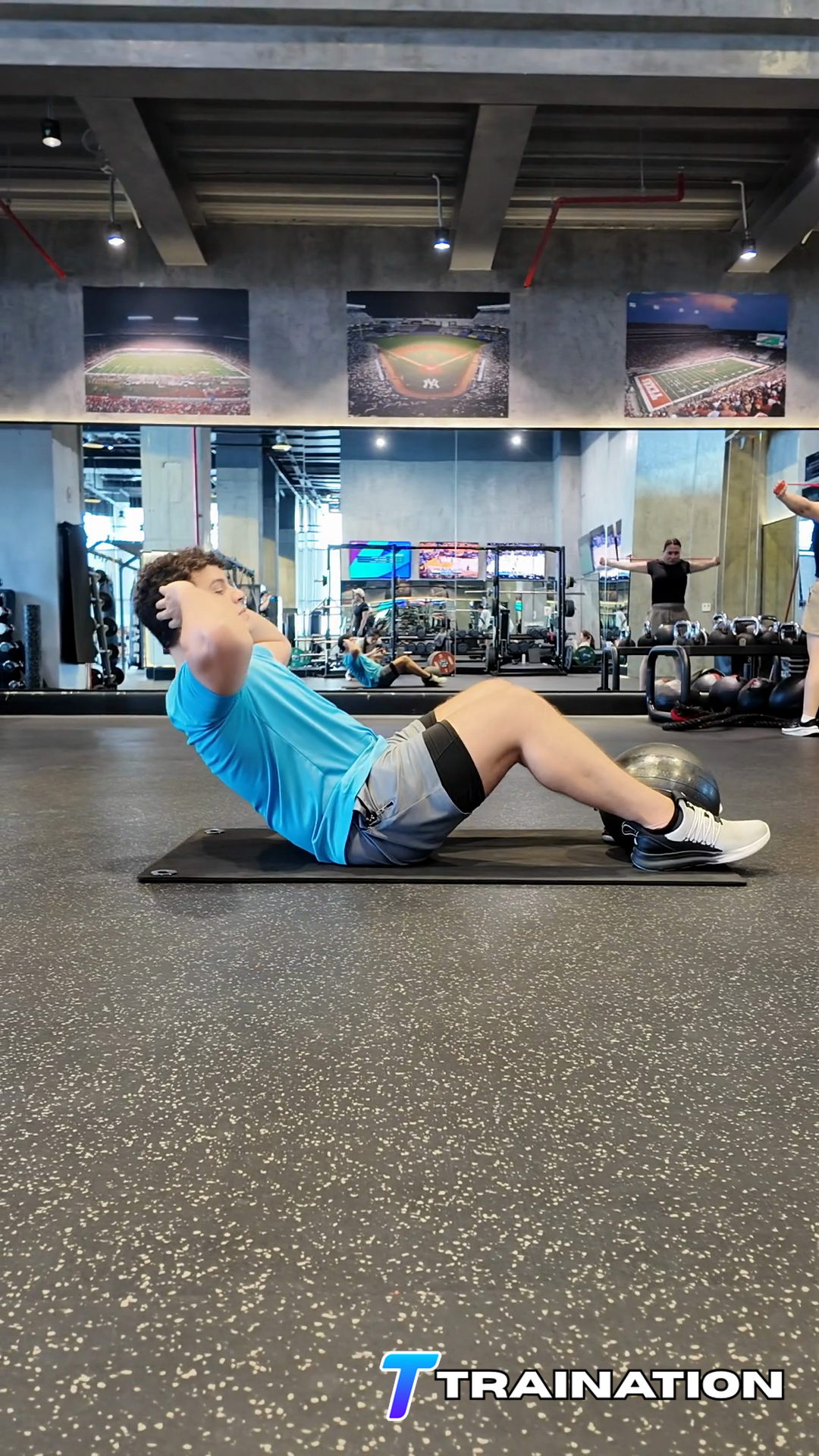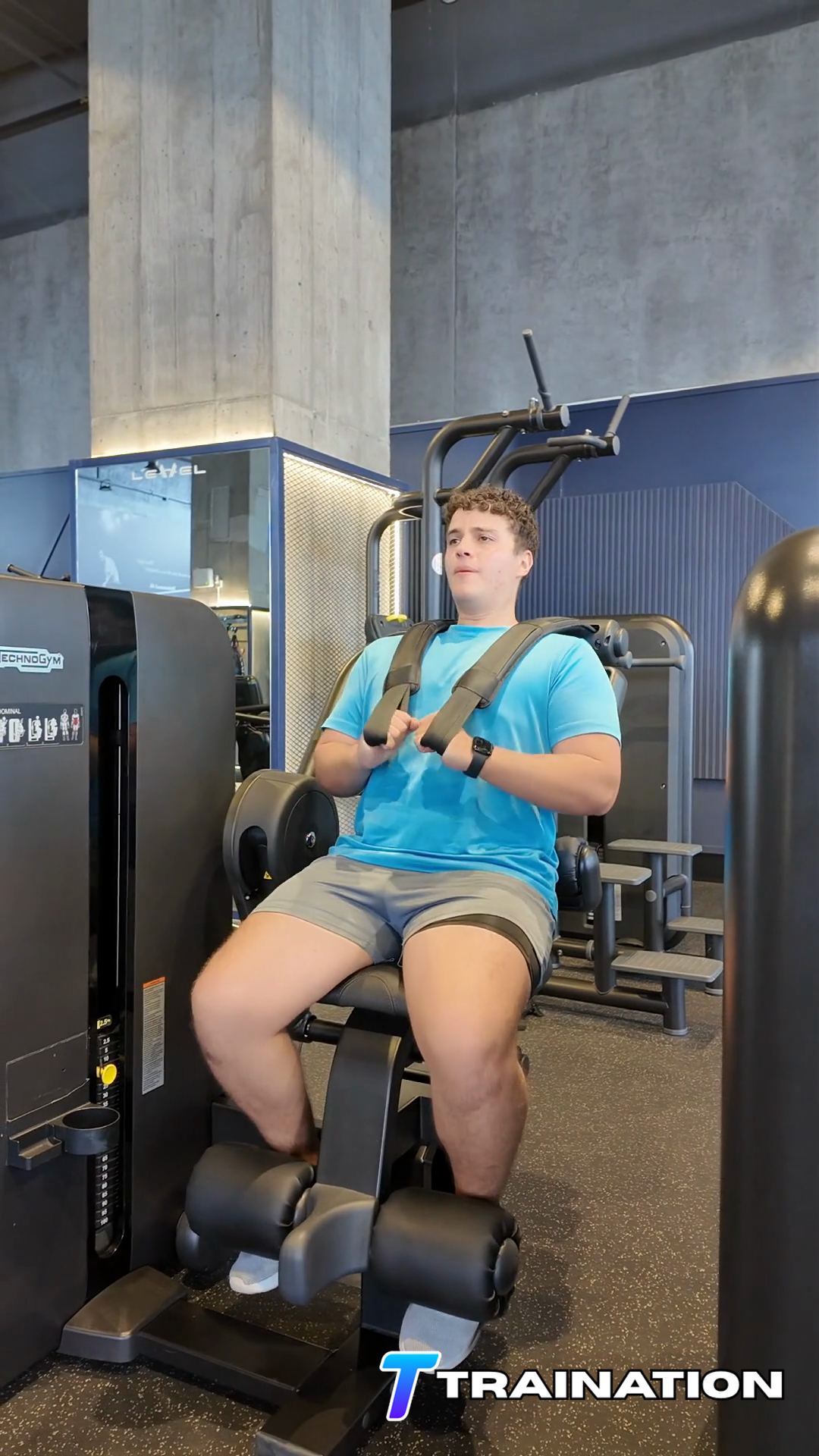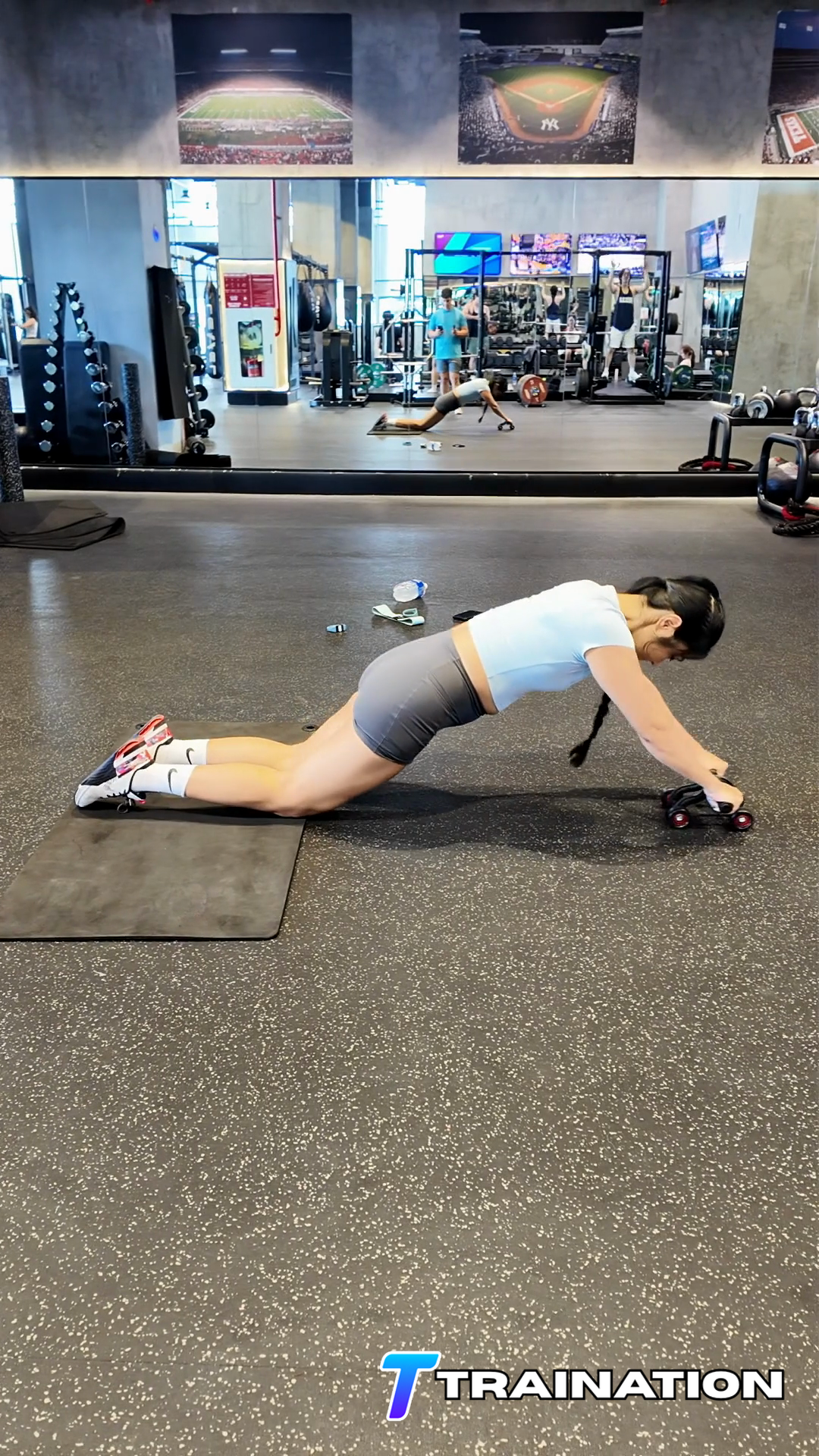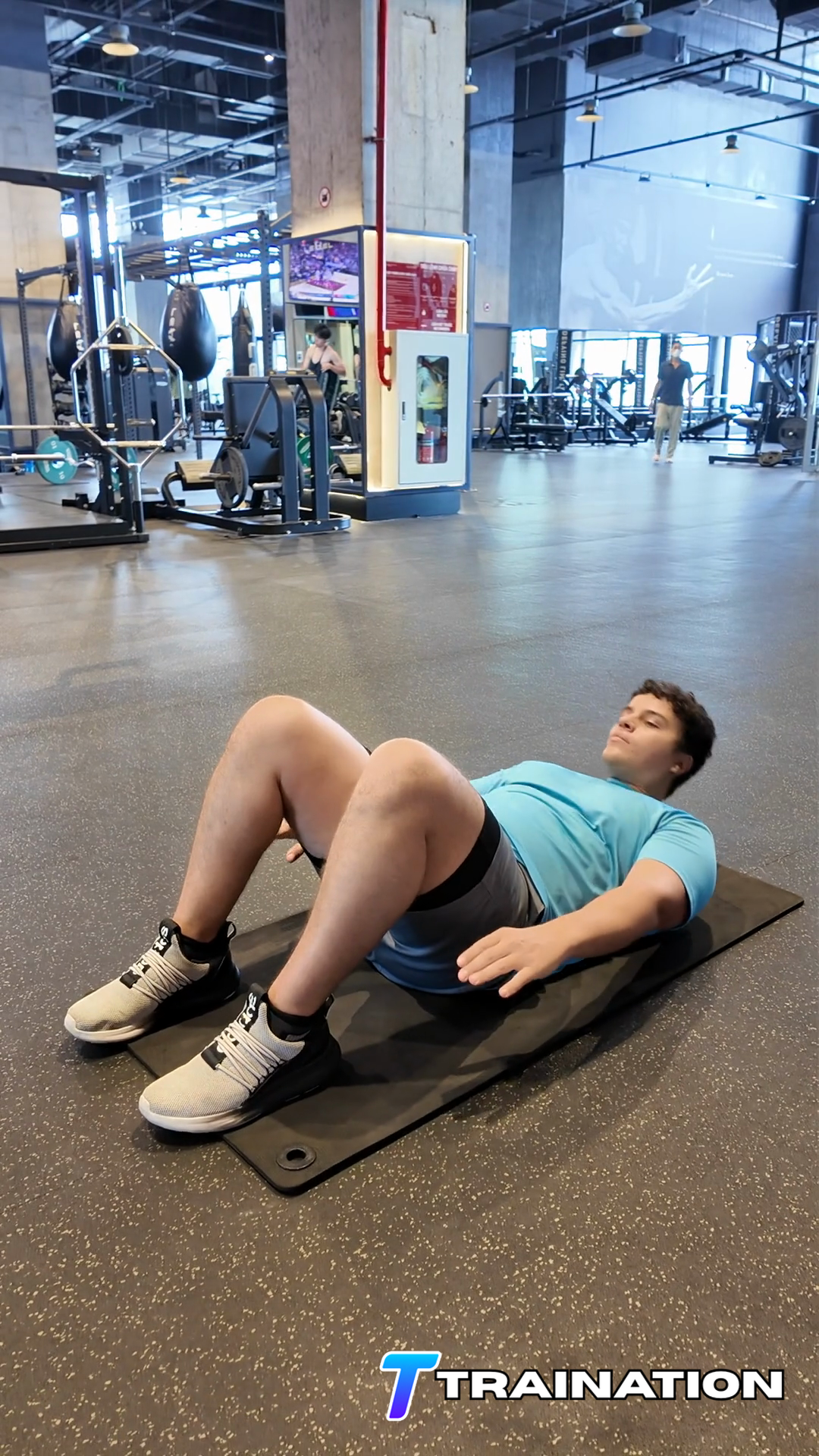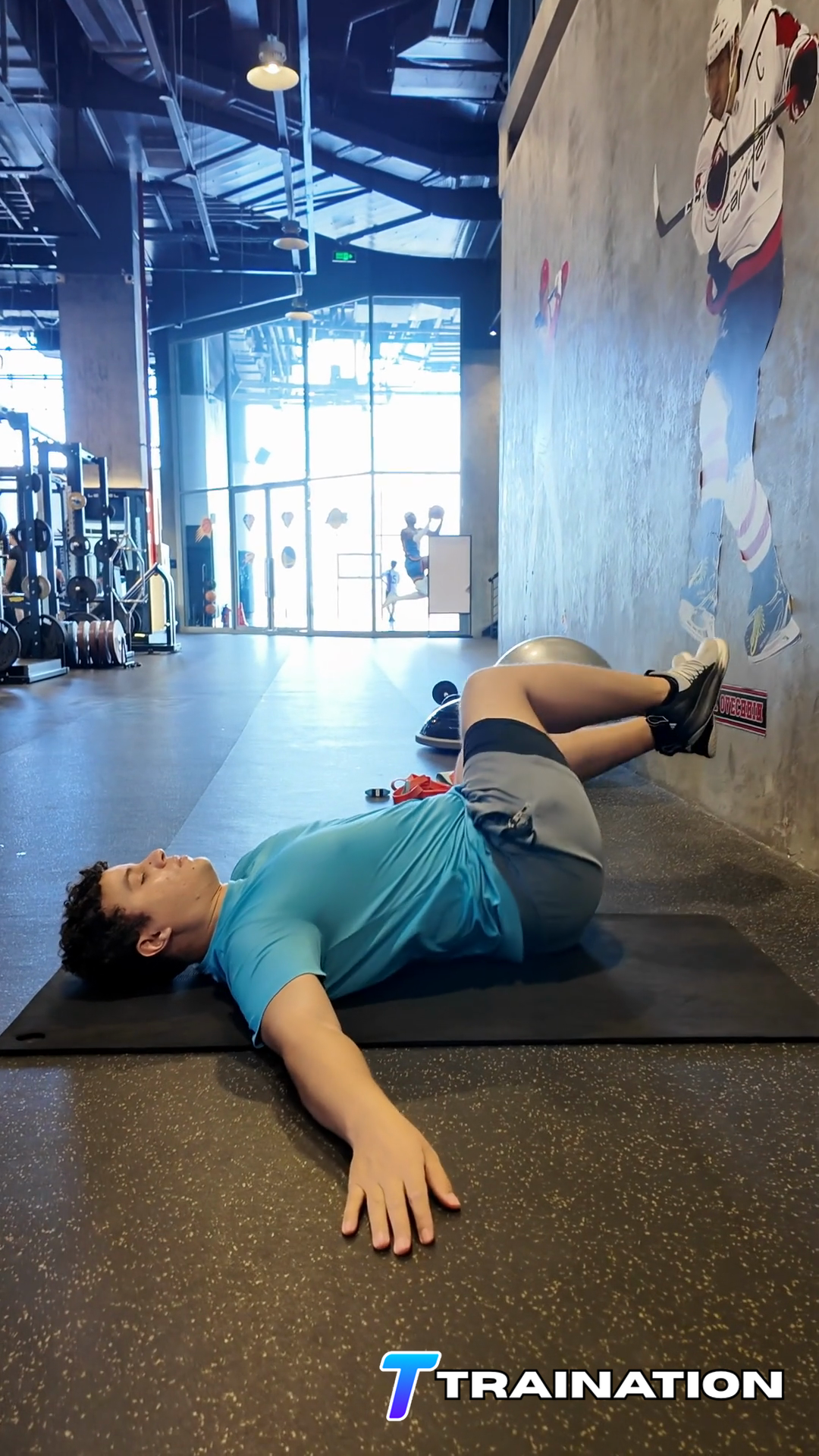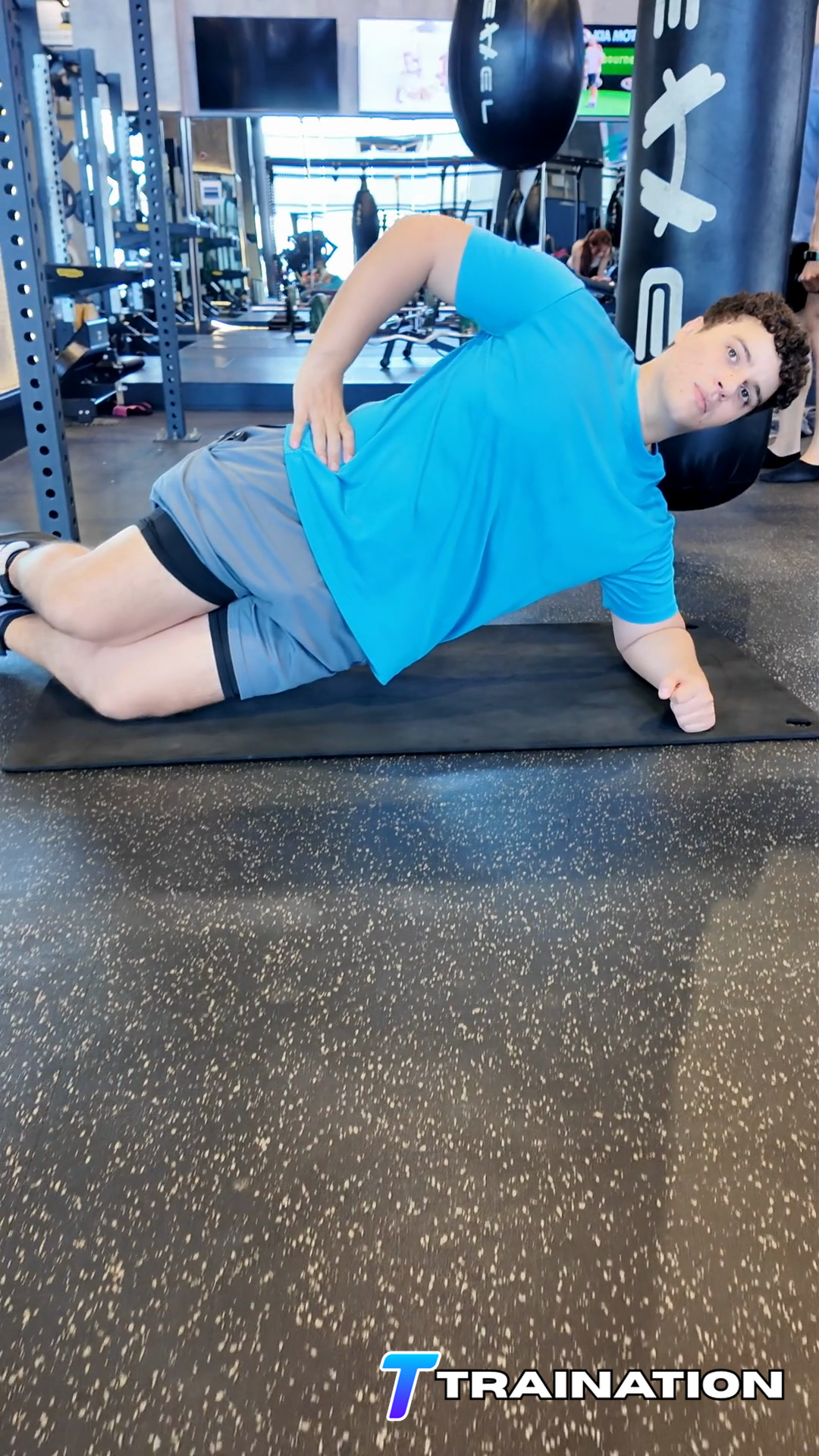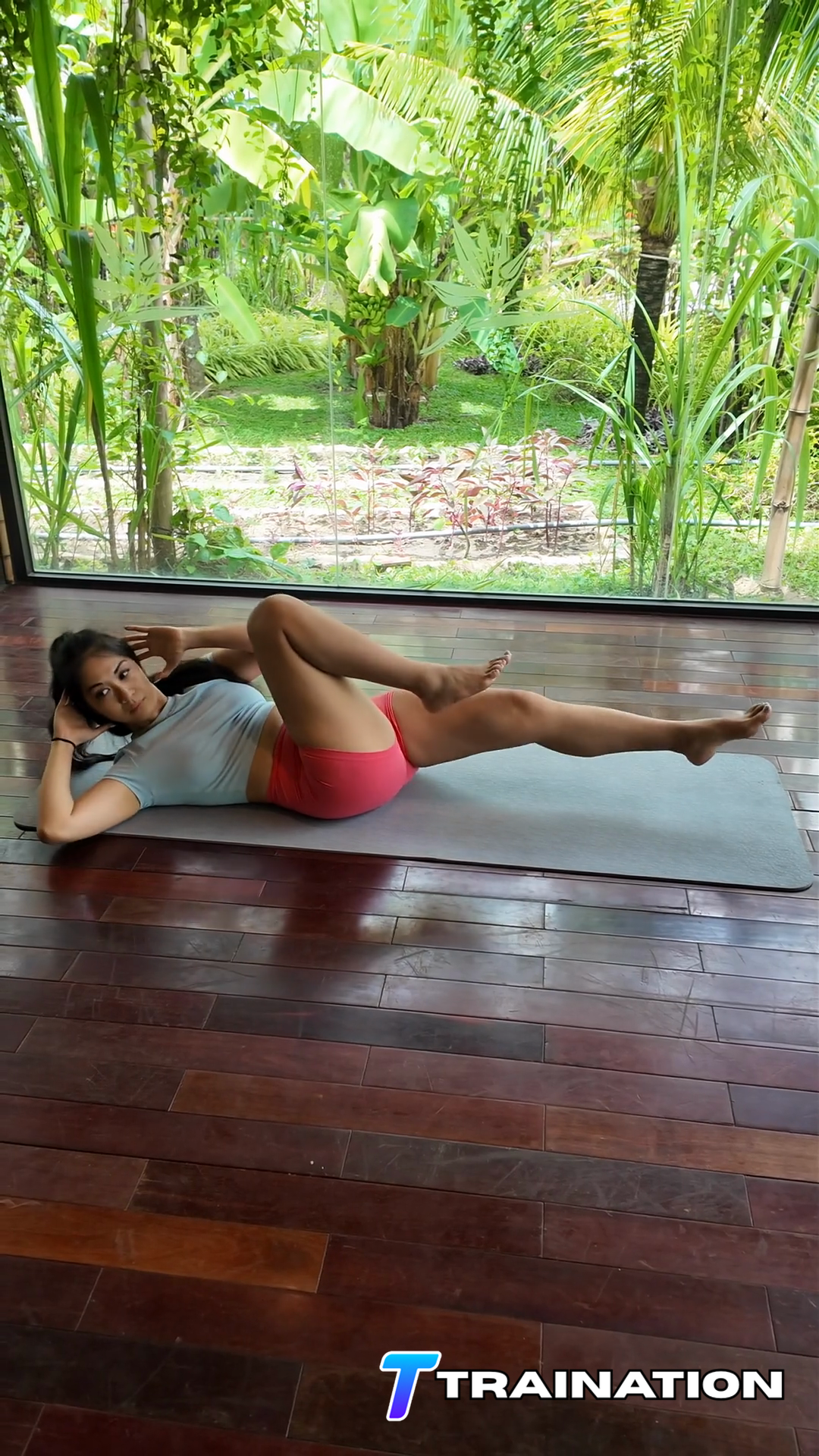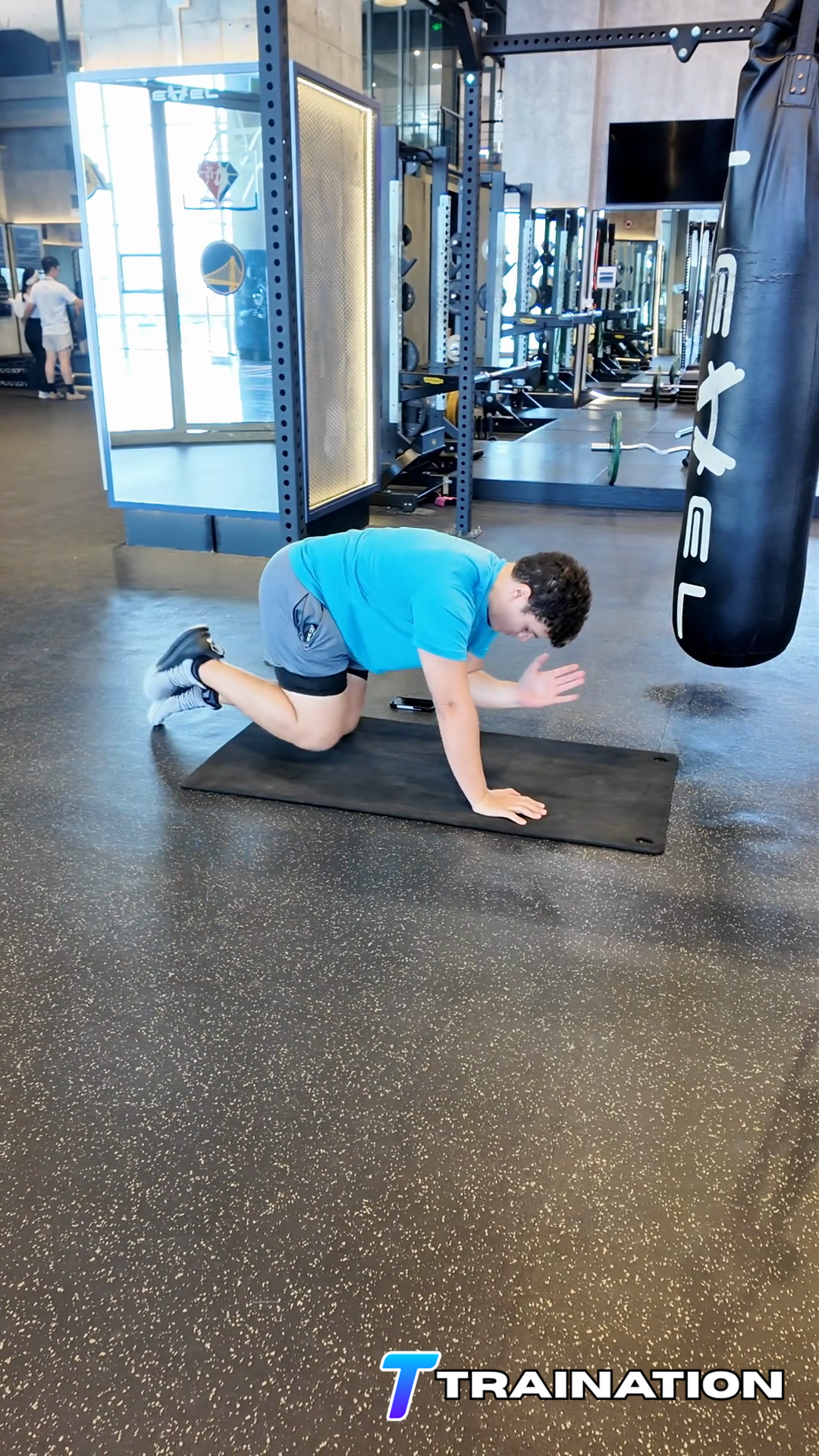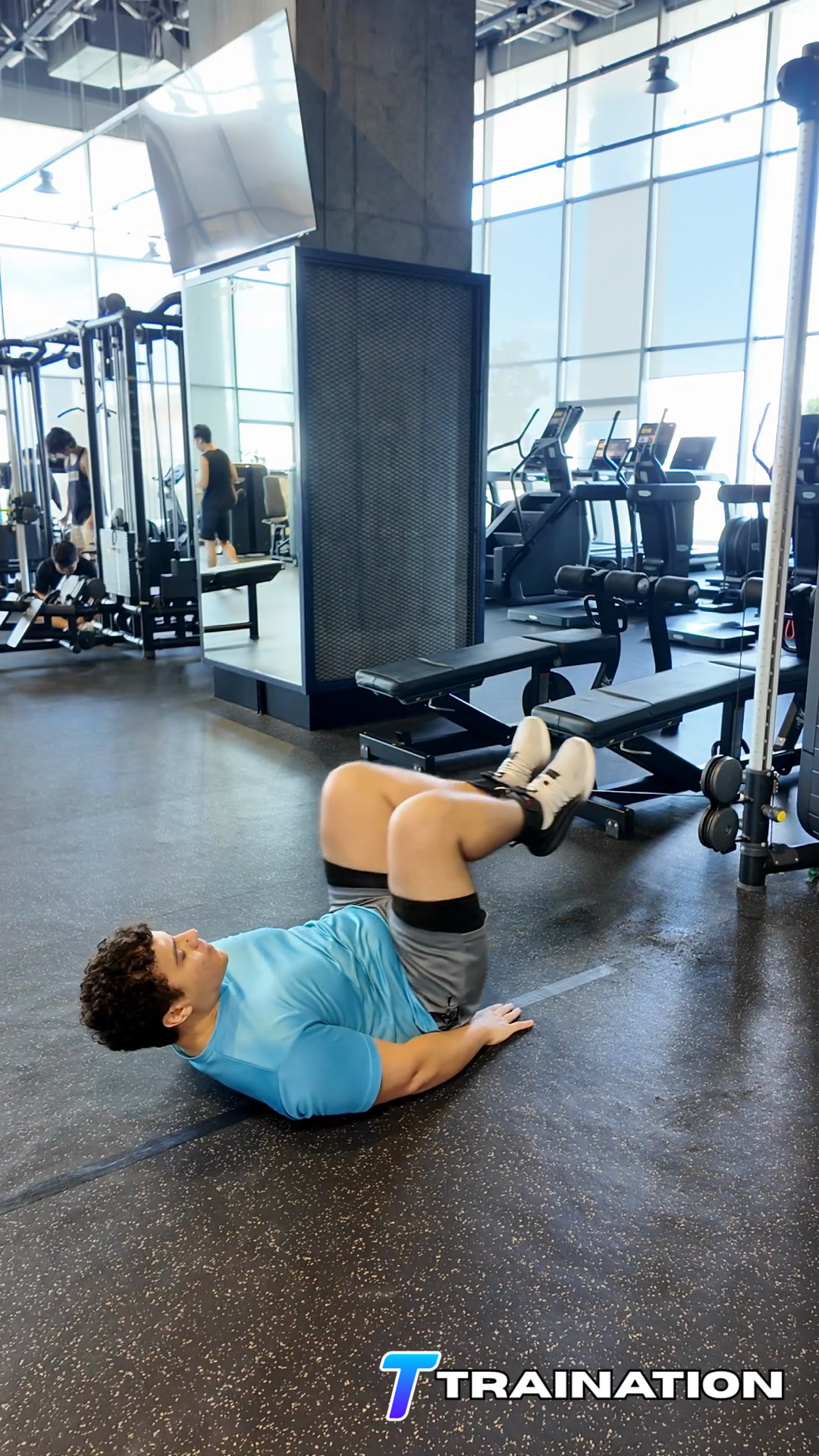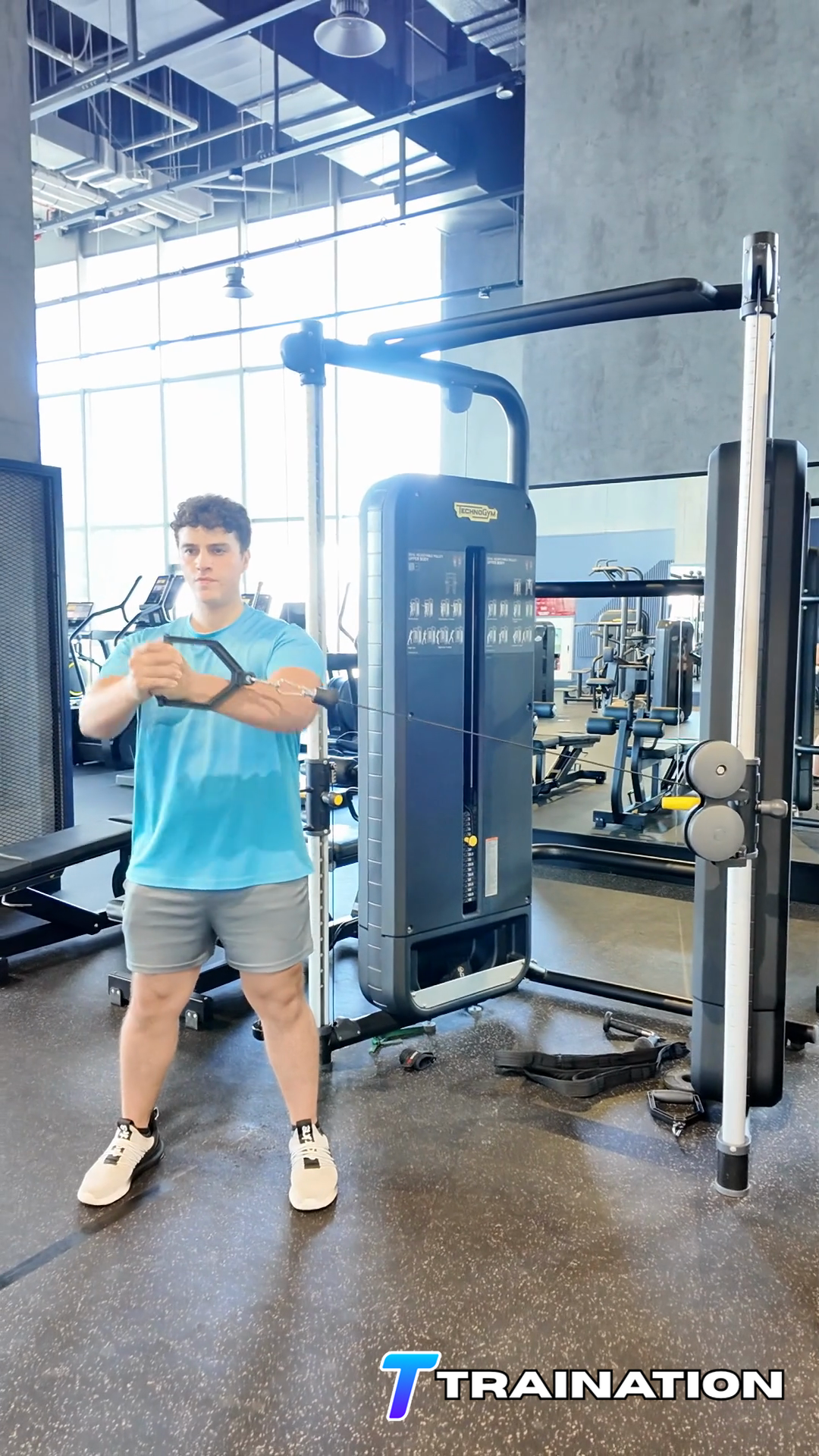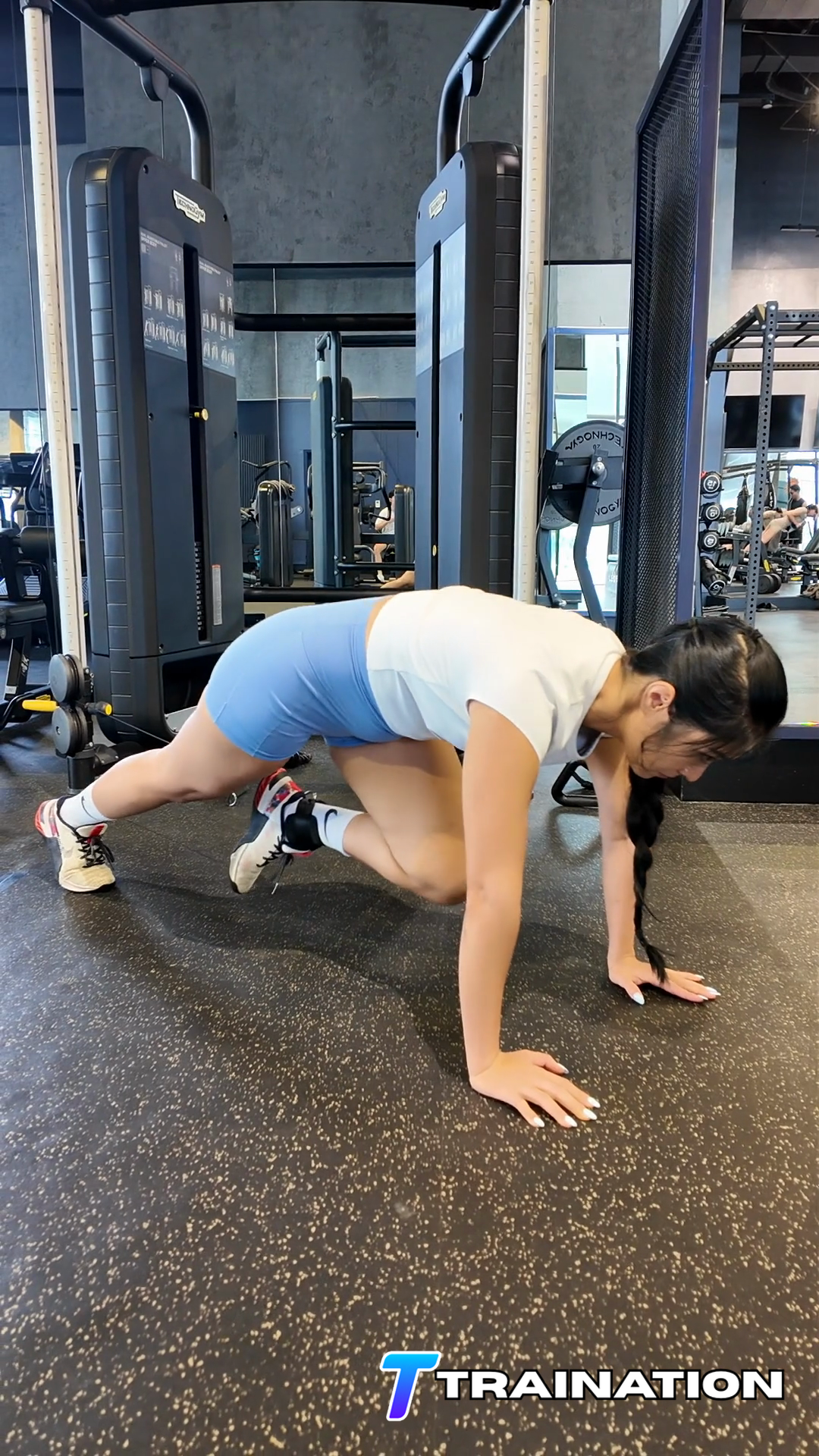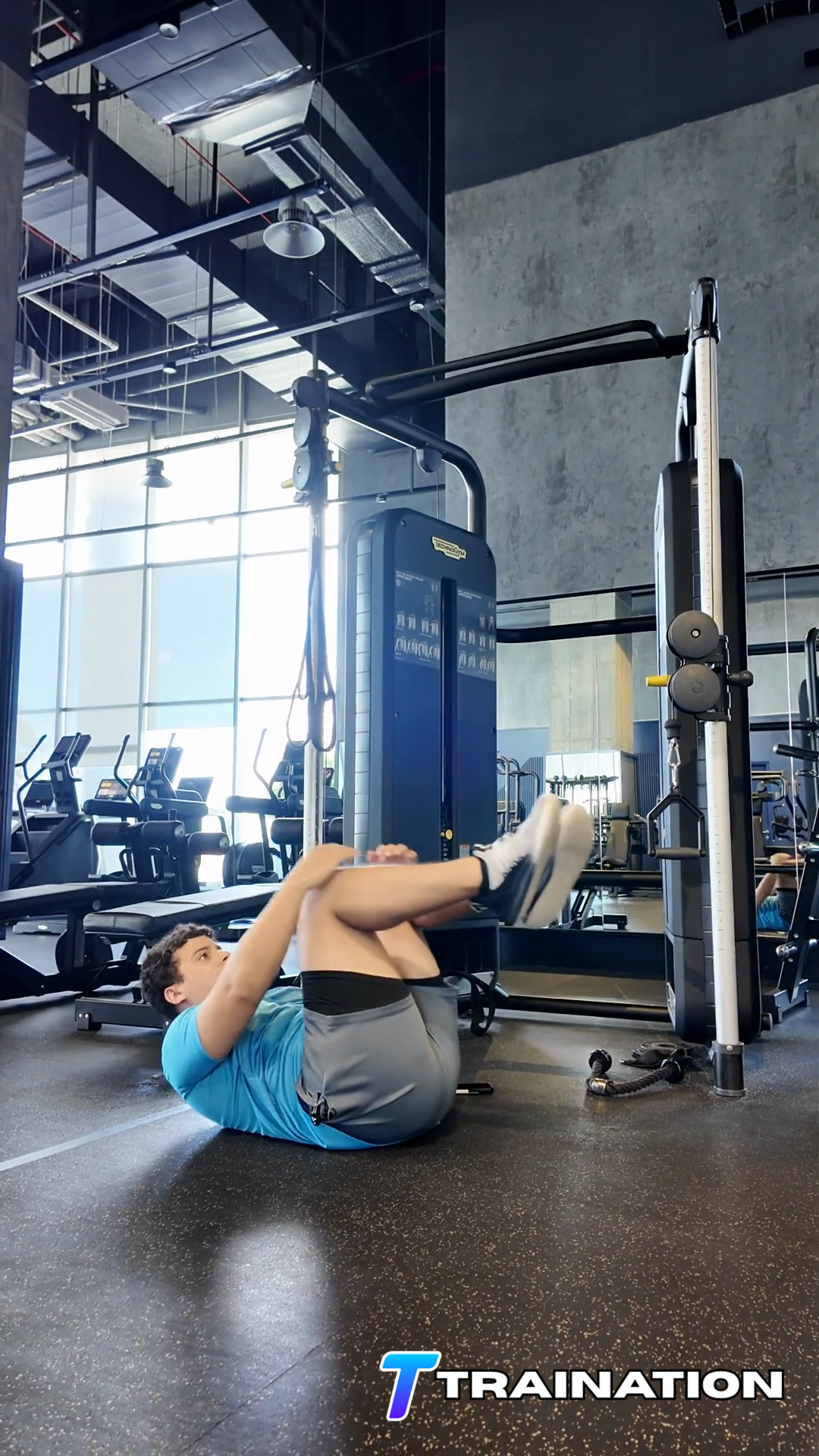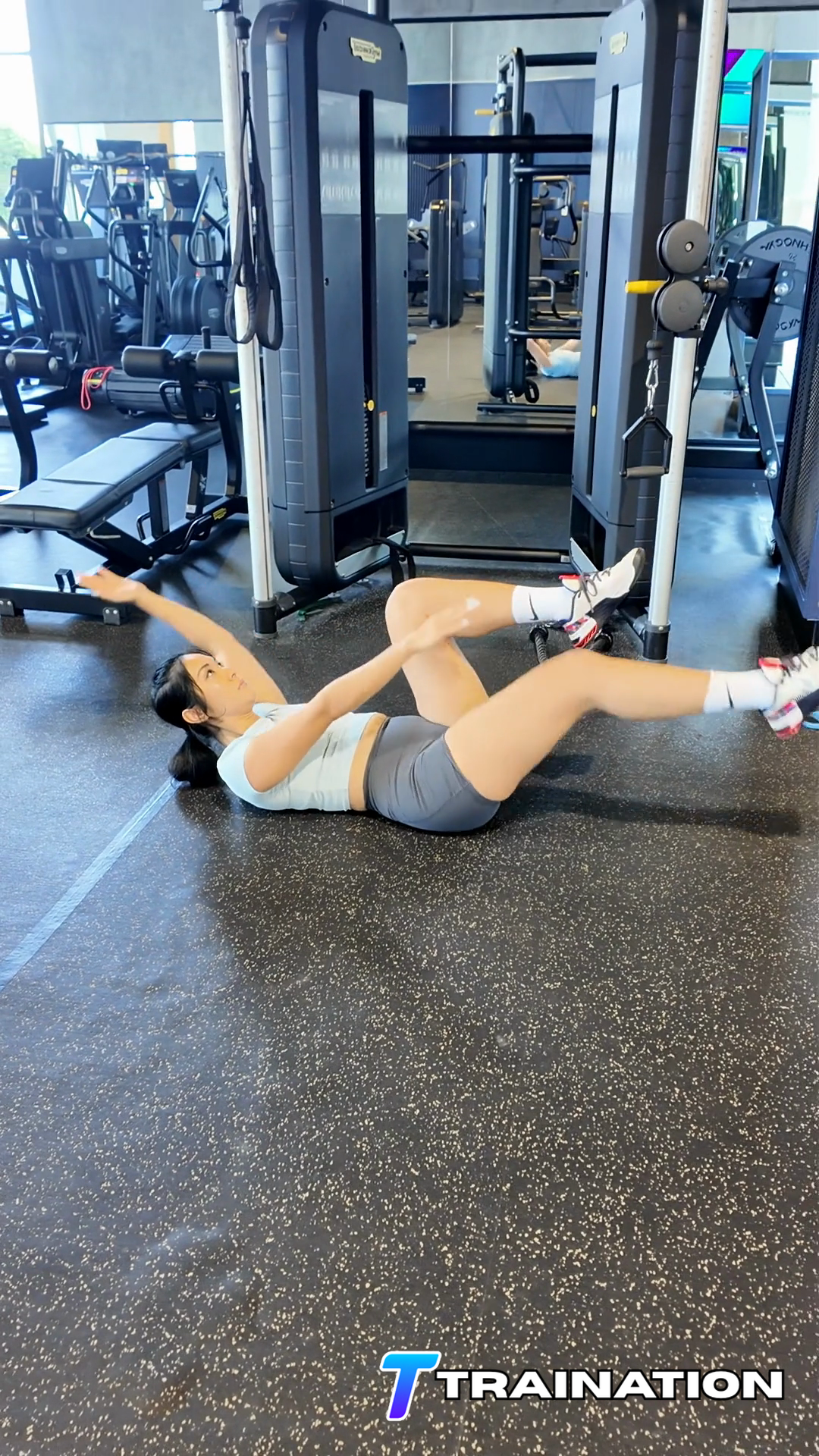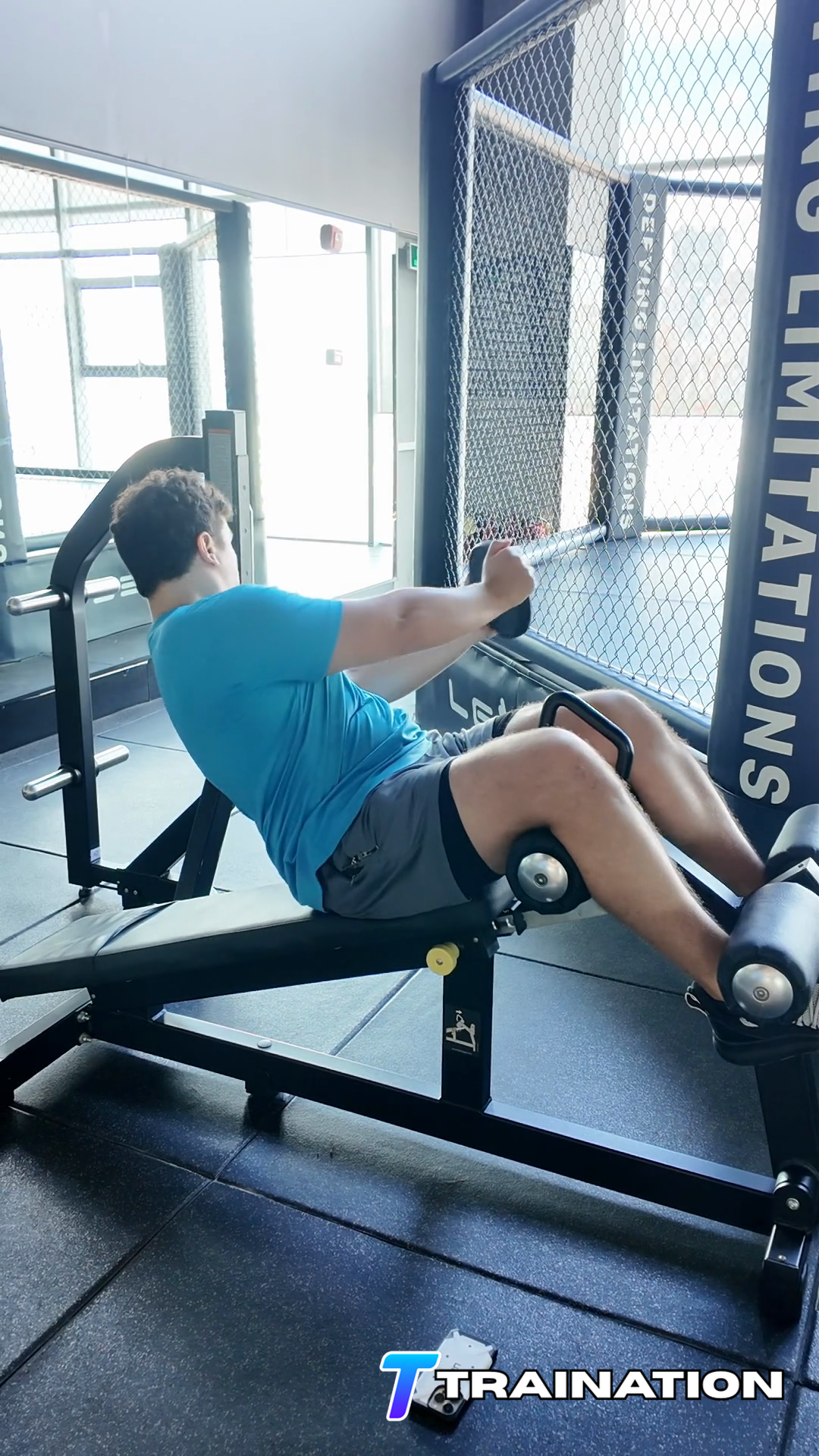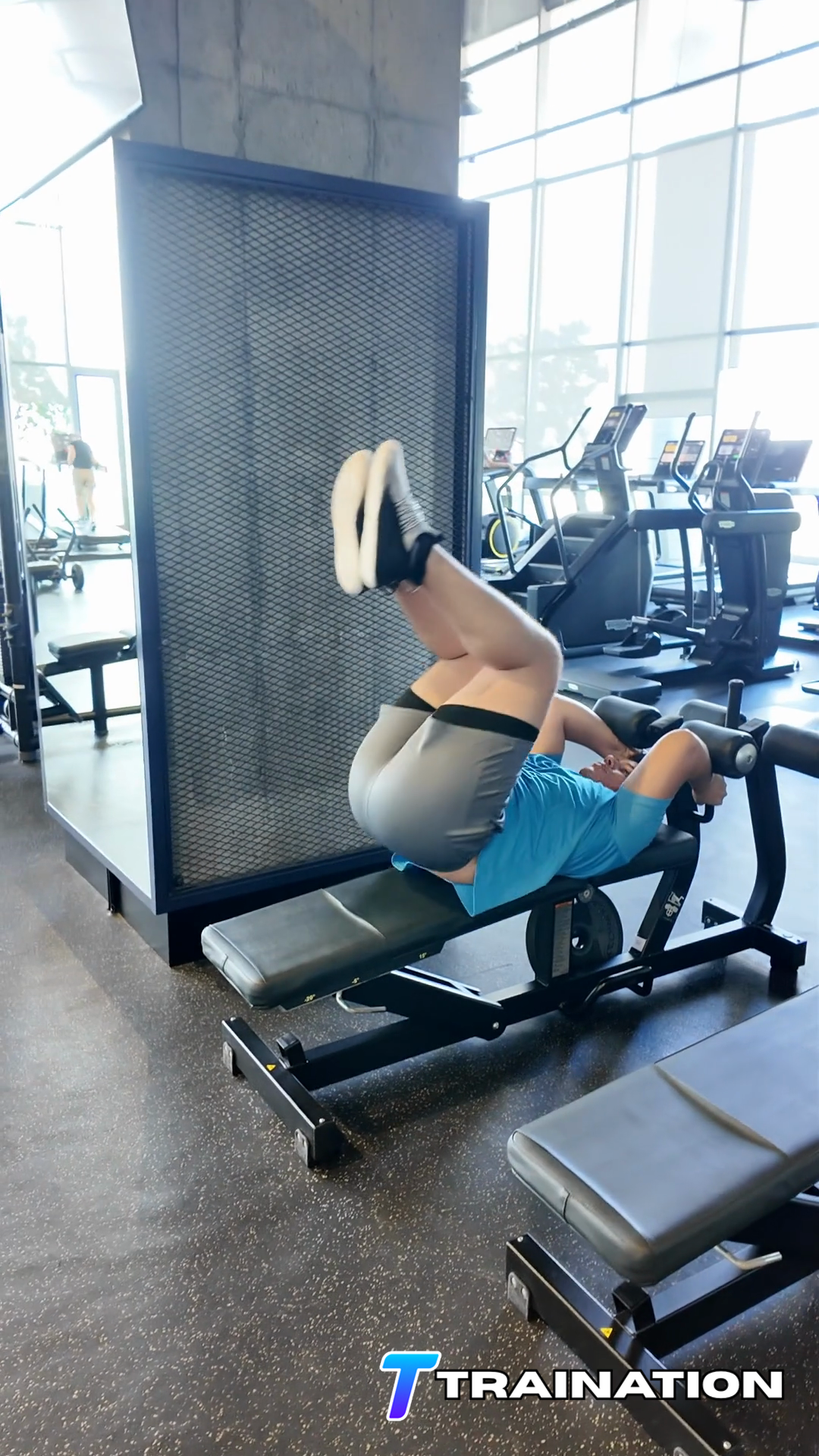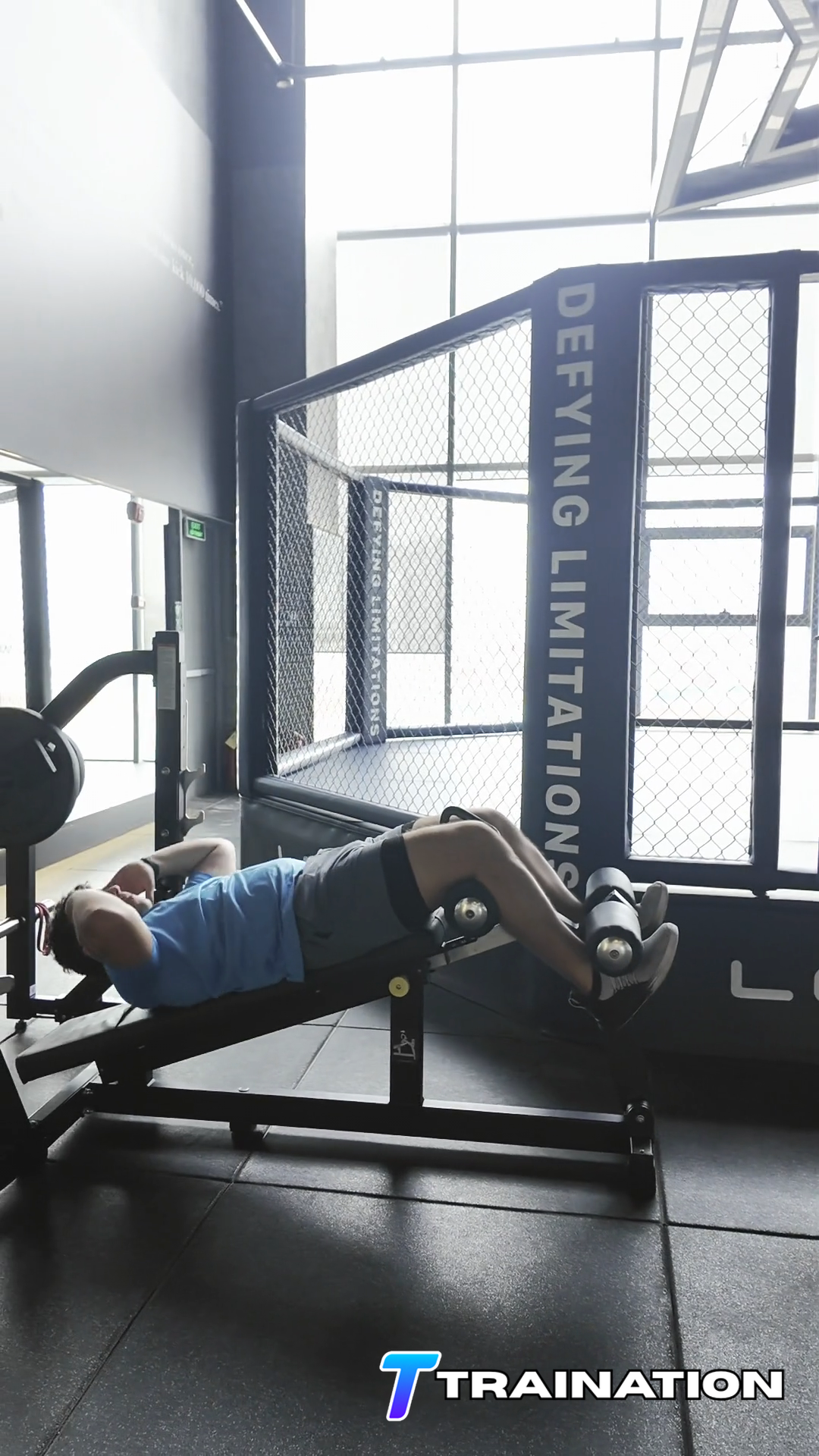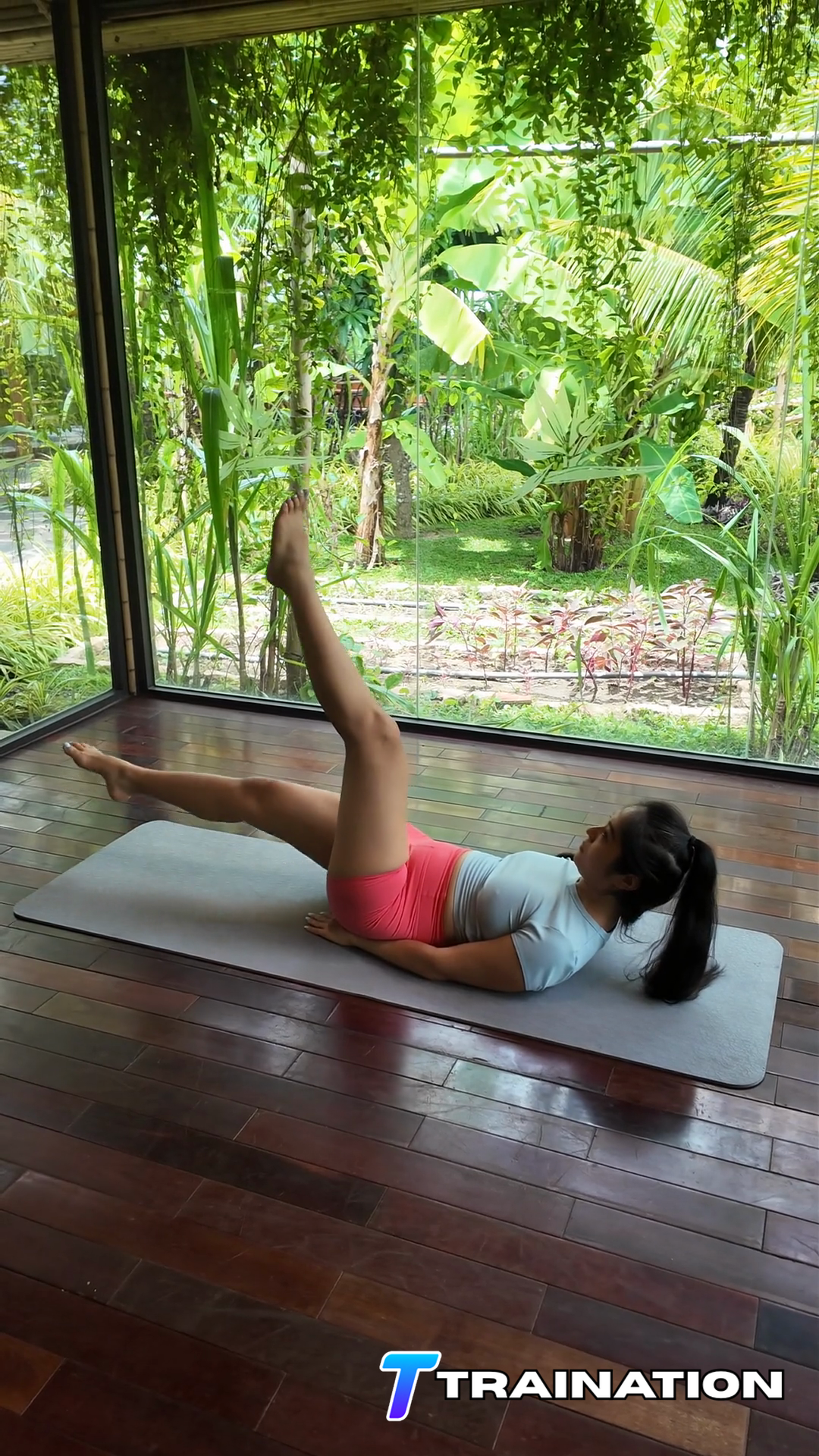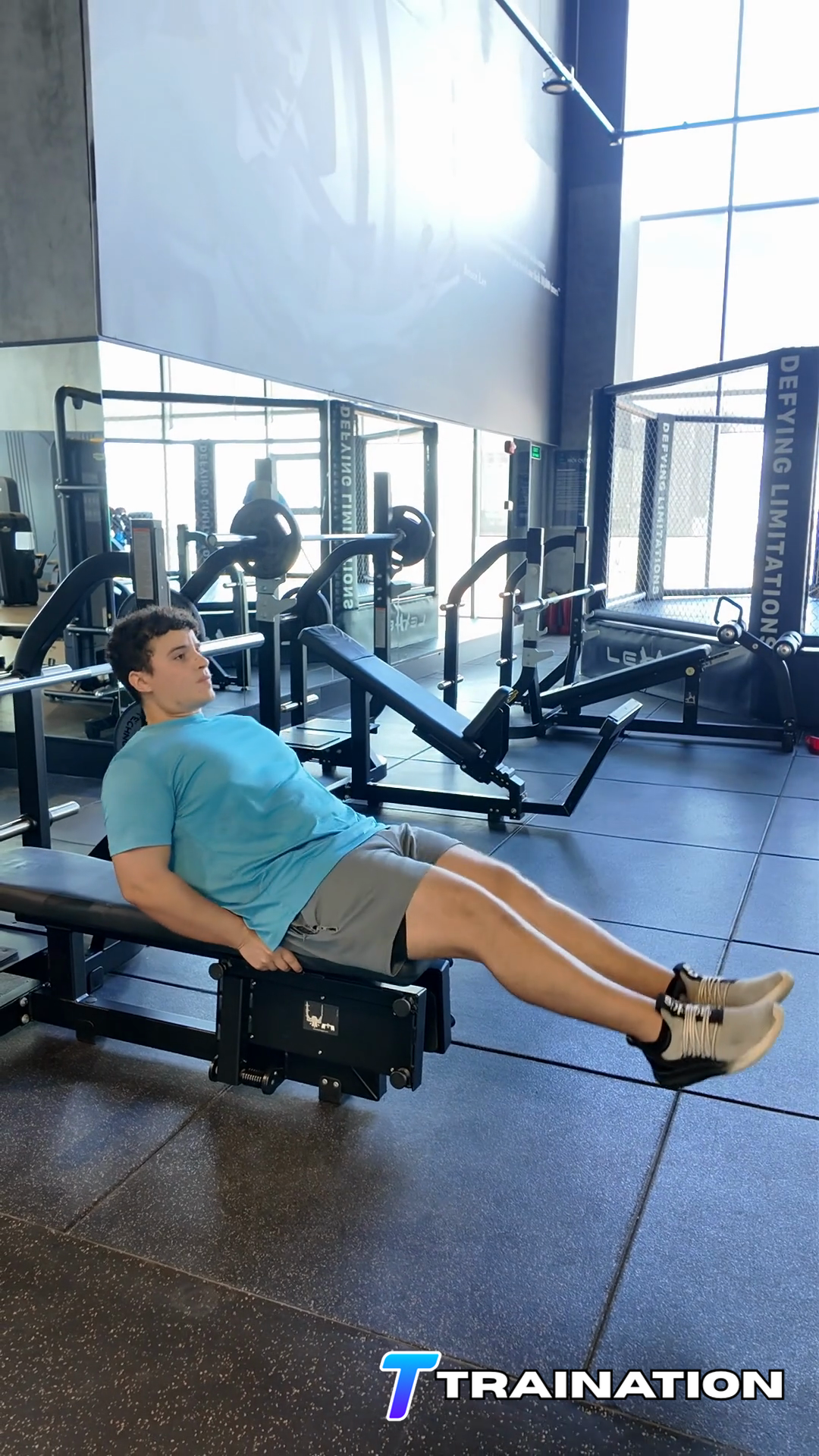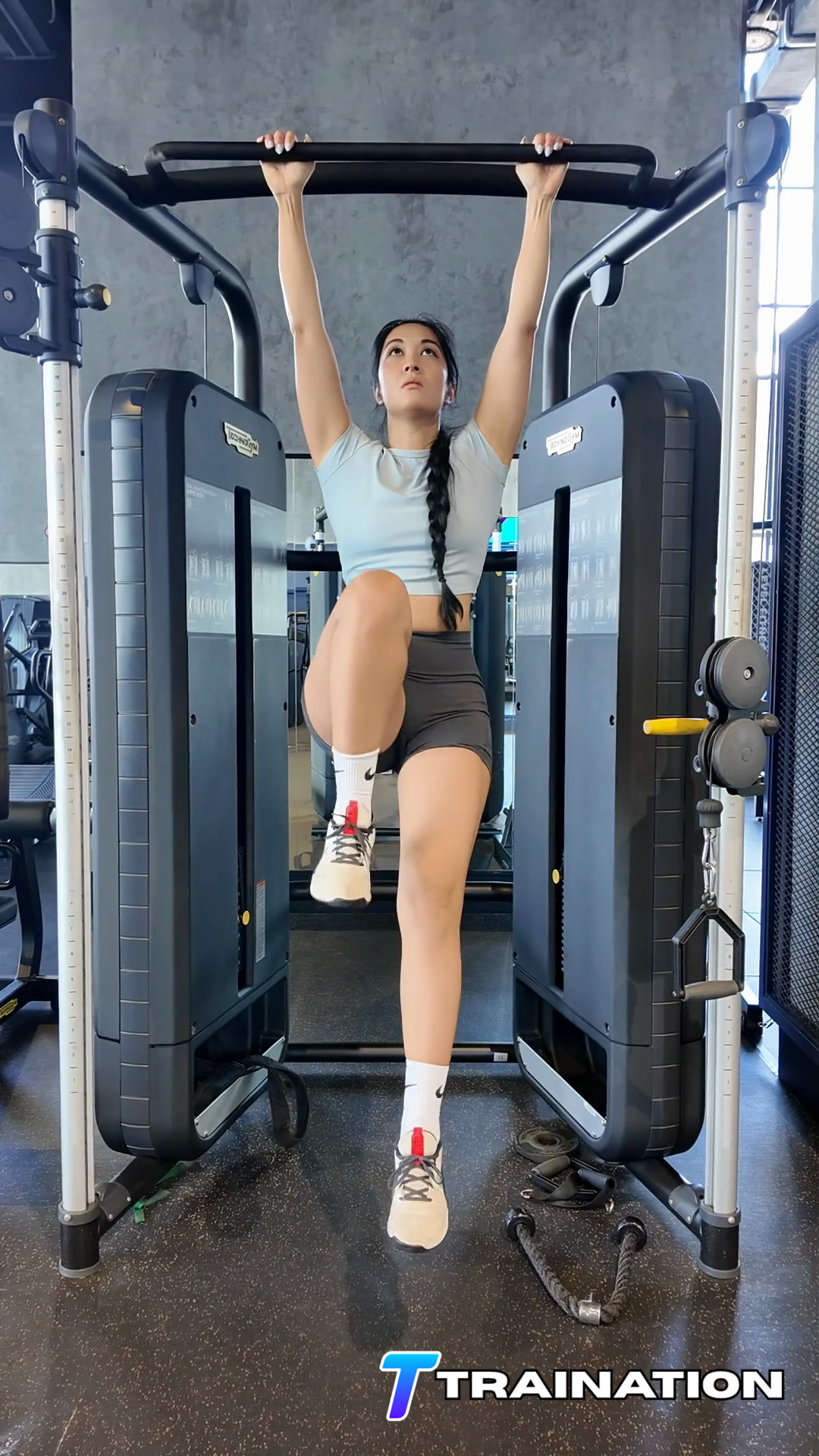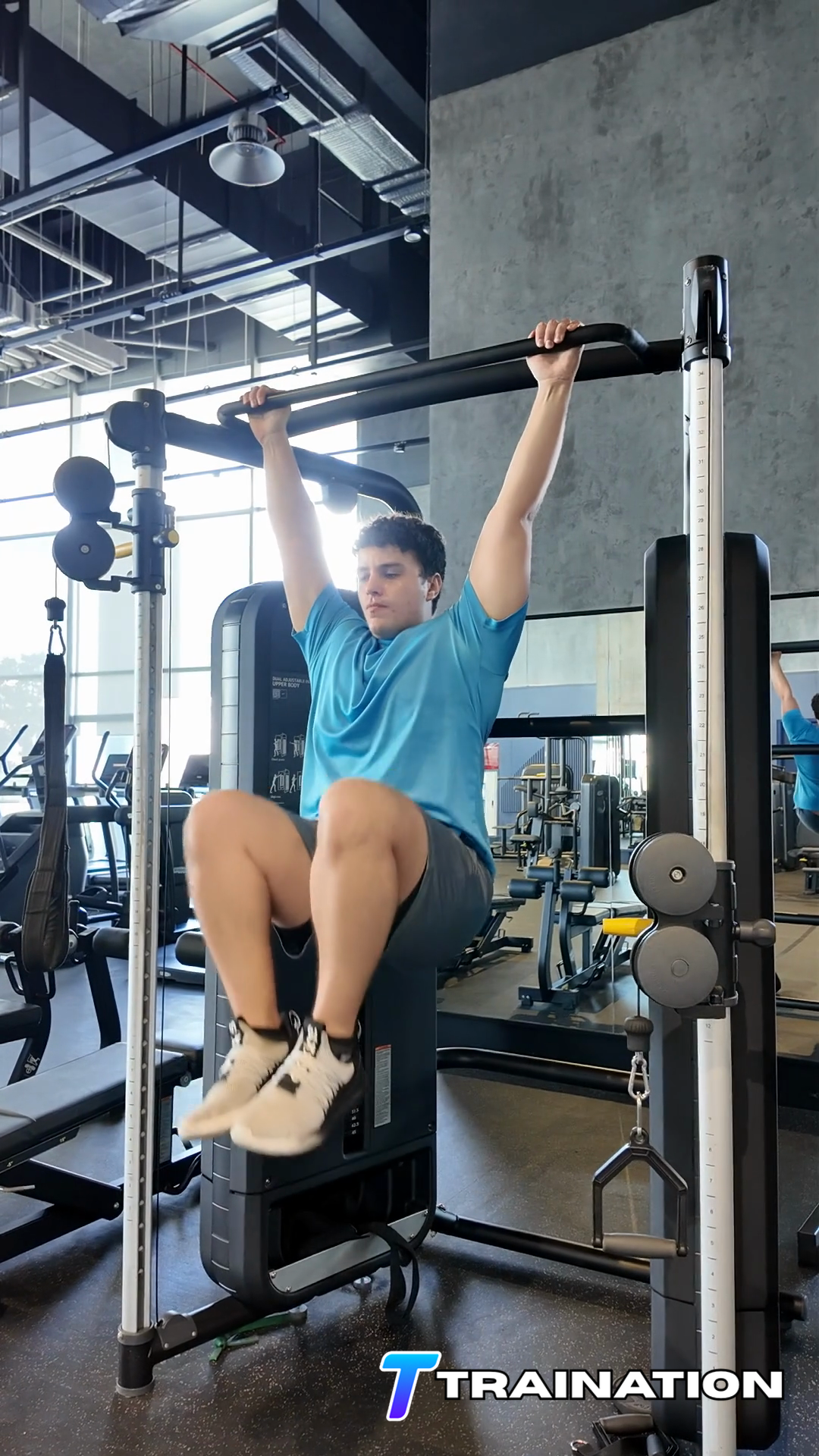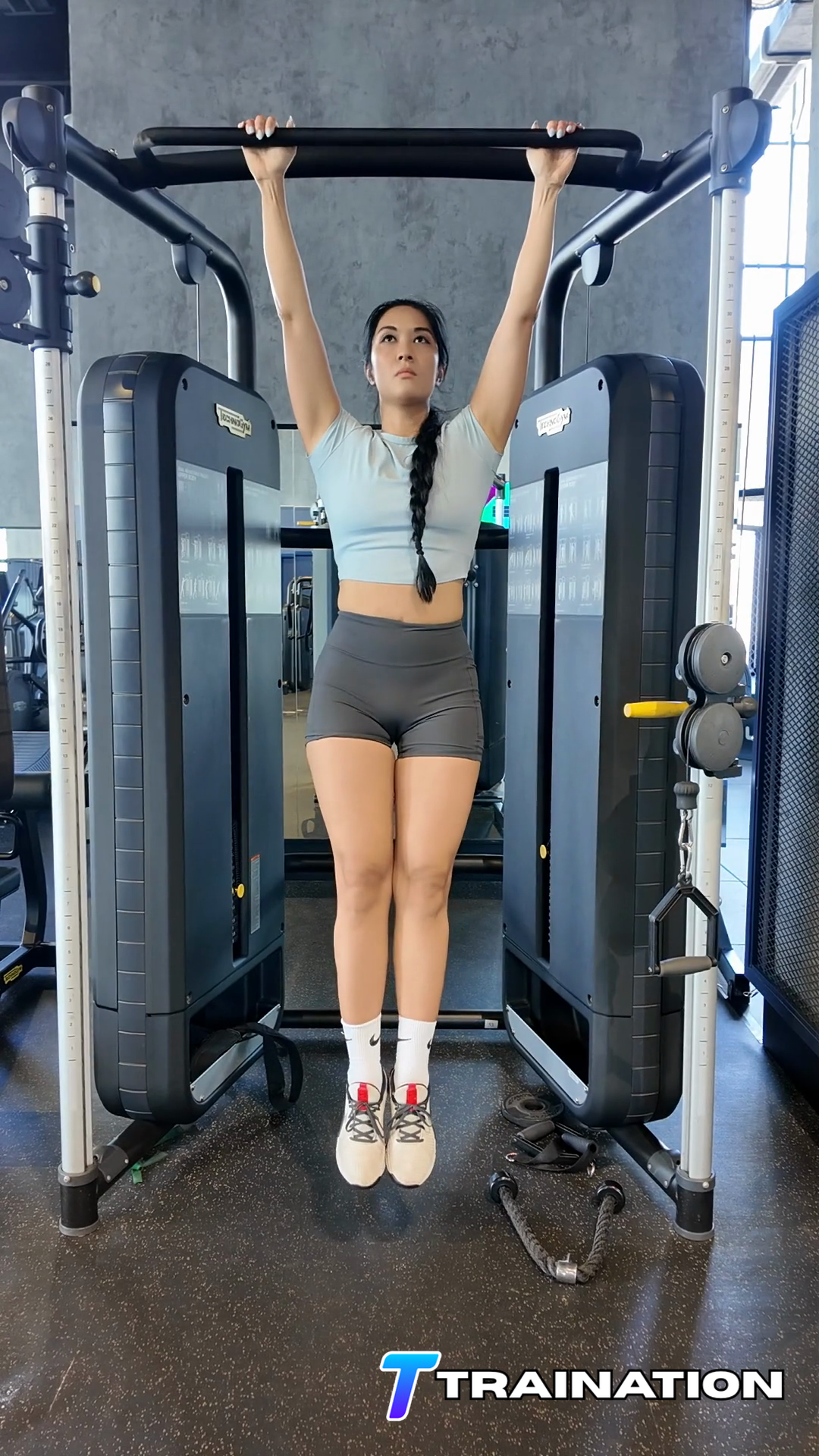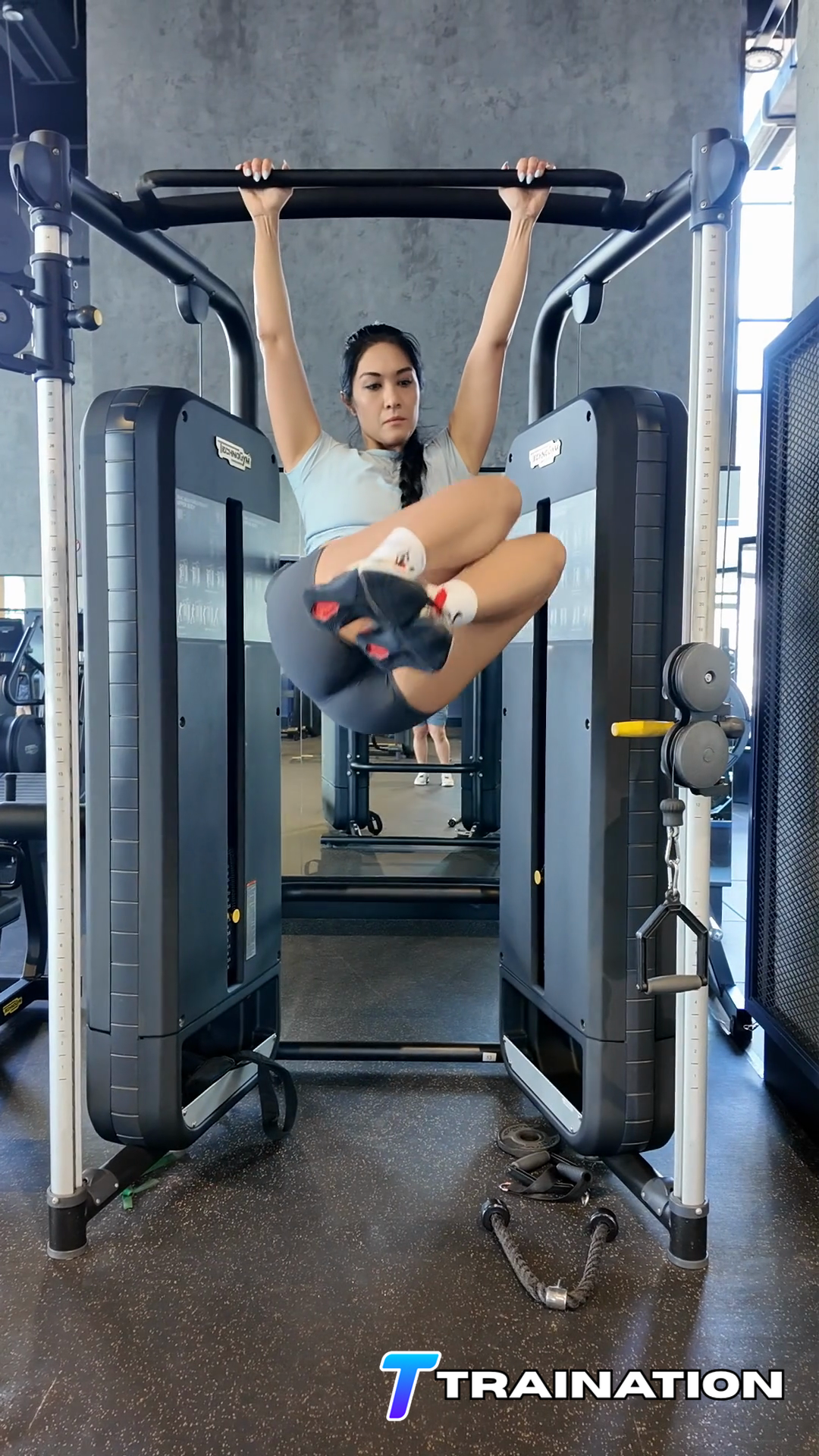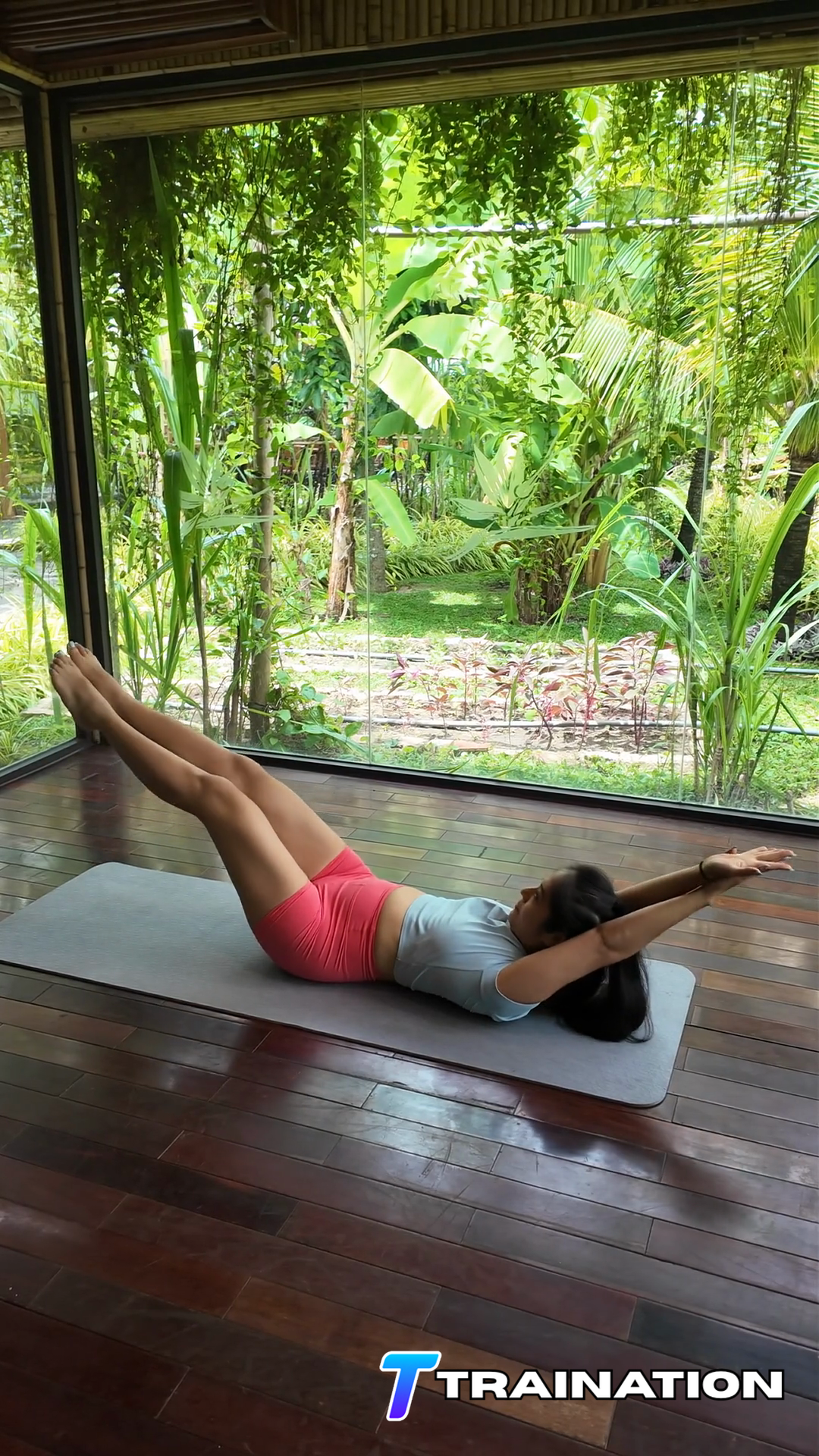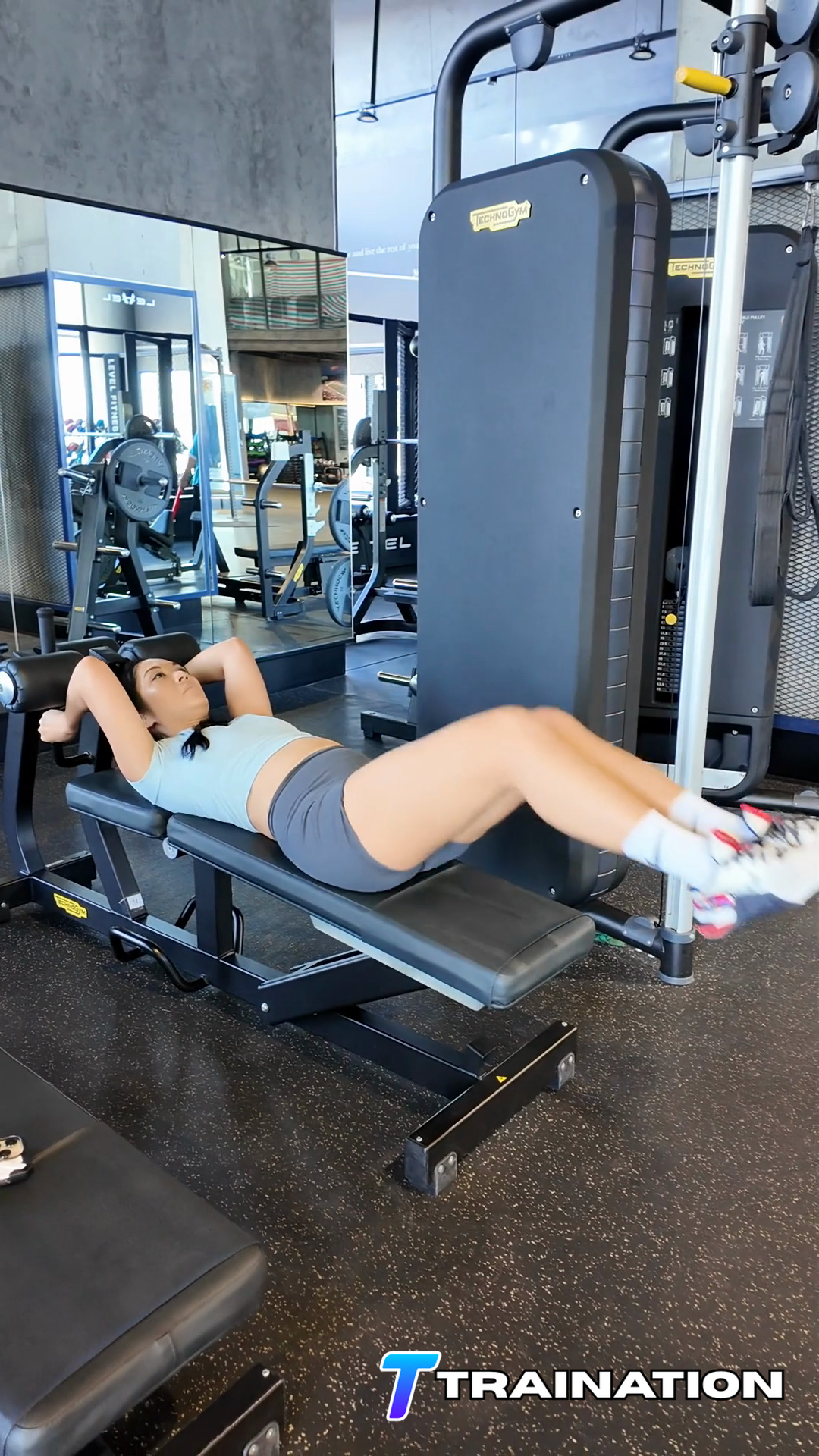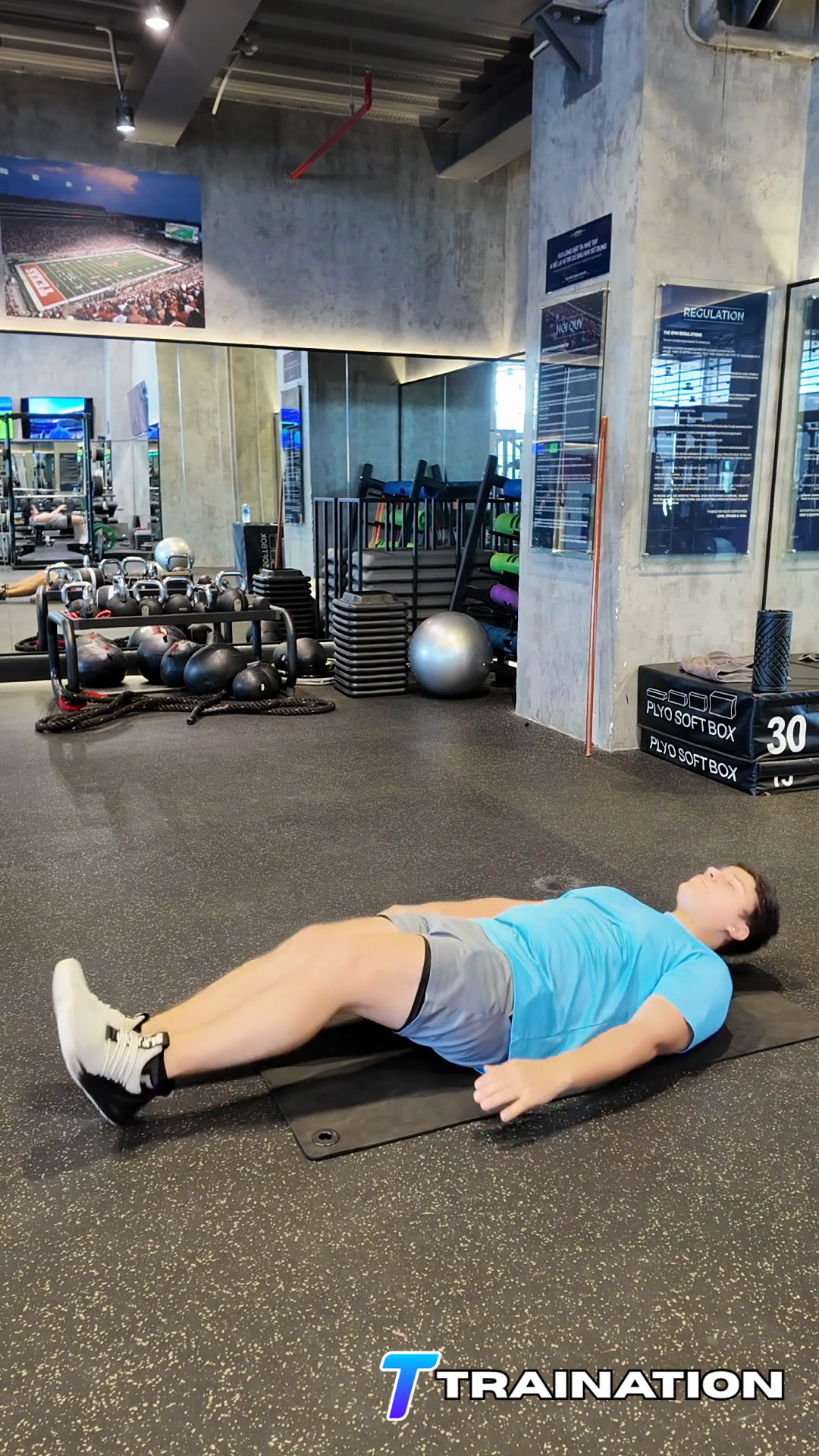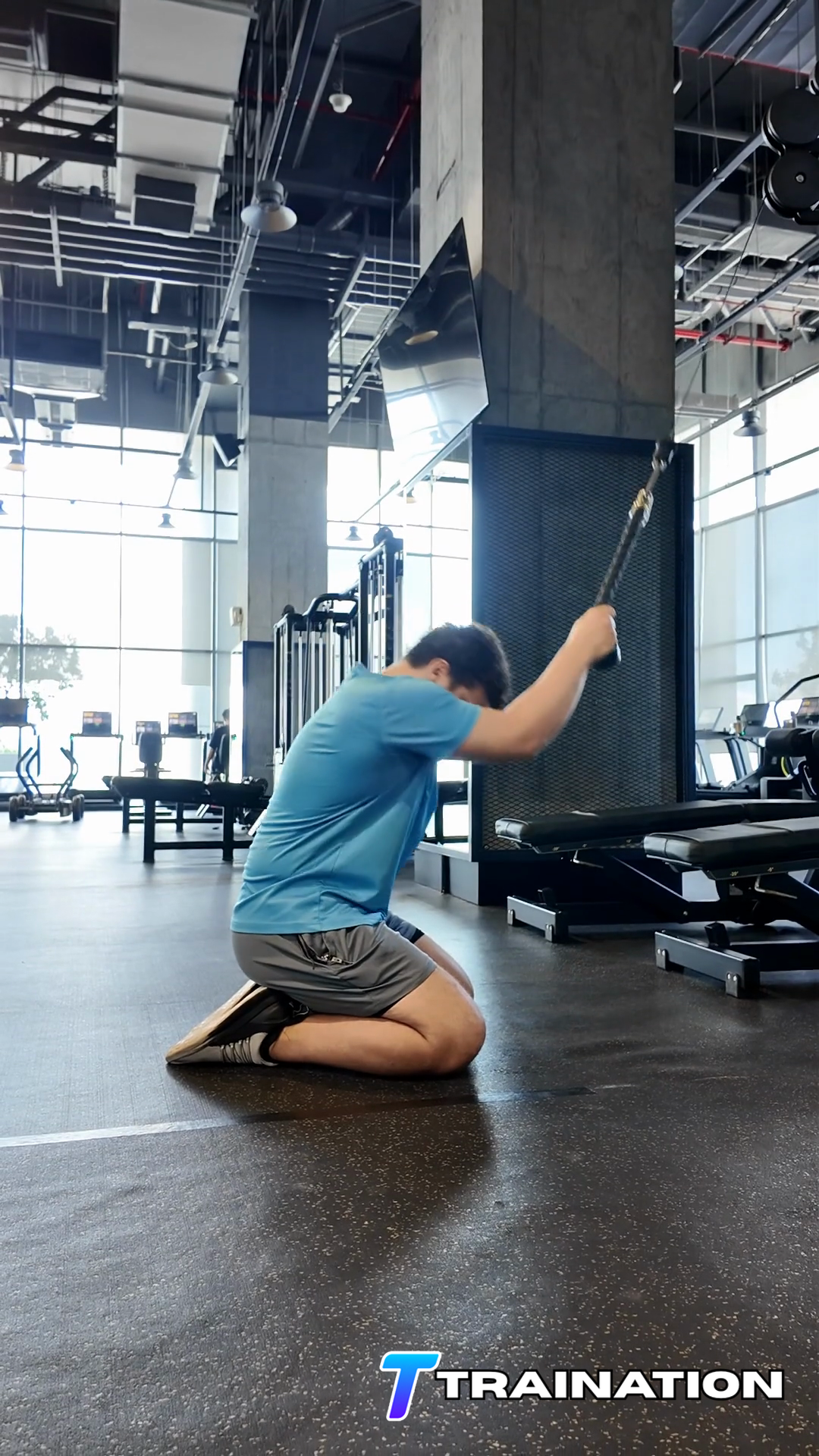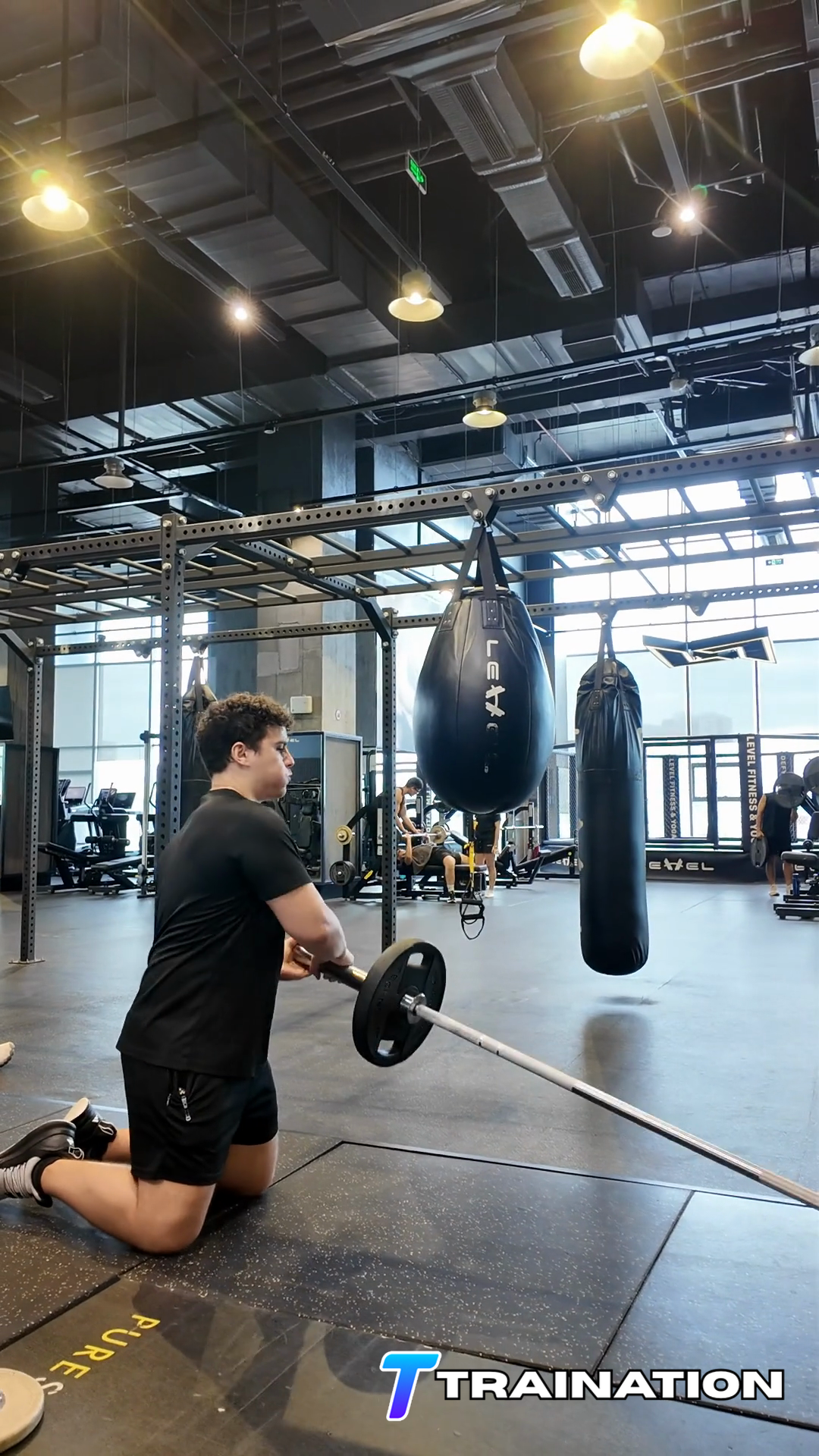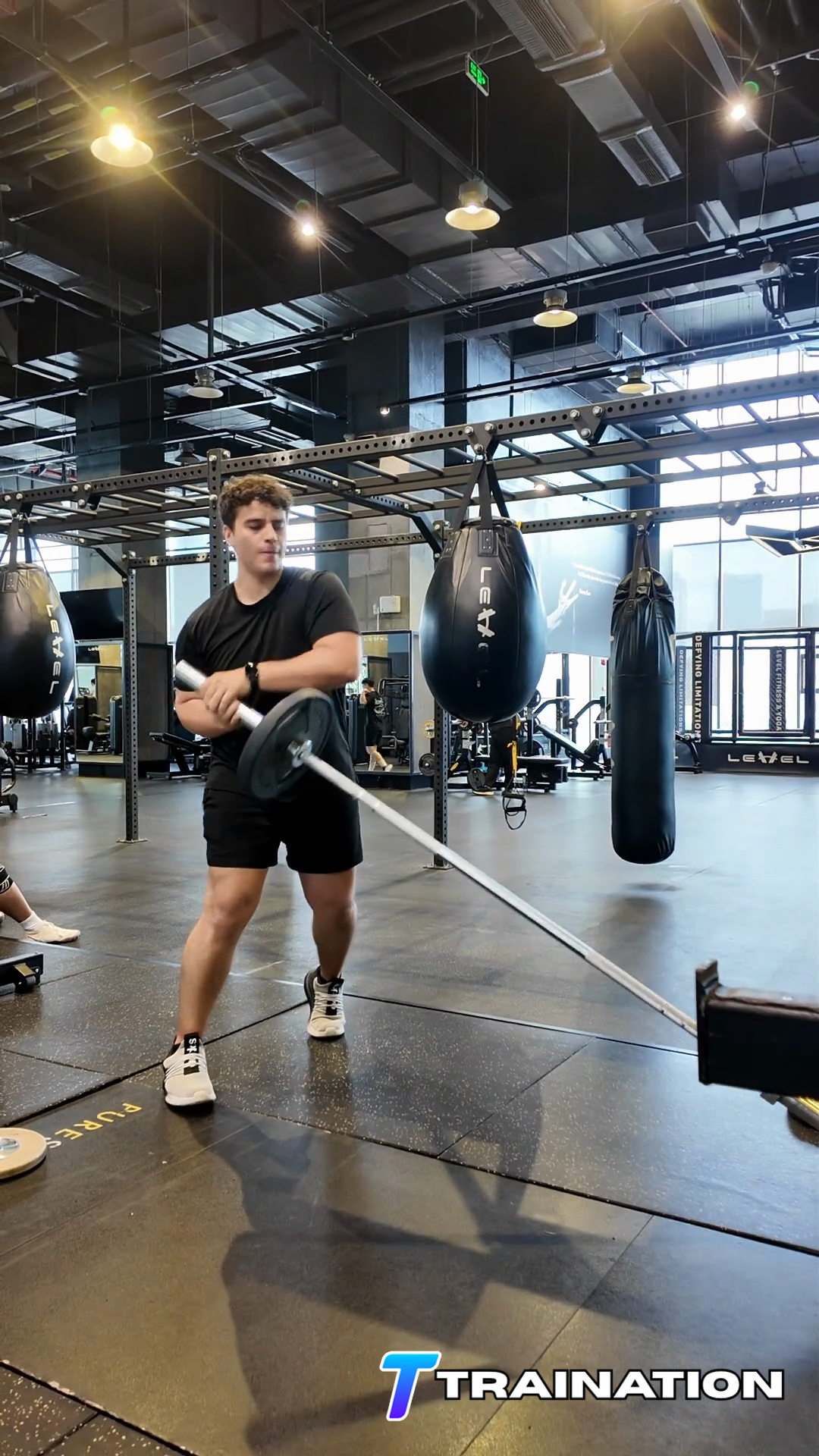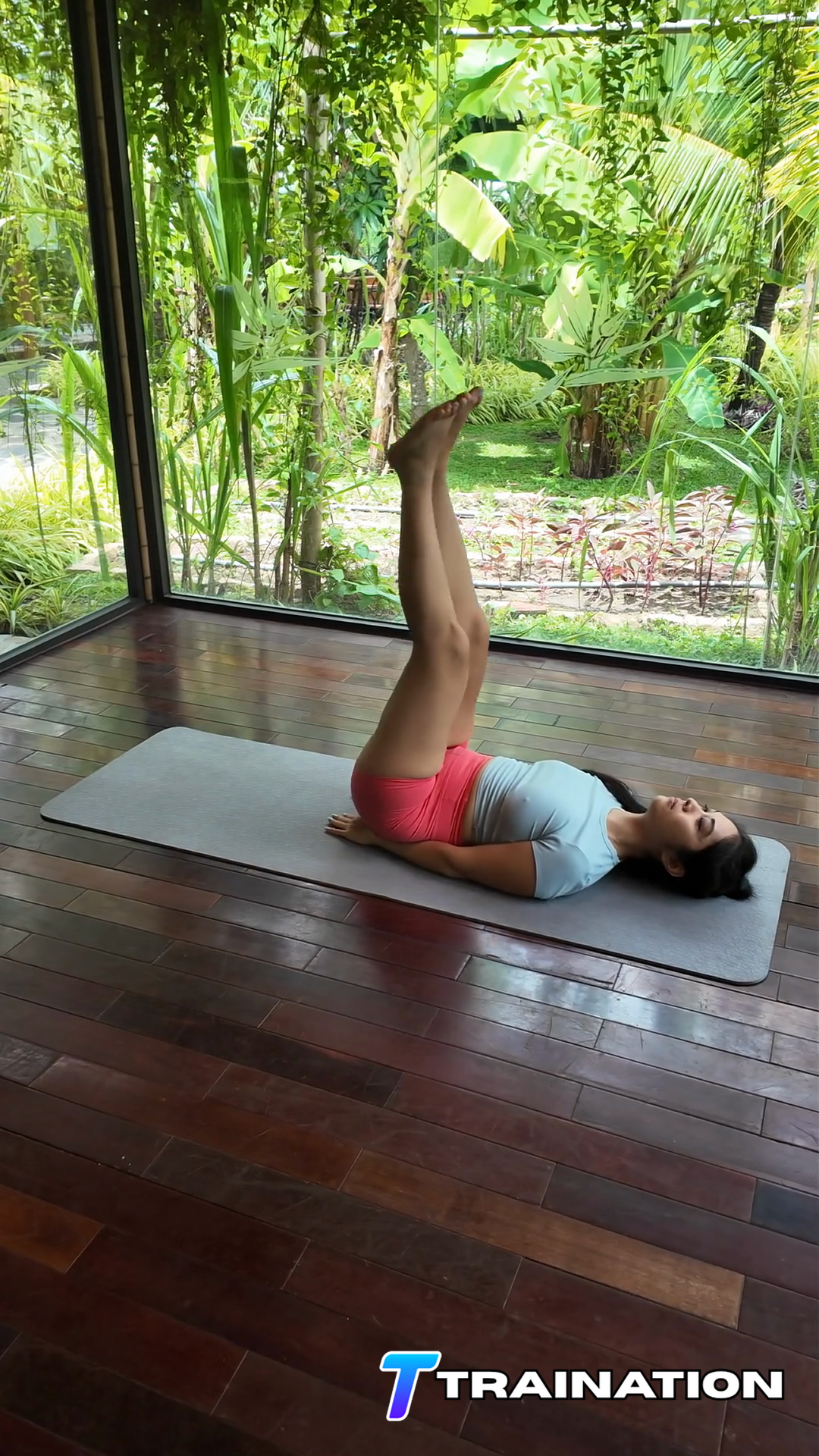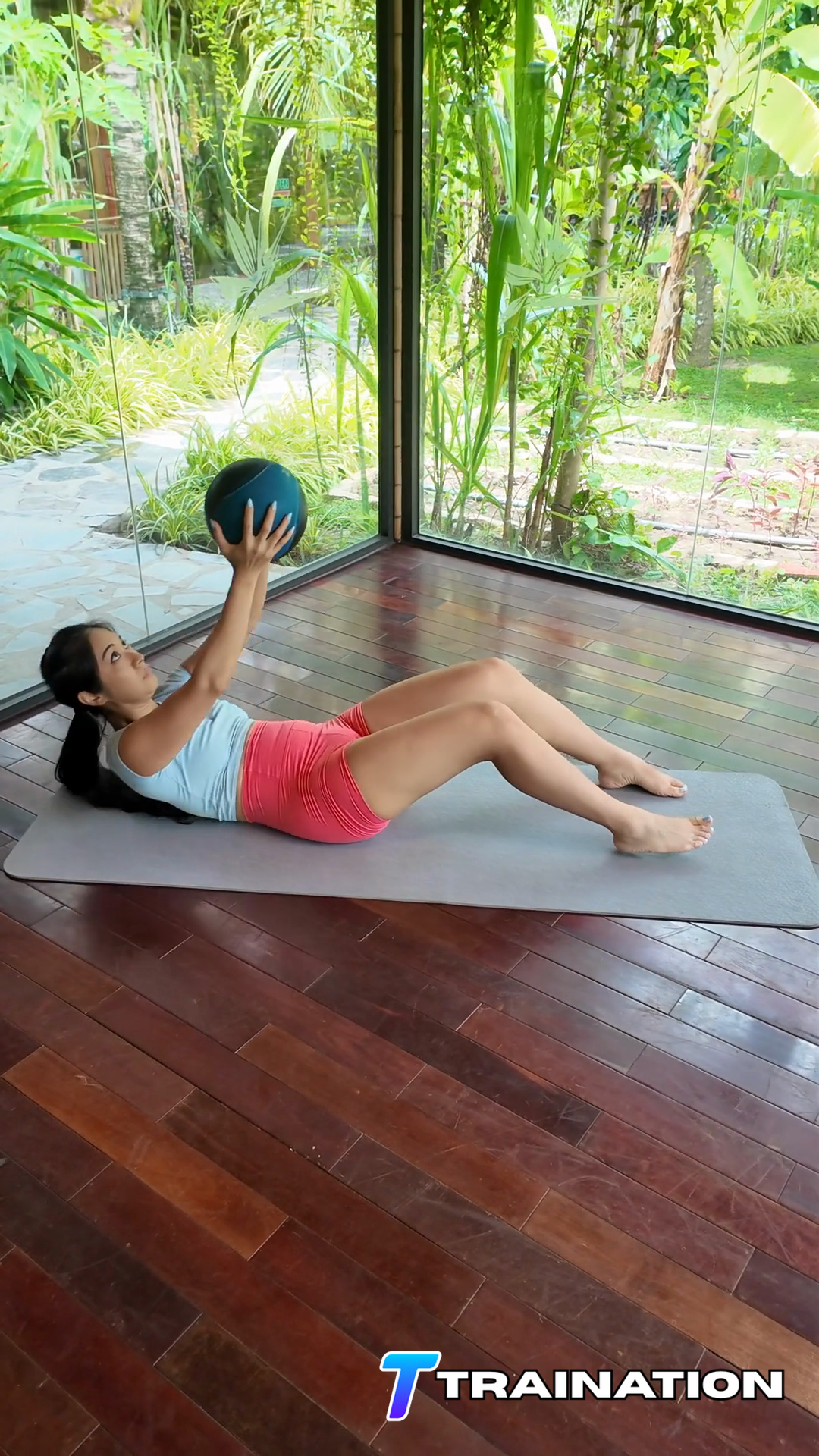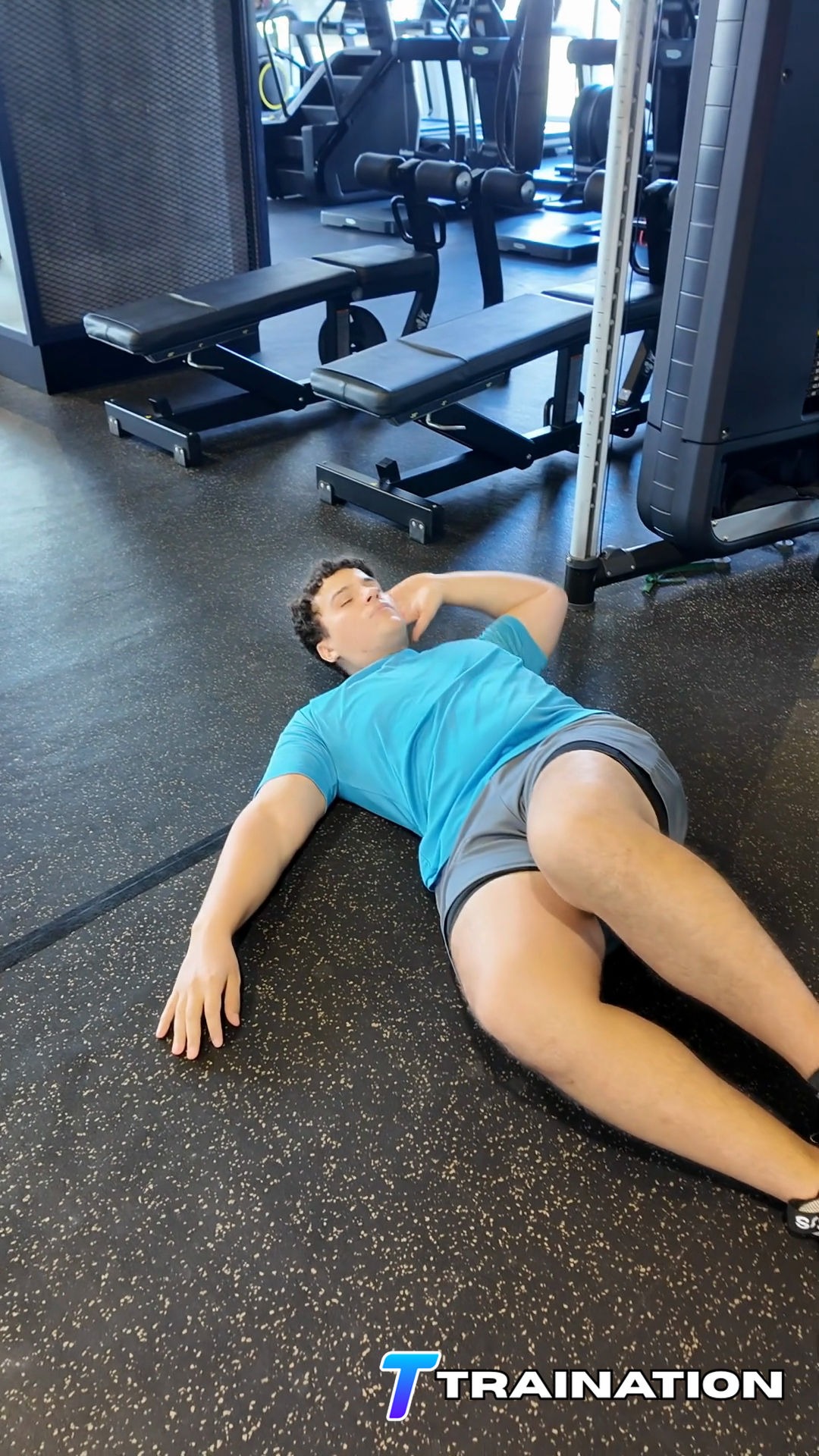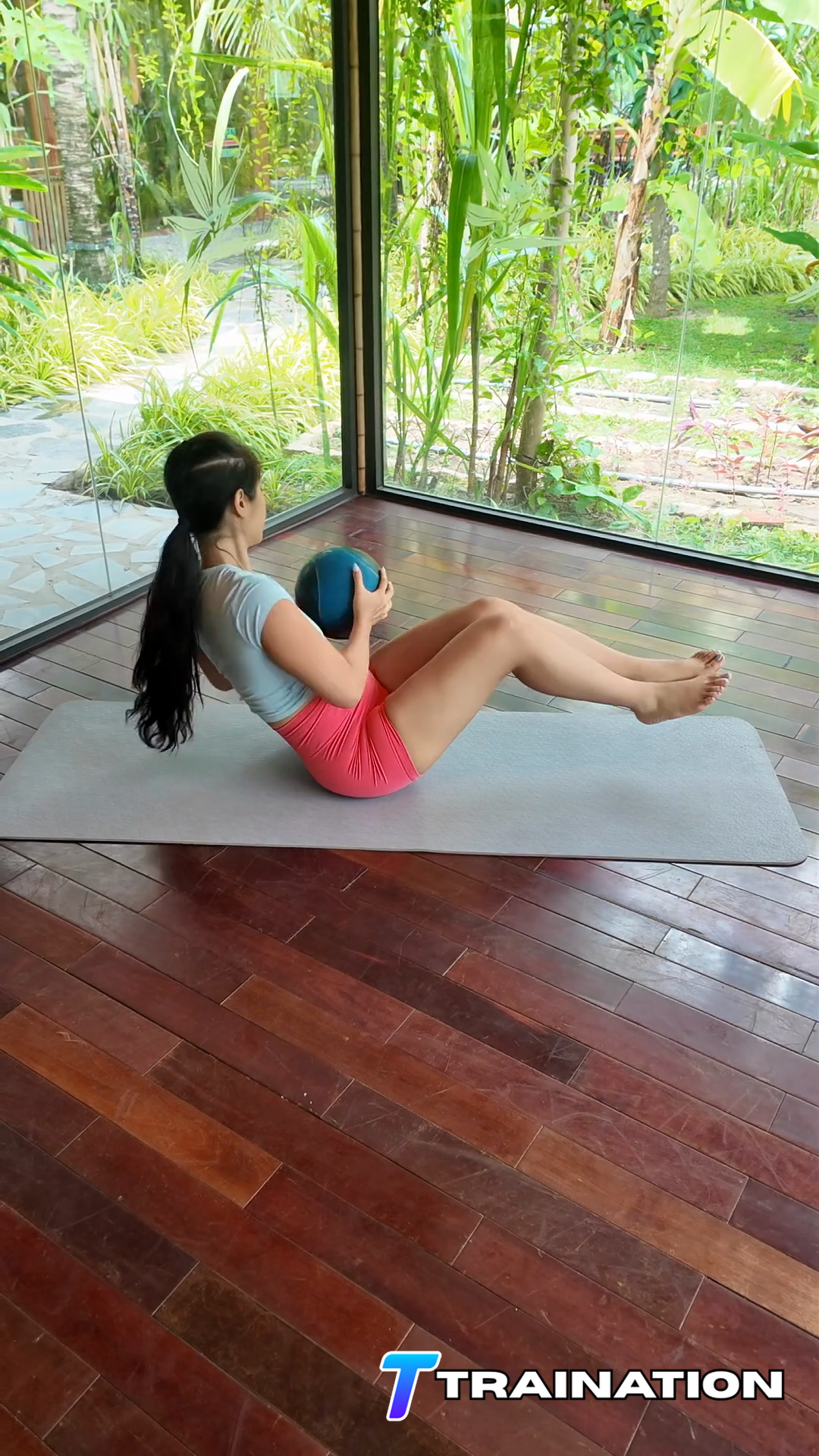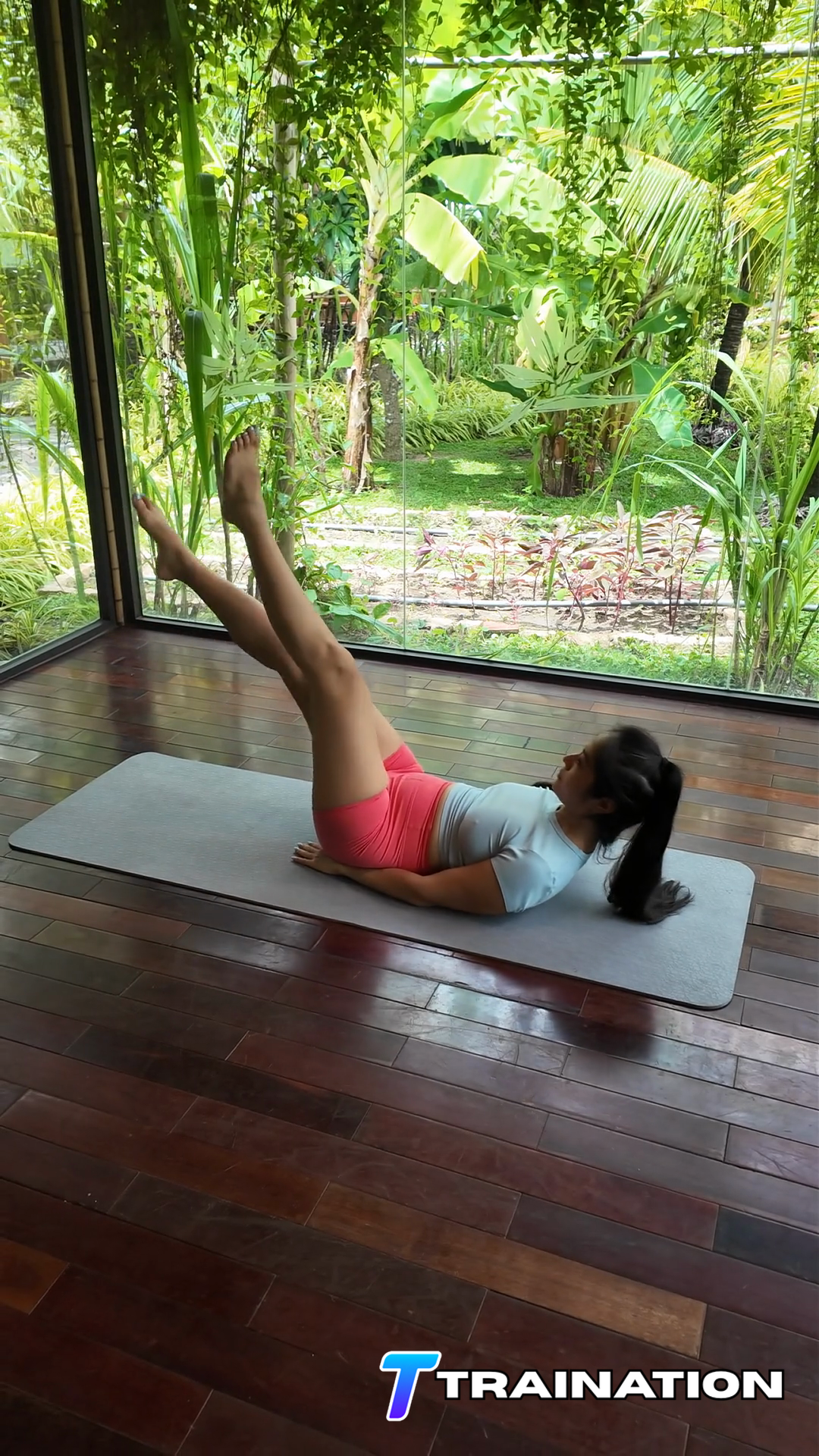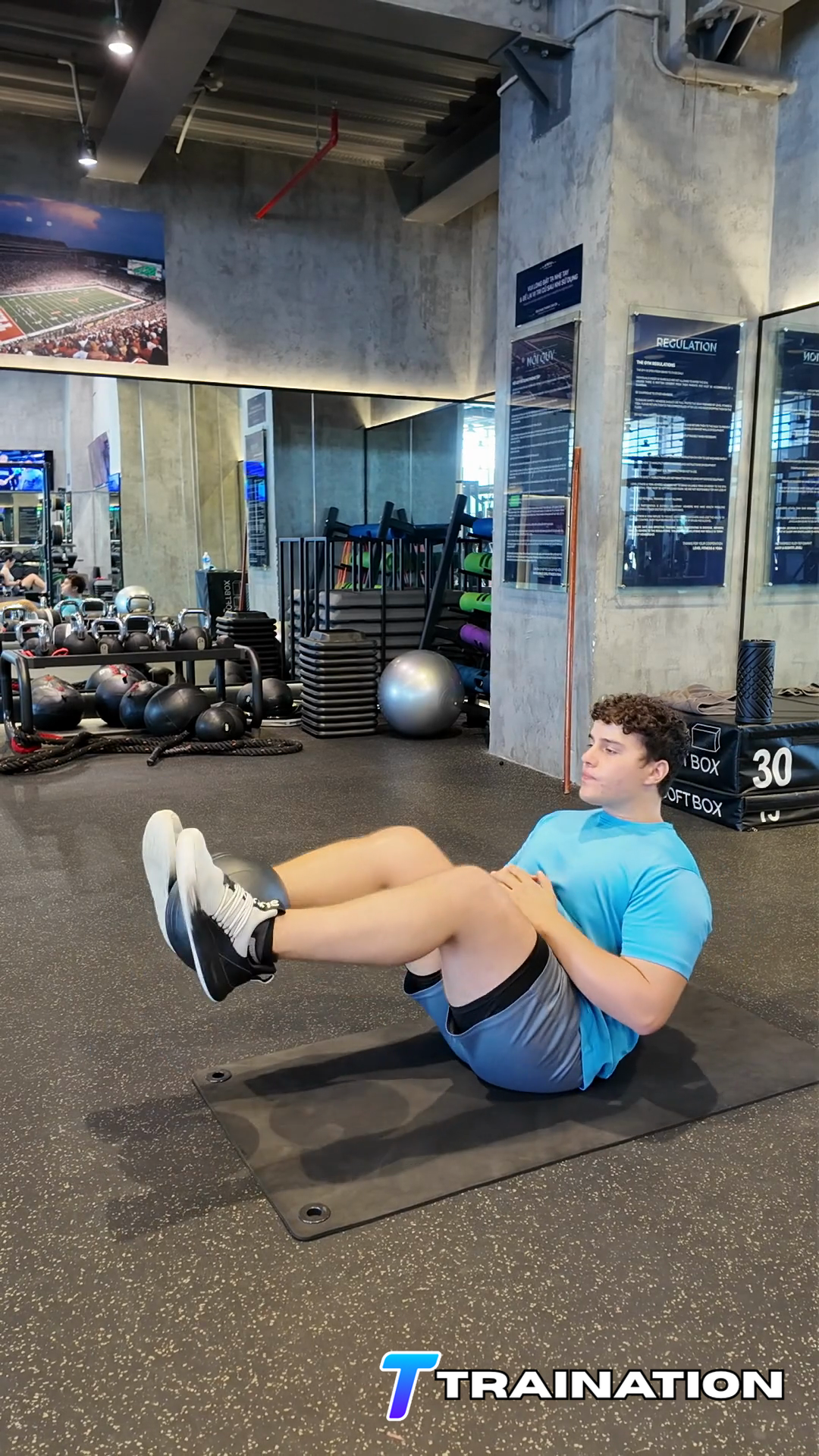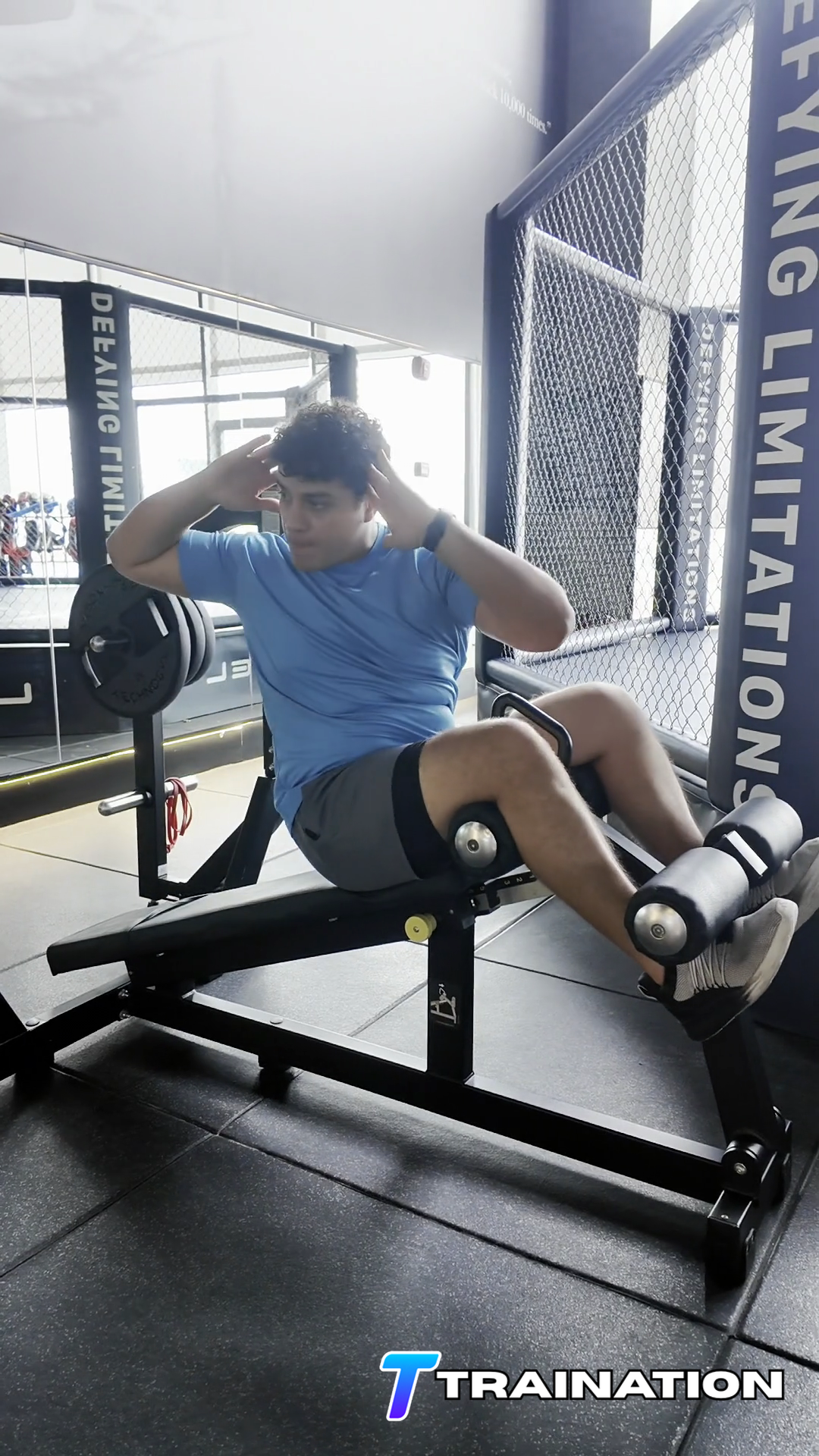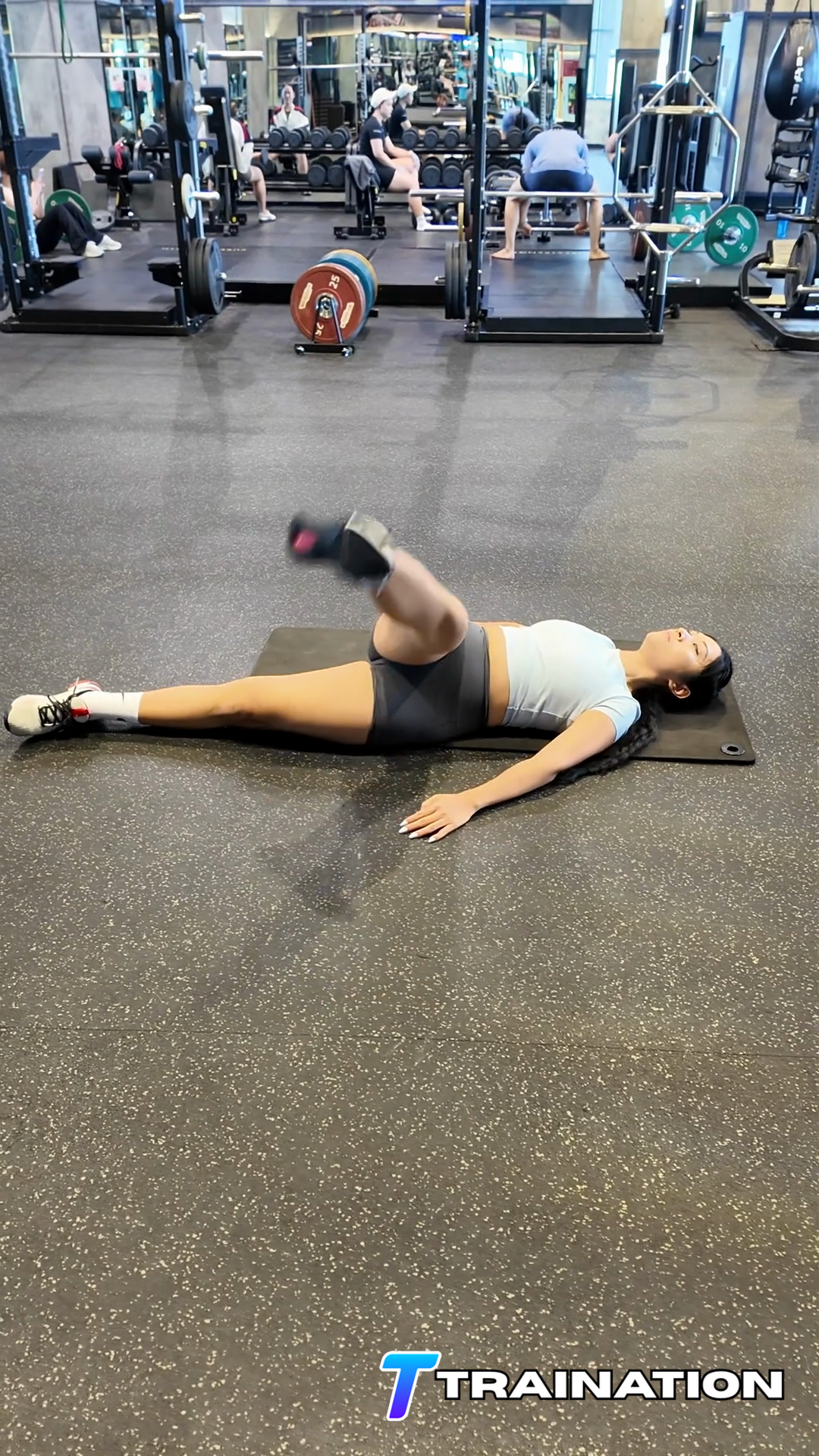
Lower back arching
Bend the knees or use a smaller range as soon as the lower back starts to lift or arch.
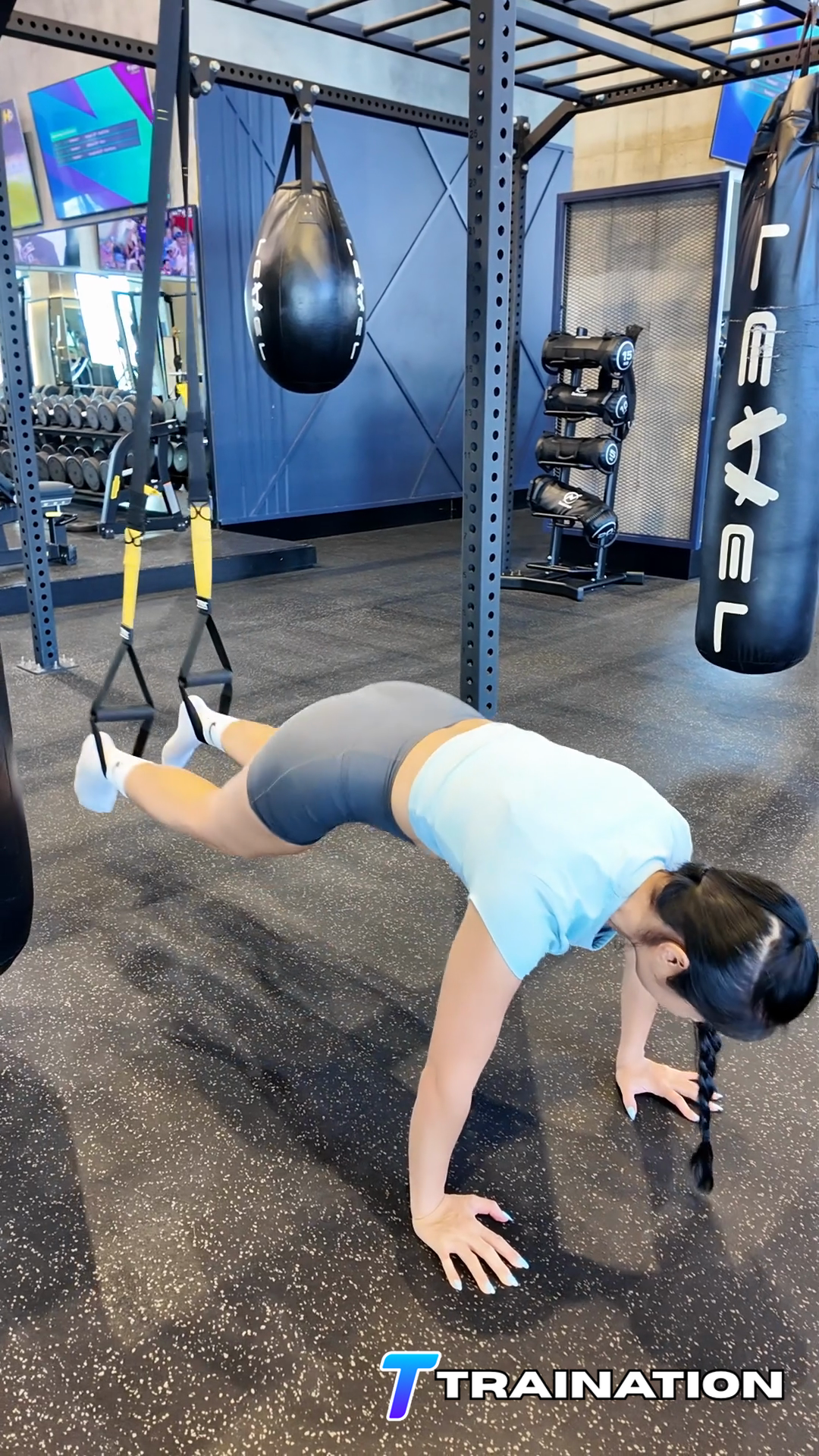
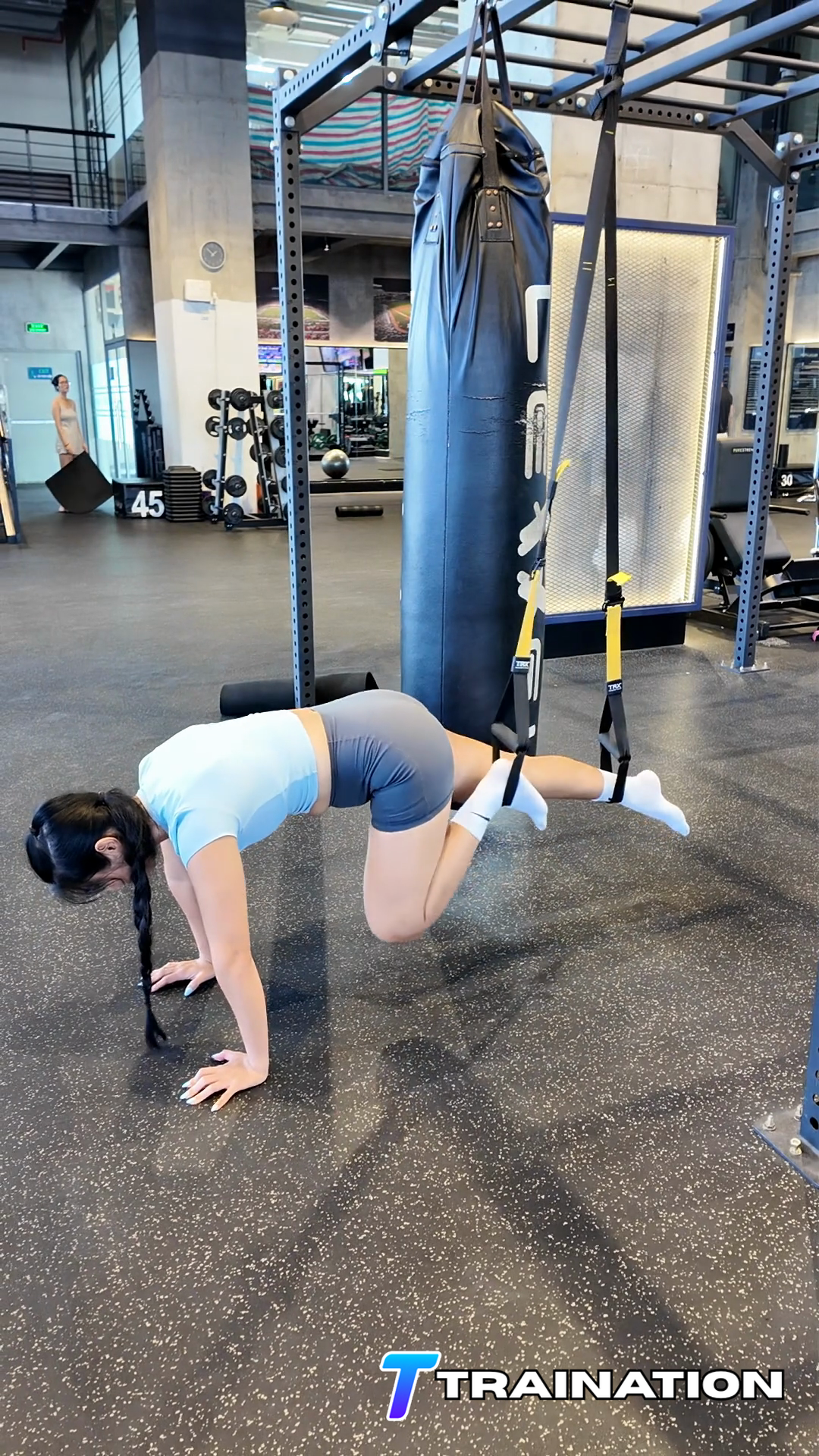
TRX Alternating Knee Tucks challenges the abdominals and hip flexors while the trunk resists arching or rotating.
Primary musclesRectus abdominis, Iliopsoas
Secondary musclesObliques, Rectus femoris, Tensor fasciae latae
Follow the sequence in order, paying attention to the starting position, movement path, and finish described in each step.
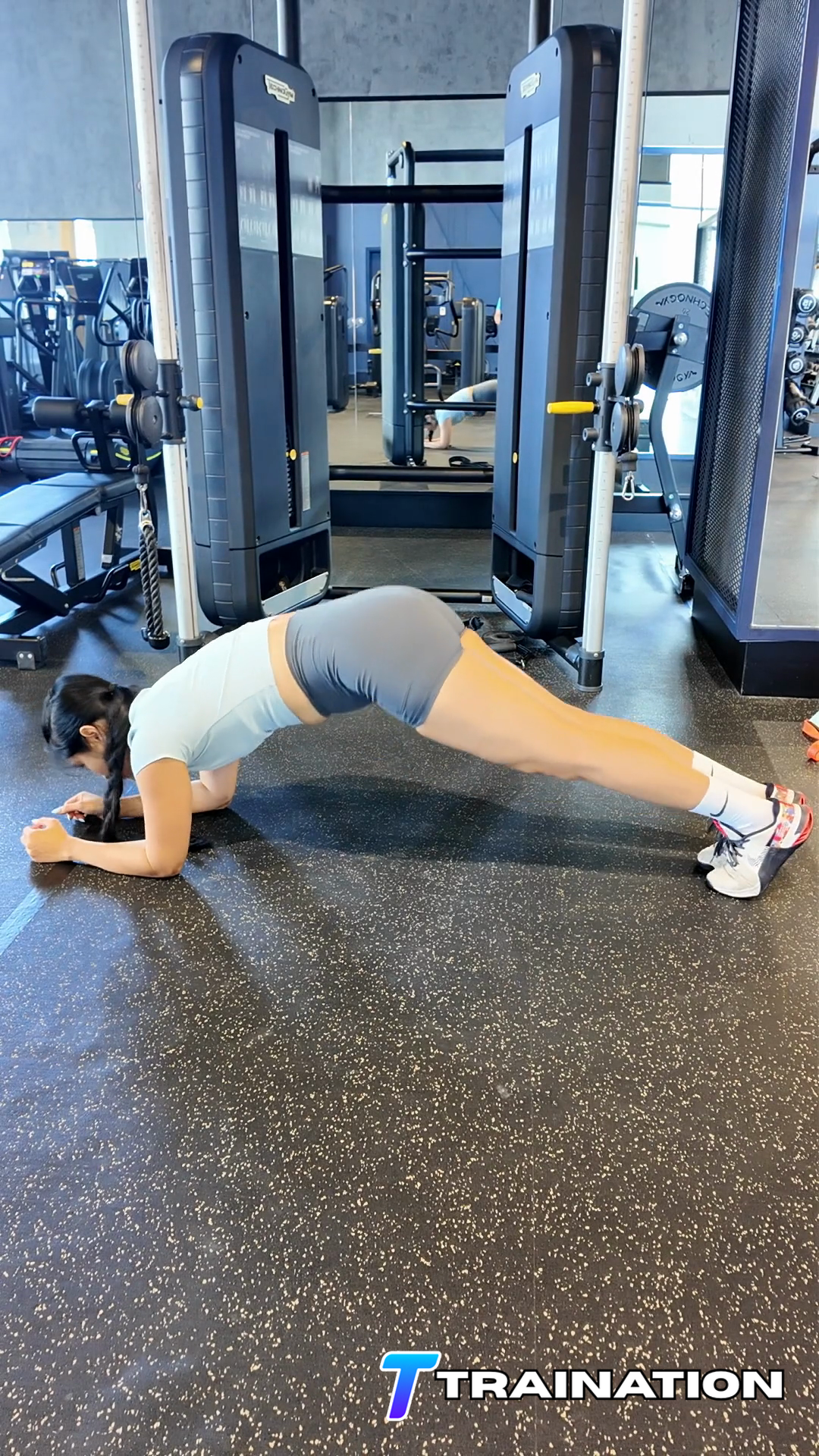
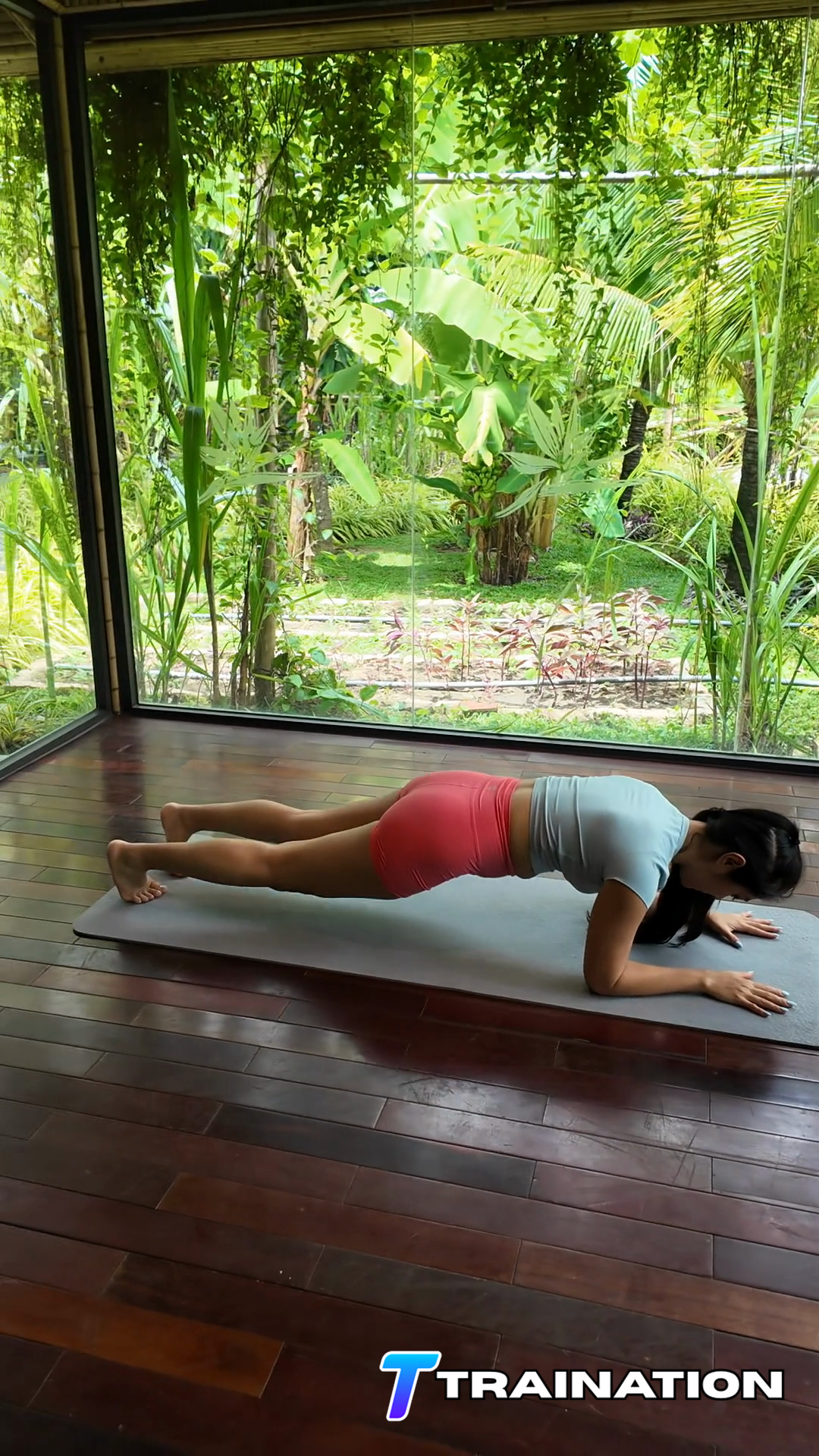
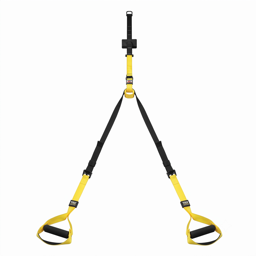
For TRX Alternating Knee Tucks, place the feet securely in the TRX cradles and build a high plank with the hands below the shoulders.
Brace before moving and keep the ribs, shoulders, and support points still.
Draw the knee or legs toward the torso without swinging or allowing the lower back to arch away from support.
Pause when the pelvis begins to curl or the legs reach the strongest controlled position; keep the shoulders still.
Return the legs slowly without losing trunk position. Complete the planned repetitions evenly on both sides.
Bend the knees or use a smaller range as soon as the lower back starts to lift or arch.
Pause between repetitions and initiate with the abdominals instead of momentum.
Press the floor away and keep the shoulders above the hands while the feet remain in the cradles.
Lower the legs slowly. The lowering part of the repetition still trains the muscles.
Place TRX Alternating Knee Tucks after the main compound lifts, in a focused core block, or beside an exercise that does not require a fresh trunk.
Use two to four times per week while accounting for trunk work already supplied by squats, hinges, carries, and overhead lifting.
| Goal | Sets | Reps or time | Rest | Effort and execution |
|---|---|---|---|---|
| Control / technique | 2–3 | 5–8 reps per side | 45–75 sec | Stop well before position changes |
| Strength / endurance | 2–4 | 8–15 reps per side | 60–90 sec | Stop while 1–3 good-form reps are still possible |
Scale the movement
Bend the knees to make the raise easier while keeping the hips and ribs still.
Use the floor to learn alternating leg movement without lower-back extension.
Lengthen the knee only when the same pelvic position can be maintained.
Lower the legs over three to four seconds without swinging or arching.
Turn TRX Alternating Knee Tucks and the rest of your exercise library into repeatable client programs.
Explore the workout builder